Tag Archives: st louis production companies

Teleprompters, Without the Tells: A Pro’s Guide to Looking Natural on Camera

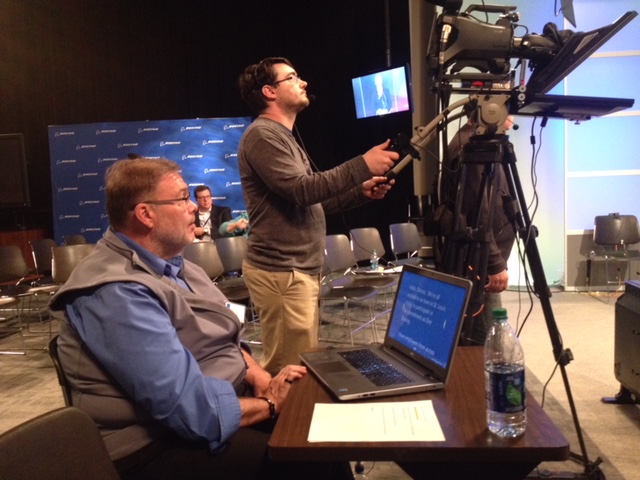
Teleprompters are invaluable for executive messages, product launches, compliance-sensitive statements, and any on-camera moment where words matter. Used well, they preserve accuracy and timing without sacrificing authenticity. Used poorly, they create the giveaway “prompter stare,” robotic cadence, and darting eyes. This guide distills practical, production-proven methods for decision makers who expect broadcast-quality results on tight timelines.

When a Teleprompter Is the Right Tool

  • Precision matters: regulatory, legal, or investor-facing language must be exact.
  • Time is fixed: conferences, media windows, and paid slots demand scripted efficiency.
  • Many voices, one message: consistency across executives, markets, or languages.
  • High volume shoots: multiple scripted segments in one day benefit from repeatable flow.

The Right Teleprompter for the Job

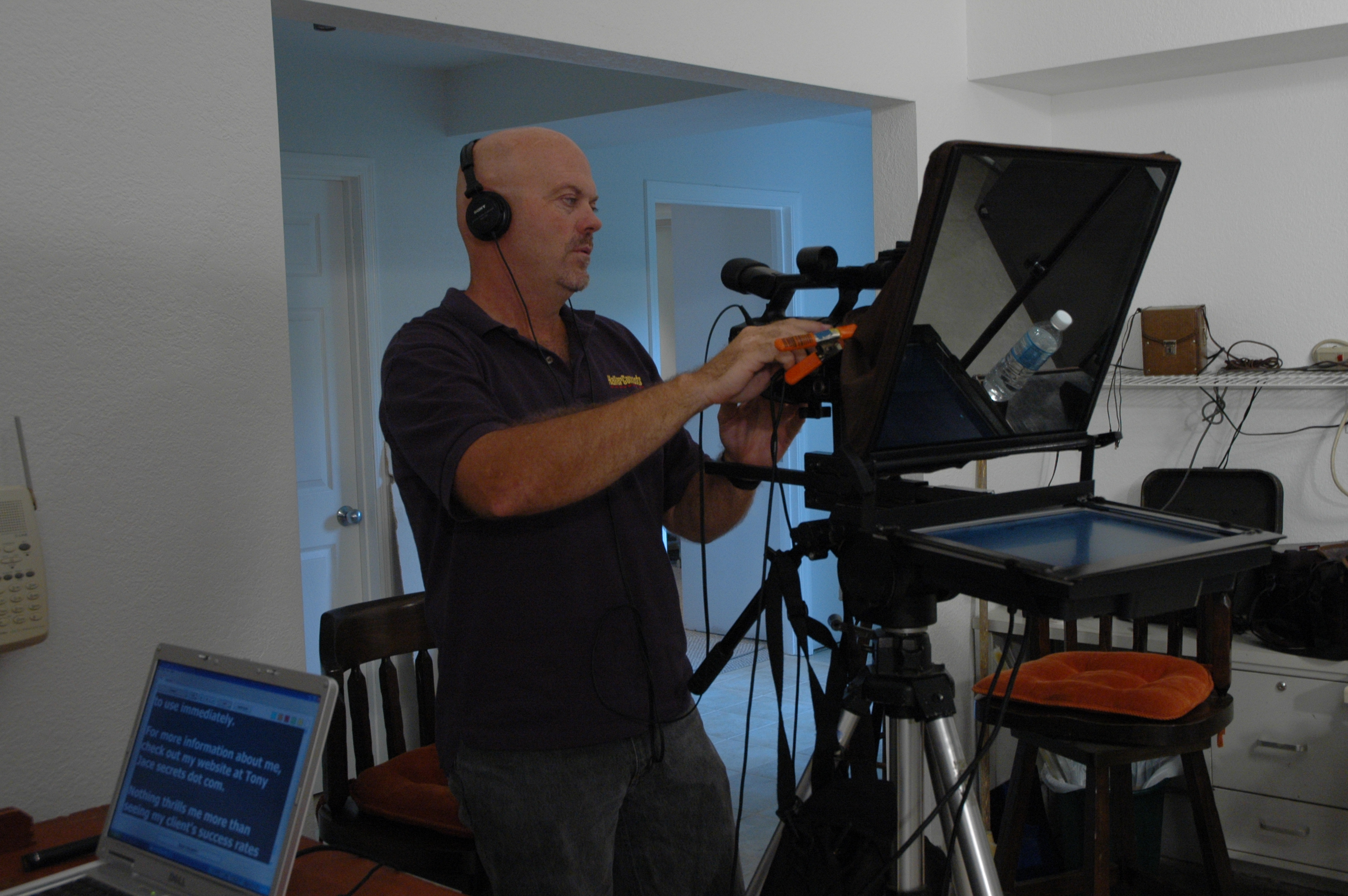
  • Through-the-lens (TTL) beam-splitter: Sits in front of the lens so talent looks straight “into the audience.” Best for direct-to-camera messaging.
  • Presidential (off-axis) pair: Two glass wings flanking the podium for live events; ideal when recording stage presentations.
  • Confidence monitors: Downstage or off-camera displays for talk-show, panels, or walk-and-talks where a hard eye-line isn’t required.
  • Remote/virtual options: Mirror-flipped overlays near the webcam, or small beam-splitters for laptops when executives present from a home office.

Lens & distance tips

  • Favor 50–85 mm (full-frame) for flattering, compressed perspective that also softens micro eye-movements.
  • Place TTL glass close to lens and keep talent 5–10 feet from the prompter; adjust font size so eyes don’t need to “scan.”
  • For outdoors, use high-brightness monitors and flags/hoods to control reflections.

Write “Ear-First” Copy (So It Sounds Like You)

  • Target pace: 100–130 words per minute for natural corporate delivery.
  • One thought per line: 12–18 words; short, declarative sentences.
  • Mark the music: add cues like [PAUSE], (smile), [EMPHASIS], [B-ROLL CUT].
  • Numbers & names: spell out tough pronunciations (e.g., EE-lee-uh), round numbers when possible, and avoid dense data stacks.
  • Punctuation is your friend: it drives breathing and rhythm; avoid ALL CAPS.
  • Estimate length: words ≈ minutes × target WPM (e.g., 2 minutes at 120 WPM ≈ 240 words).
Coaching On-Camera Talent

  • Follow, don’t force: the operator matches the reader’s pace—not vice versa.
  • Eyes: keep copy centered vertically; scrolling too near the top/bottom triggers visible saccades.
  • Breath & cadence: read in phrases; micro-pauses land meaning and reset facial energy.
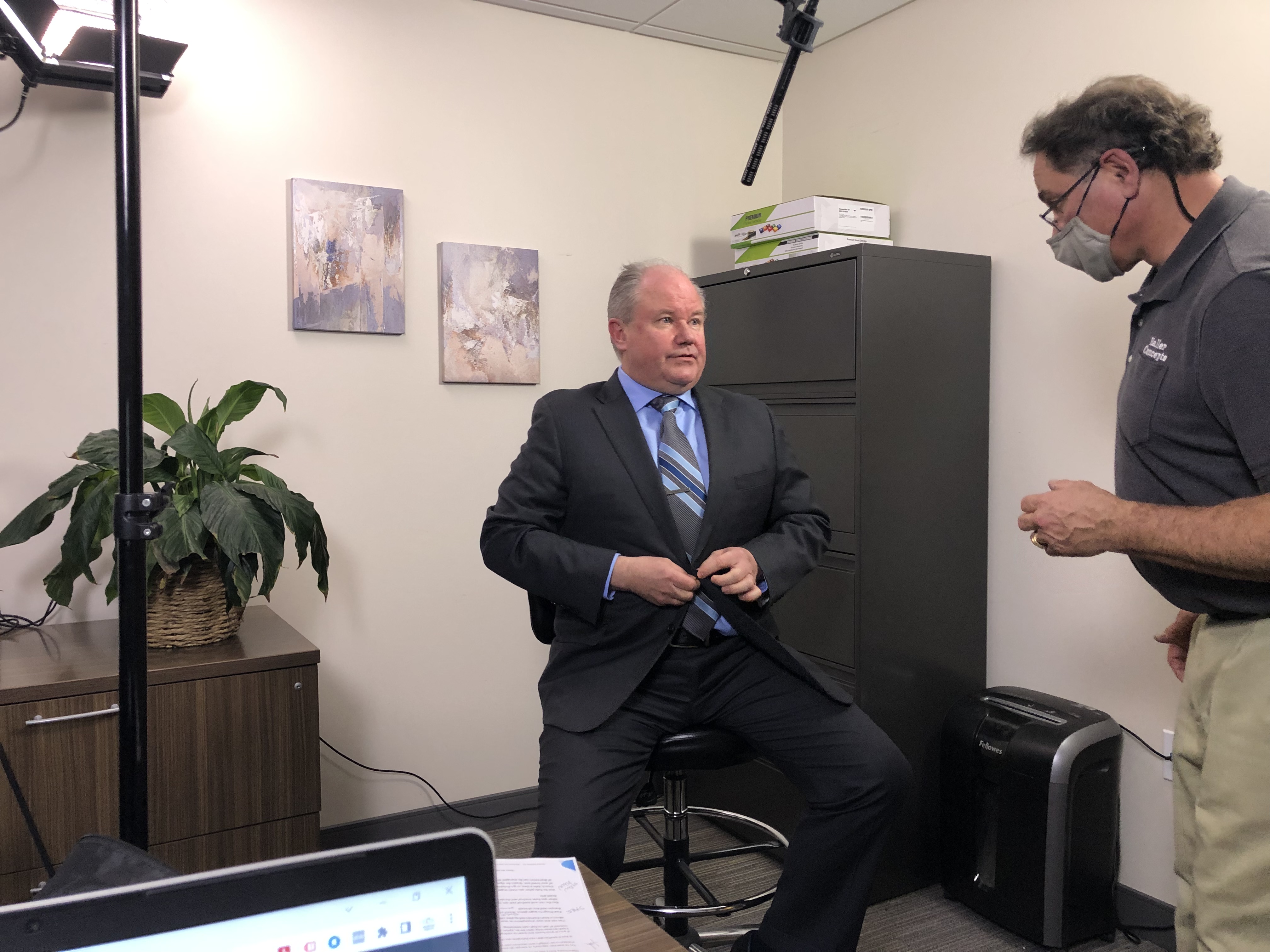
  • Body setup: light stool for stability, feet planted, shoulders relaxed, lens at or just below eye level.
  • Glasses & glare: tilt prompter glass a few degrees, raise key light slightly, and use matte frames/AR coatings when available.
  • Smile with the eyes: subtle expression reads as confidence; “neutral face” often photographs as stern.

Operator Best Practices (The Secret Sauce)

  • Rehearse speeds: start slow, then ramp to the talent’s natural cadence.
  • Version control: lock naming (e.g., CEO_TownHall_v7_APPROVED) and keep a visible change log.
  • Chunk by beats: section headers and white space reduce cognitive load.
  • Live editing: designate one owner to accept last-minute tweaks; no dueling cursors.
  • Redundancy: second prompter system on standby; UPS on the monitor/computer.

Multi-Camera & Editorial Strategy

  • A/B cameras: keep identical prompter sizes and distances to maintain eye-line fidelity across angles.
  • B-roll cover: plan intentional cutaways so micro-stumbles never appear; slate pickup lines as full phrases for easier edits.
  • Captioning & transcripts: prompter scripts accelerate accurate captions, translations, and accessibility.

Remote & Hybrid Workflows

  • Webcam-level eye-line: place the overlay within 1–2 inches of the lens axis.
  • Latency management: wired peripherals and local scroll control reduce hiccups on live webinars.
  • Background discipline: maintain production lighting and sound standards—even for remote execs.
Day-Of Teleprompter Checklist

Gear & Prep

  • TTL prompter with proper hood, high-nit monitor, backup unit, mirror-flip enabled
  • Dedicated laptop with clean user profile, wired controller, and font packages
  • Lens kit (50–85 mm), matte box/flags, anti-glare wipes, UPS/power distribution

Script & Run-of-Show

  • Final script in large, high-legibility font (≥48–72 pt at typical distances)
  • Marked beats, pronunciations, and B-roll cues
  • Time targets per segment; slate takes consistently

On-Set Flow

  • 10-second eye-line test recording for each setup
  • Speed calibration pass; note WPM sweet spot
  • Glasses/glare check, wardrobe lint roll, lav placement away from jewelry

Teleprompter-Ready Script Template (Copy/Paste)

Title: Product Update – Q4 Customers
Speaker: [Name, Title]
Target Length: 2:00 (≈ 220–260 words)

[OPEN – SMILE]
Good morning. I’m [Name], [Title]. [PAUSE]
Today we’re announcing three updates that make your team faster and more secure. [PAUSE]

[SECTION 1 – BENEFIT]
First, [feature] reduces manual steps by [simple claim]. (show demo) [PAUSE]

[SECTION 2 – PROOF]
Second, customers like [Client] saw results in weeks, not months. [PAUSE]

[SECTION 3 – CTA]
Finally, if you’re on [plan], you’ll get these automatically on [date]. [SMILE]

[CLOSE – GRATITUDE]
Thanks for being with us. For details, visit your account portal. [PAUSE]
We’re excited to help you do more with less. [HOLD SMILE]


Why This Matters for Decision Makers

A strong teleprompter workflow protects message integrity, increases shoot throughput, lowers retake fatigue, and speeds post-production. It also elevates executive confidence. In other words: fewer surprises, tighter timelines, and results that persuade.


Work With a Crew That Makes Prompters Invisible

St Louis Commercial Video Production is a full-service professional commercial photography and video production company with the right equipment and creative crew service experience for successful image acquisition. We offer full-service studio and location video and photography, as well as editing, post-production and licensed drone pilots. St Louis Commercial Video Production can customize your productions for diverse types of media requirements. Repurposing your photography and video branding to gain more traction is another specialty. We are well-versed in all file types and styles of media and accompanying software. We use the latest in Artificial Intelligence for all our media services. Our private studio lighting and visual setup is perfect for small productions and interview scenes. Our studio is large enough to incorporate props to round out your set. We support every aspect of your production—from setting up a private, custom interview studio to supplying professional sound and camera operators, as well as providing the right equipment—ensuring your next video production is seamless and successful. We can fly our specialized drones indoors. As a full-service video and photography production corporation, since 1982, St Louis Commercial Video Production has worked with many businesses, marketing firms and creative agencies in the St. Louis area for their marketing photography and video.
 314-913-5626 stlouisvideos@gmail.com

Common Mistakes in Video Interviews and How to Fix Them

Video interviews are a powerful tool for corporate communication, marketing, and brand storytelling. They offer a direct way to connect with audiences, whether it’s through internal communications, customer testimonials, or executive interviews. However, even experienced teams can fall prey to common mistakes during video interviews that can negatively impact the final product. In this post, we’ll explore some of the most frequent issues that arise during video interviews and how to fix them, ensuring your video achieves the professional quality it deserves.

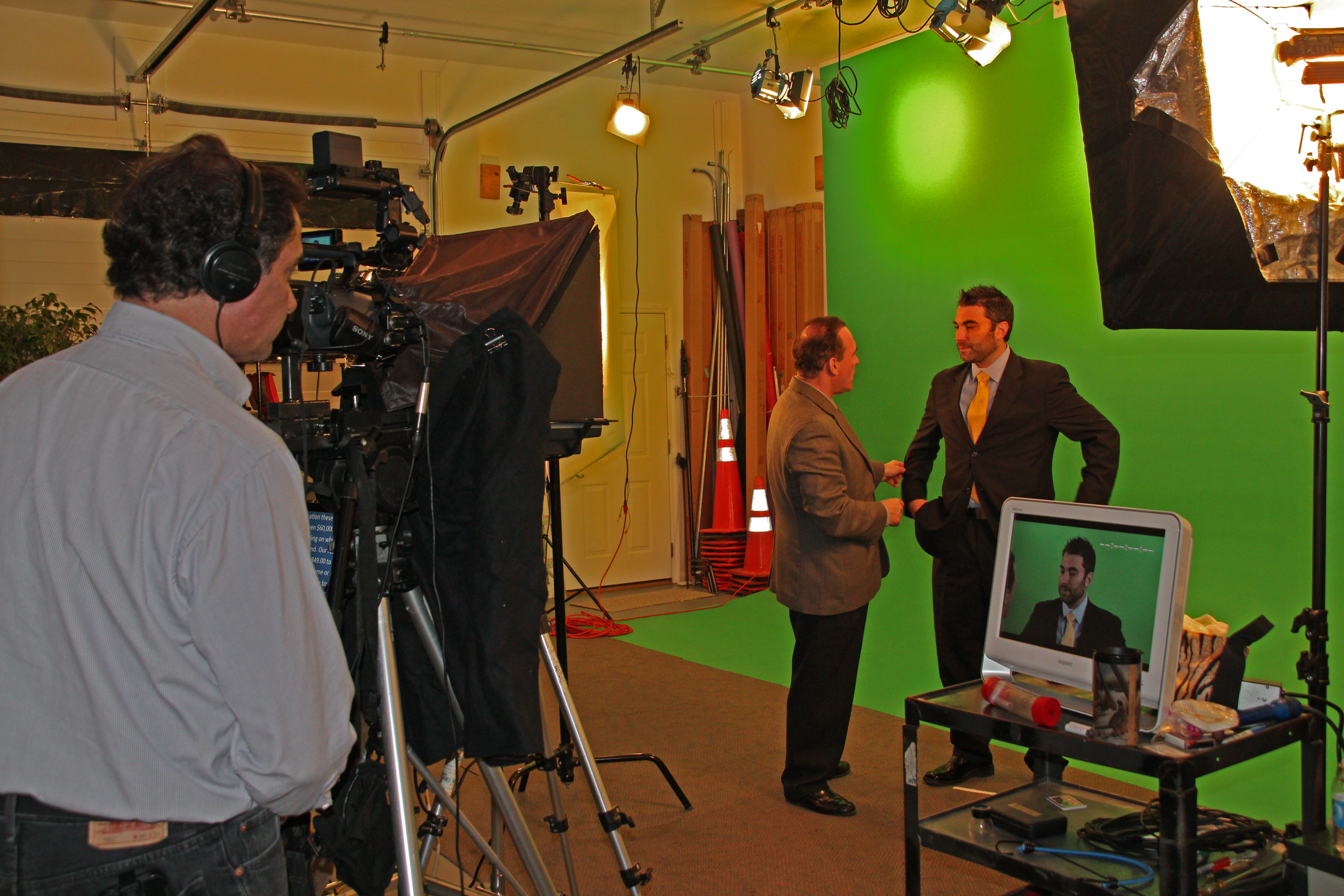
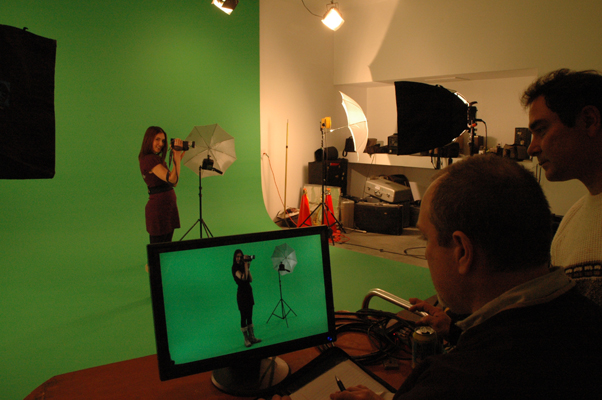
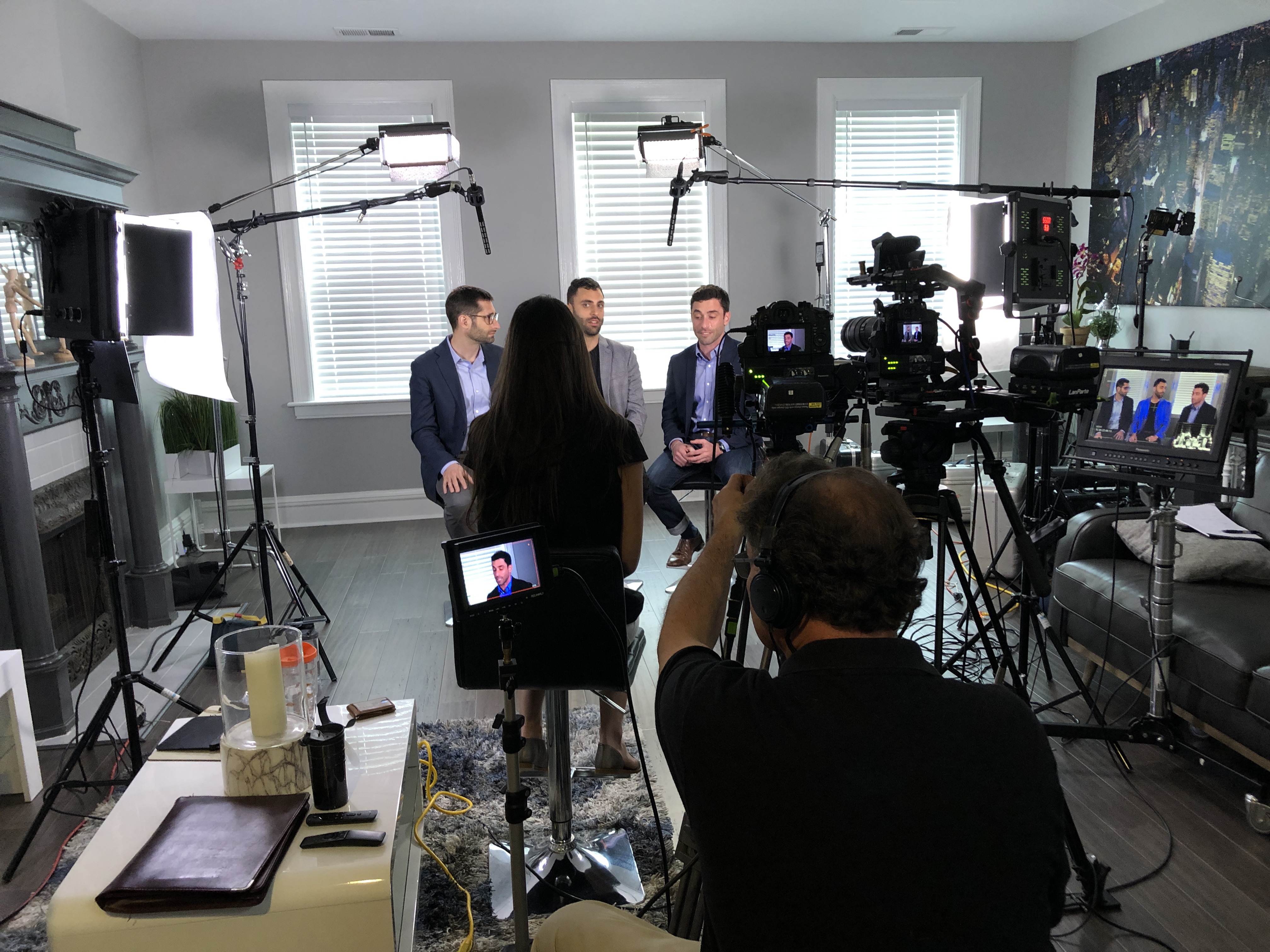
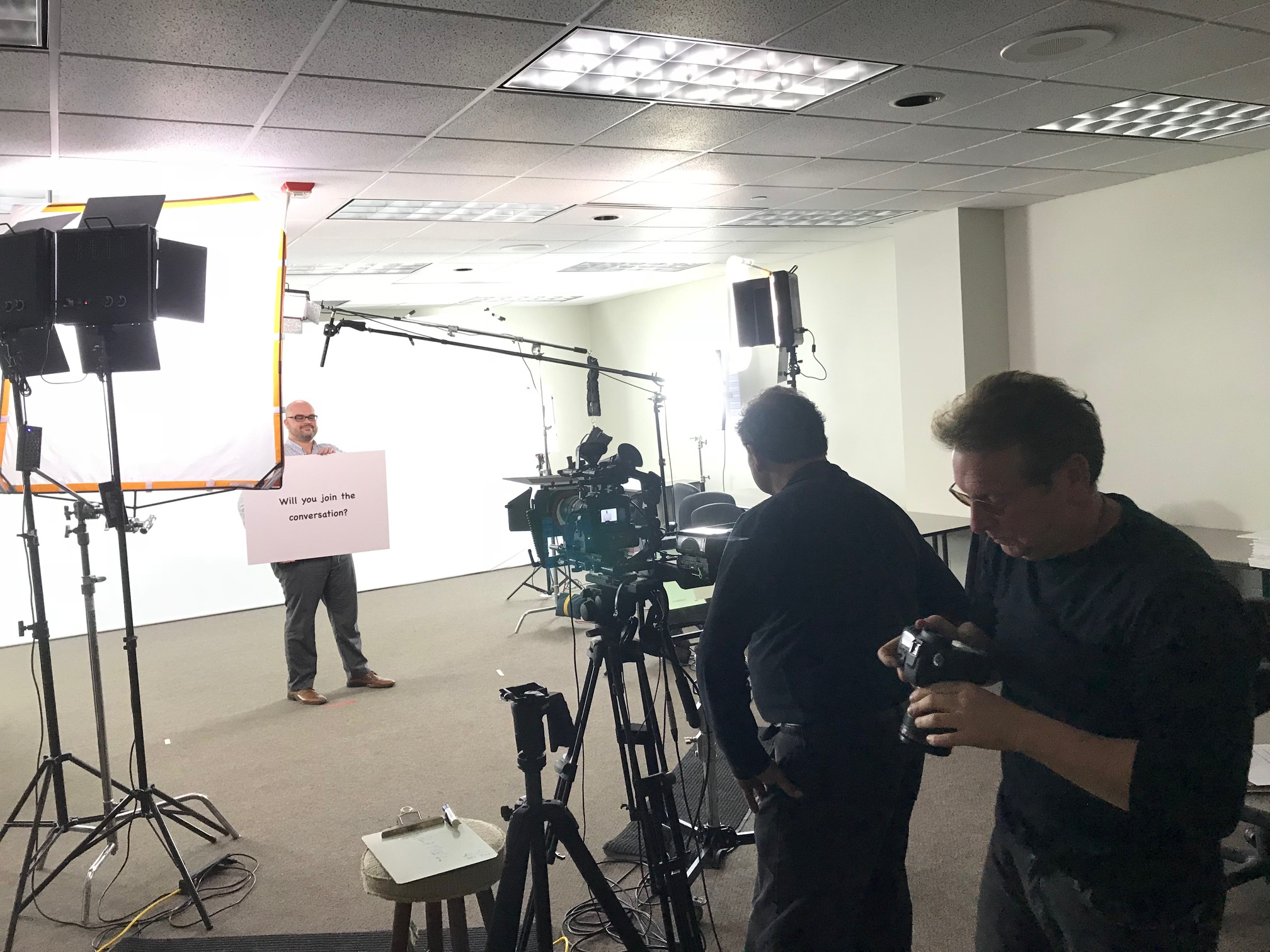
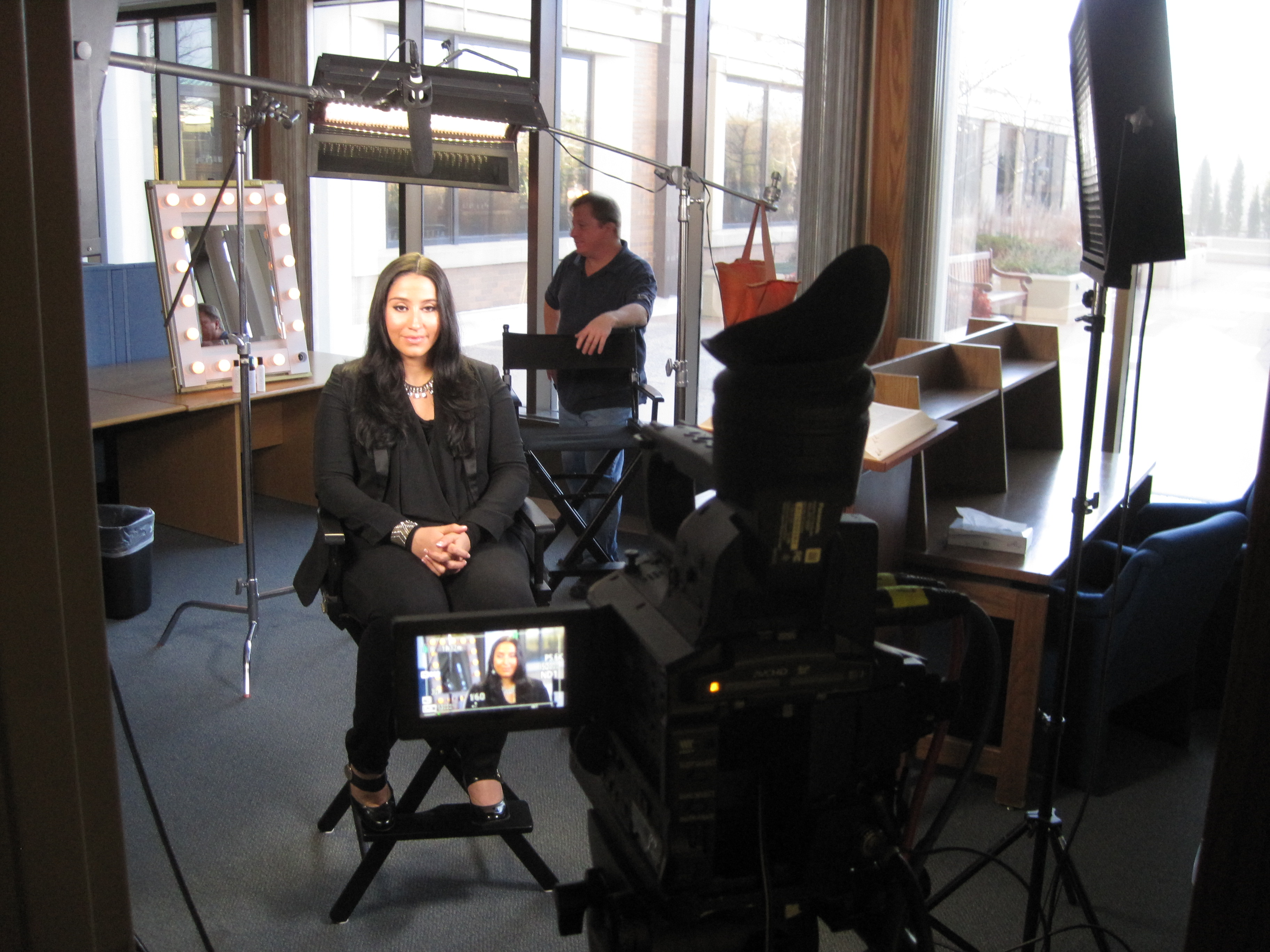
Before filming, test your lighting by viewing the subject on a monitor to see how it translates on camera. Small adjustments to the light positioning can make a significant difference in the final image.

1. Poor Lighting

One of the most common mistakes in video interviews is improper lighting. Insufficient or poorly placed lighting can cause harsh shadows, overexposed areas, or make the interviewee appear flat and unprofessional.

How to Fix It:

  • Use Soft, Diffused Lighting: Ideally, use three-point lighting: key light, fill light, and backlight. The key light should be positioned at a 45-degree angle from the subject, with the fill light placed on the opposite side to soften shadows. A backlight, or hair light, should be placed above and behind the subject to separate them from the background.
  • Control Ambient Light: Natural light can be unpredictable. If you’re shooting near a window, control the sunlight with curtains or reflectors to ensure the lighting remains consistent throughout the interview.
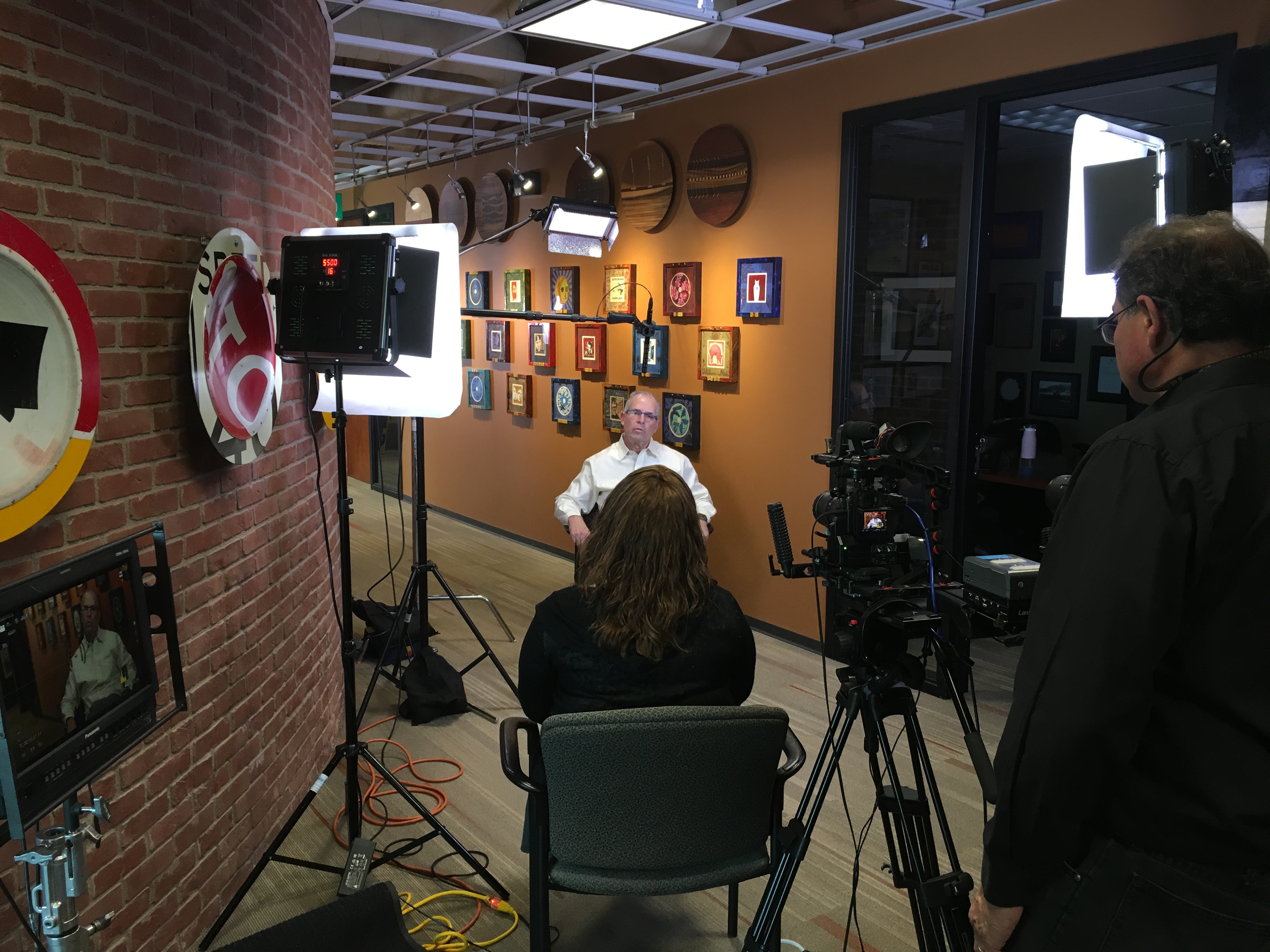
  • Test the Setup: Before filming, test your lighting by viewing the subject on a monitor to see how it translates on camera. Small adjustments to the light positioning can make a significant difference in the final image.

2. Background Distractions

Another frequent issue is a distracting background. Whether it’s cluttered, poorly lit, or too busy, a background that competes with the interviewee can divert attention from the subject and reduce the impact of the interview.

How to Fix It:

  • Simplify the Background: Choose a background that complements the subject but doesn’t distract from them. If you’re filming in a studio, opt for a clean, neutral backdrop. For on-location interviews, select a background that adds context but doesn’t overwhelm the shot.
  • Use a Shallow Depth of Field: By adjusting the camera settings to create a blurred background, you can keep the focus on the subject while still maintaining the context of the location.
  • Manage the Environment: In studio settings, make sure any background props are relevant to the interview and arranged neatly. In on-location settings, ensure the environment is clean and free of clutter or anything that could distract the viewer.

3. Unflattering Camera Angles

Improper camera angles can create unflattering shots that diminish the professional quality of the interview. Too low or too high an angle can distort the subject’s appearance or create unnecessary tension in the shot.

How to Fix It:

  • Eye-Level Angles: Always aim to position the camera at the subject’s eye level to maintain a natural and engaging perspective. This ensures the subject appears more approachable and professional.
  • Consider the Framing: Use the “rule of thirds” to frame your subject. Position them slightly off-center to create a more dynamic and visually pleasing composition. Be mindful of headroom (the space above the subject’s head) and make sure there’s enough space to avoid making the subject feel cramped in the frame.

4. Uncontrolled Audio

Audio issues are another major concern in video interviews. Background noise, poor sound quality, or inconsistent audio levels can make it difficult for viewers to focus on the message.

How to Fix It:

  • Use Lavalier Microphones: Clip-on lapel microphones are ideal for interviews because they provide clear, consistent sound while minimizing background noise. Ensure the mic is positioned correctly to capture the subject’s voice clearly.
  • Check the Sound Levels: Always monitor sound levels before and during the interview. Use headphones to listen to the audio feed and adjust the gain to avoid distortion or overly quiet audio.
  • Control the Environment: Close windows, doors, and any other sources of external noise. If filming in a public space, request that nearby activities be minimized or pause while you record.

5. Lack of Preparation for the Interviewee

Many times, interviews fail to capture the best responses simply because the interviewee is not prepared. Without proper guidance or clear expectations, the interviewee may fumble, appear nervous, or provide unclear answers.

How to Fix It:

  • Pre-Interview Briefing: Before the interview, brief the subject on the format, questions, and expectations. This will help them feel more comfortable and confident.
  • Warm-Up Session: Conduct a short warm-up conversation to put the interviewee at ease before the actual interview begins. This helps build rapport and reduces nervousness.
  • Clear Questions: Ensure that questions are clear and concise. Avoid long-winded or complex questions that could confuse the interviewee and lead to awkward pauses.

6. Overloading the Interview with Jargon or Scripted Responses

Using industry-specific jargon or scripted responses can make an interview feel stiff and less authentic. Audiences want to connect with the real, human side of the interviewee, not just hear rehearsed lines.

How to Fix It:

  • Keep It Conversational: Encourage the interviewee to speak naturally. While it’s important to stick to key points, let the conversation flow organically to capture a more authentic tone.
  • Use Open-Ended Questions: Ask questions that allow for thoughtful, expansive responses. Open-ended questions (e.g., “Can you tell me about a time when…”) encourage the interviewee to share stories and experiences, making the content more relatable.
  • Avoid Over-Scripting: Allow the subject to speak from the heart. If needed, provide bullet points or guidelines but let the conversation develop organically.

7. Inconsistent Branding

When creating video content for a brand, it’s crucial that the video aligns with the company’s branding guidelines. Failure to do so can result in videos that feel disconnected from the company’s identity, diminishing their effectiveness.

How to Fix It:

  • Incorporate Consistent Branding Elements: Ensure that the video’s colors, fonts, and style match your brand’s visual identity. This includes everything from the background design to the on-screen text and lower thirds.
  • Branding in the Environment: If filming on-location, ensure the environment aligns with your brand. For example, having company signage or relevant products subtly incorporated into the background can reinforce your brand message.
  • Post-Production Branding: Use editing techniques to add consistent branding elements, such as logo animations, branded transitions, and colors that are aligned with your brand’s identity.

St. Louis Commercial Video Production: The Expert Team for Flawless Video Interviews

At St. Louis Commercial Video Production, we understand that every video interview is unique, and we have the expertise to help you avoid common mistakes and create high-quality content that resonates with your audience. As a full-service professional commercial photography and video production company, we bring decades of experience and the right equipment to every project. Our creative crew ensures a smooth production process from start to finish.

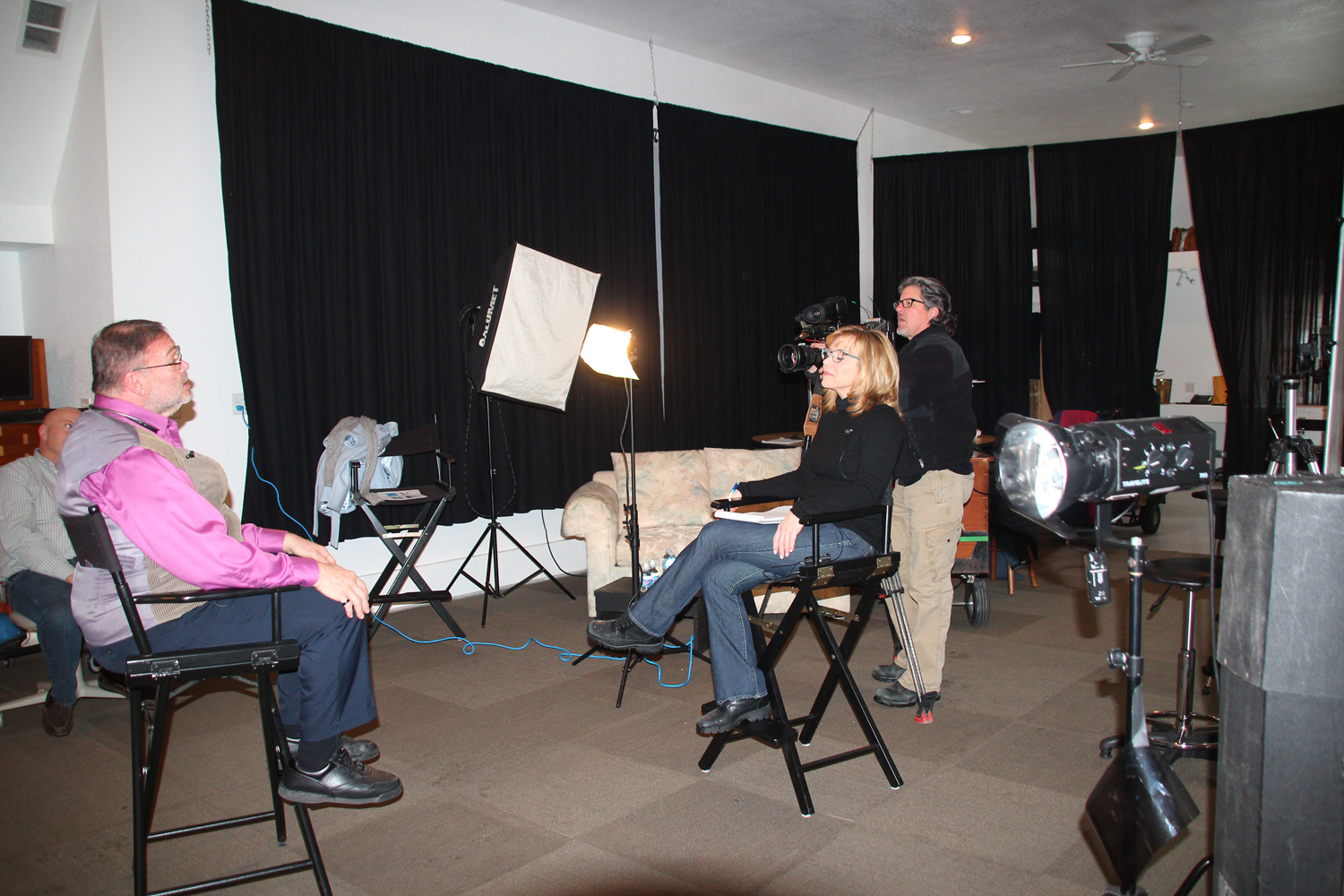
We offer full-service studio and location video and photography, along with editing, post-production, and licensed drone pilots. Our private studio is equipped with customizable lighting setups that are perfect for small productions and interview scenes. The space is large enough to incorporate props and create a tailored, professional set for your production.

Whether you need a custom interview studio setup, sound and camera operators, or specialized drone footage, we provide everything you need to ensure your video production is a success. Our team is well-versed in all types of media formats and software, and we specialize in repurposing your video and photography branding to give your content greater impact and traction.

Choose St. Louis Commercial Video Production for your next interview-based video, and let us help you create compelling, high-quality content that perfectly captures your message.

314-913-5626 stlouisvideos@gmail.com

Working with Non-Professional Talent for Your Business Video Content

In today’s digital landscape, video content has emerged as a crucial tool for businesses seeking to engage their audience and convey their brand message. While many companies may turn to professional actors or high-profile spokespeople for their video projects, leveraging non-professional talent can often yield equally compelling results at a fraction of the cost. In this article, we’ll explore the benefits of working with non-professional talent and offer strategies to ensure that your business video content is engaging, authentic, and effective.

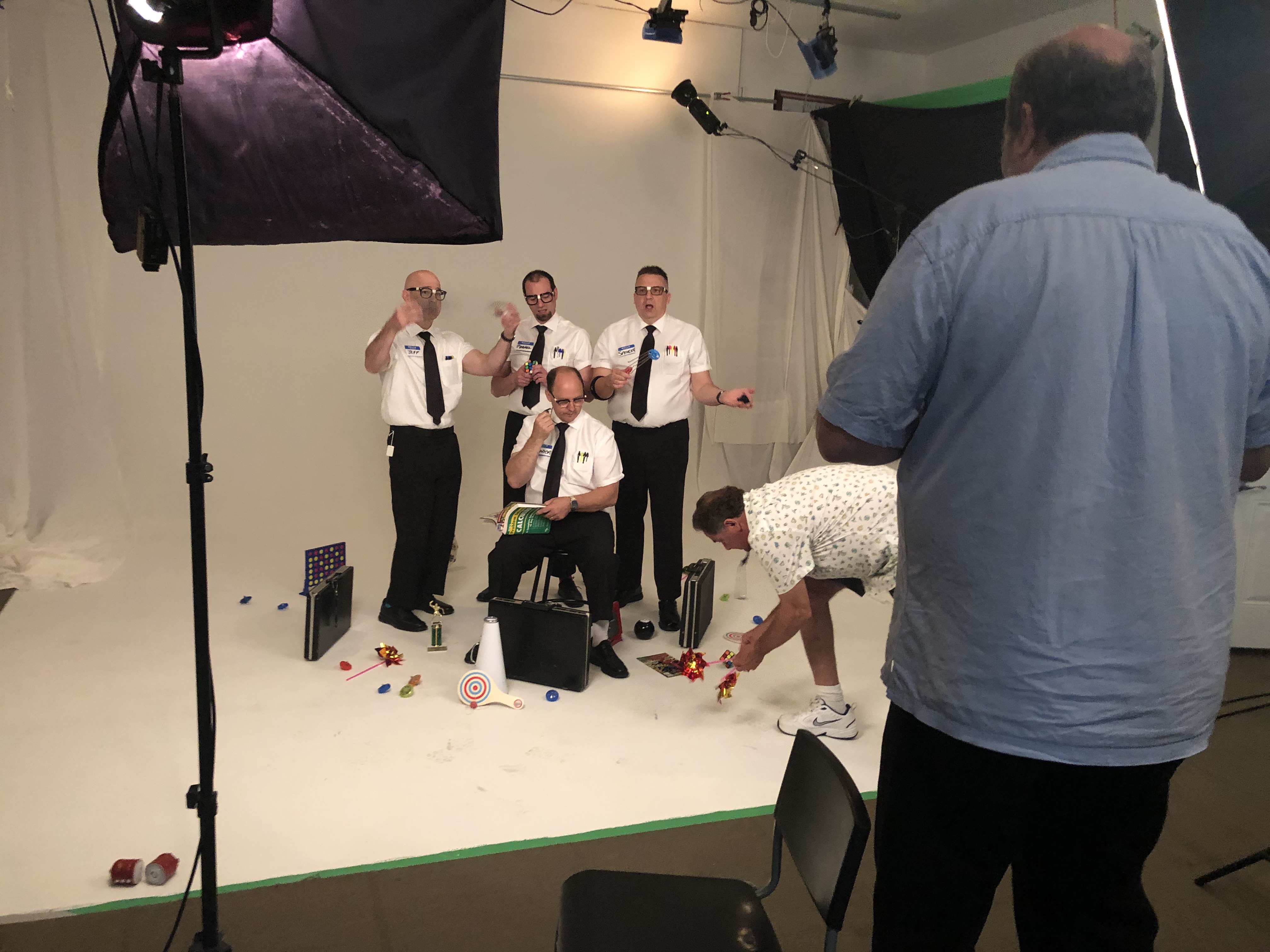
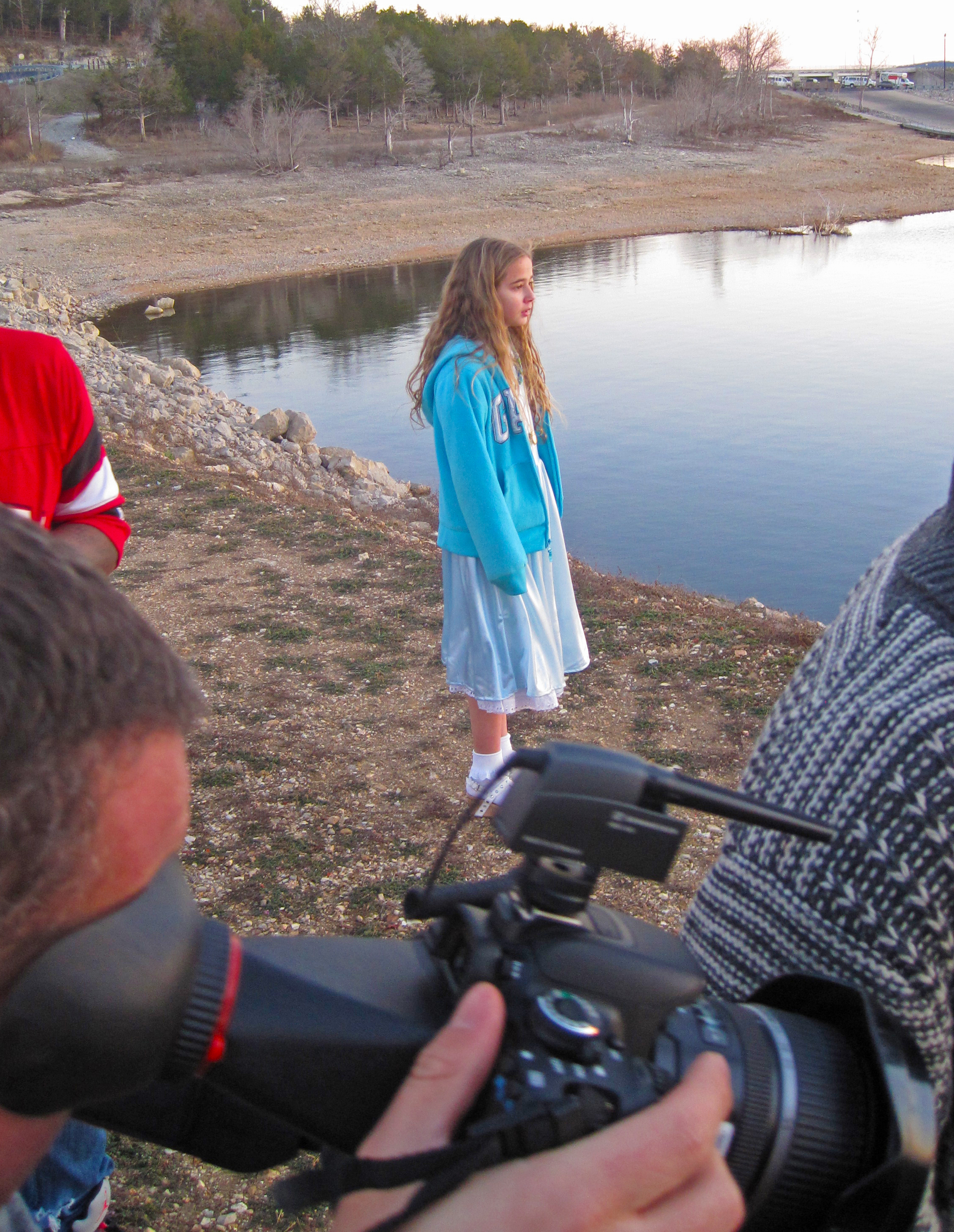
Consider holding training sessions or rehearsals to help non-professional talent become comfortable in front of the camera.

The Advantages of Non-Professional Talent

1. Authenticity and Relatability

One of the most significant advantages of using non-professional talent is the authenticity they bring to your video content. Audiences tend to relate more to real people rather than polished actors, especially in a corporate context. This relatability can foster a deeper connection between your brand and its audience, making your message resonate more effectively.

2. Cost-Effectiveness

Hiring professional actors can significantly increase the budget for your video production. In contrast, using non-professional talent can be a cost-effective alternative that allows you to allocate more resources to other critical aspects of your production, such as high-quality equipment or post-production editing.

3. Diverse Perspectives

Non-professional talent can bring diverse perspectives and experiences to your video content. This diversity not only enriches the narrative but also reflects the varied backgrounds of your target audience, making your content more inclusive and representative.

4. Fresh Energy

Non-professional talent often brings a fresh, enthusiastic energy to their performances. Their genuine passion for your project can translate into more engaging and dynamic video content, enhancing the overall production quality.

Strategies for Success

1. Clear Direction and Guidance

When working with non-professional talent, providing clear direction is essential. Conduct thorough pre-production meetings to outline the objectives of the video and the specific roles of each participant. This ensures that everyone understands their responsibilities and the overall vision for the project.

2. Effective Training and Rehearsals

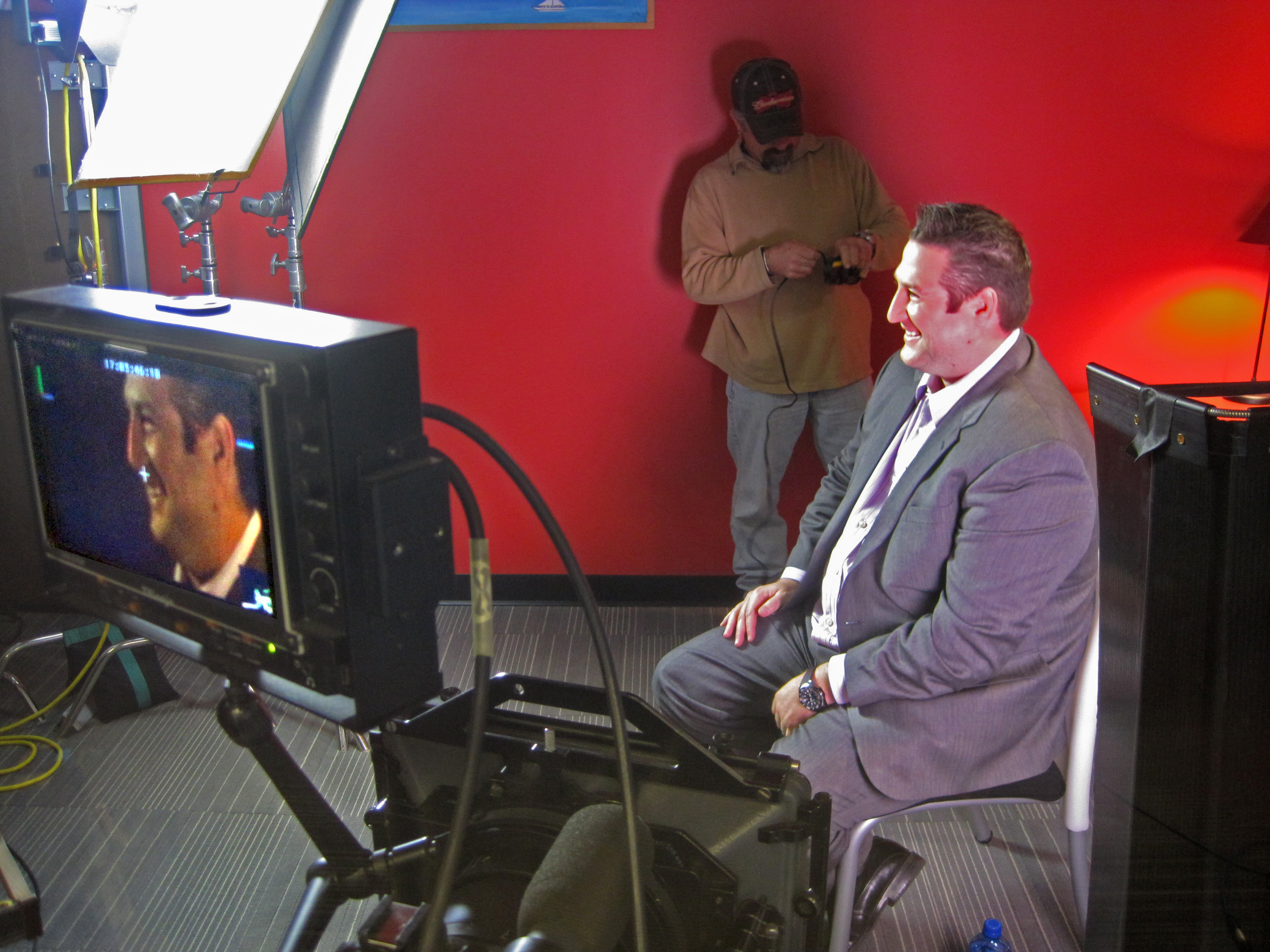
Consider holding training sessions or rehearsals to help non-professional talent become comfortable in front of the camera. This can include basic acting techniques, understanding camera angles, and practicing their lines. The more prepared they feel, the better their performance will be.

3. Create a Comfortable Environment

Creating a relaxed and comfortable environment is crucial for eliciting genuine performances from non-professional talent. Ensure they feel welcomed and valued throughout the production process. This not only boosts their confidence but also encourages more natural interactions on camera.

4. Utilize Engaging Interview Techniques

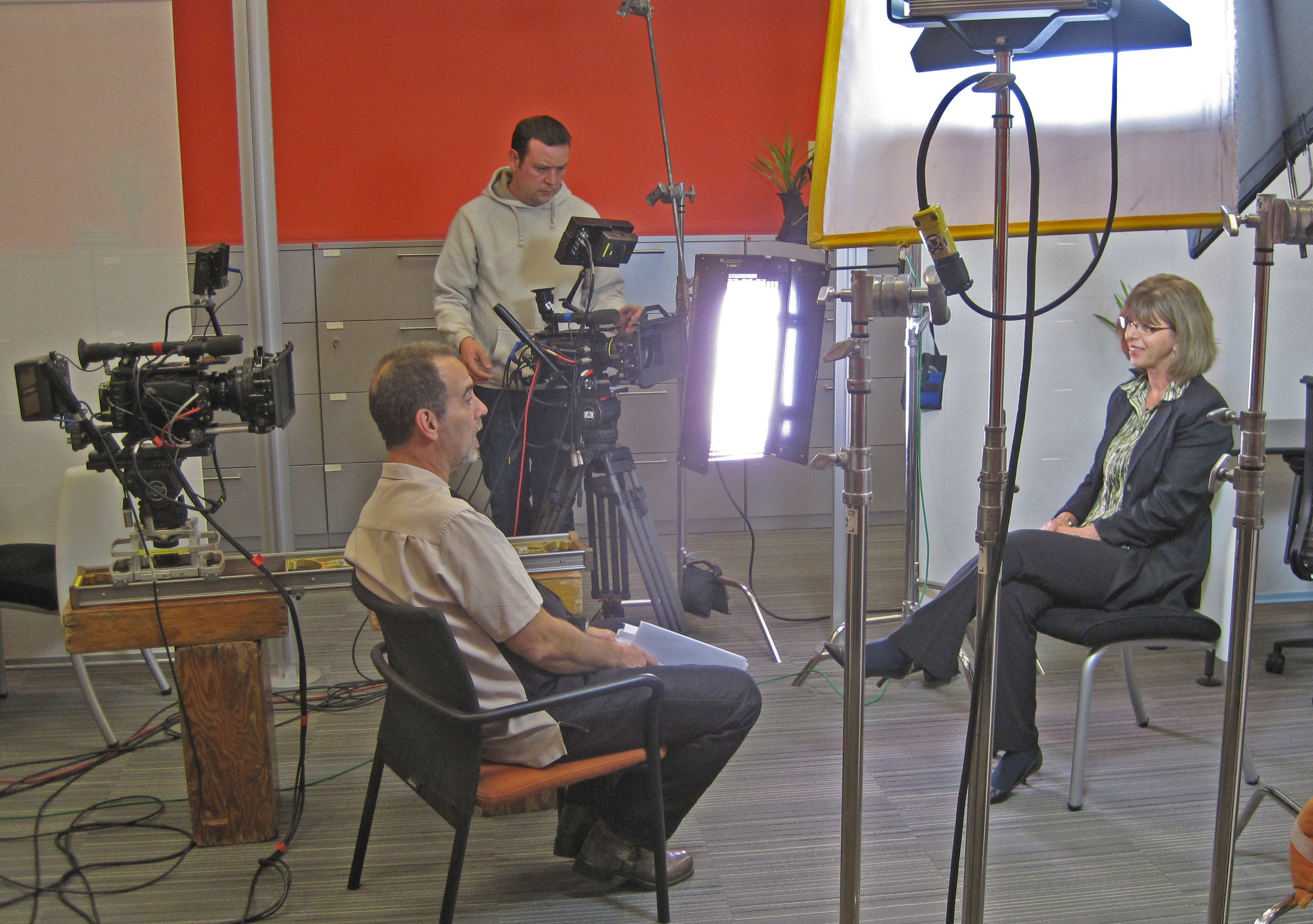
When using non-professional talent for testimonial or interview-style videos, employ engaging interview techniques. Ask open-ended questions that allow them to express their thoughts and experiences candidly. This approach often results in more compelling and authentic content.

5. Invest in Quality Production

Even when using non-professional talent, the production quality of your video should never be compromised. Investing in high-quality equipment, professional lighting, and skilled sound operators is essential to ensure that your final product meets industry standards. This is where a full-service company like St Louis Commercial Video Production can make a significant difference.

Why Choose St Louis Commercial Video Production

At St Louis Commercial Video Production, we understand the unique challenges and opportunities presented by working with non-professional talent. Our experienced crew is well-versed in the nuances of production, ensuring that every element comes together seamlessly. With over 40 years of experience in the industry, we have built a reputation for excellence, providing businesses, marketing firms, and agencies in the St. Louis area with top-notch photography and video production services.

Our company offers a comprehensive suite of services, including full-service studio and location video and photography, editing, post-production, and licensed drone pilots. We can customize your productions to meet diverse media requirements, ensuring that your unique vision is realized. Our expertise in repurposing photography and video branding allows us to maximize the impact of your content, helping you gain more traction in the marketplace.

Our private studio is equipped with professional lighting and visual setups, perfect for small productions and interview scenes. We can incorporate props to enhance your set, providing a tailored experience that aligns with your brand identity. From custom interview studio setups to providing sound and camera operators, we have everything needed to make your next video production perfect.

Since 1982, St Louis Commercial Video Production has been dedicated to delivering exceptional quality and service, making us a trusted partner for your business’s video content needs. Let us help you bring your vision to life and create compelling videos that resonate with your audience.

314-913-5626 stlouisvideos@gmail.com

What are the Best Practices for Creating a Great Promotional Video Production?

In today’s digital age, video marketing has become one of the most effective ways to reach and engage with your audience. Promotional videos can be a powerful tool for businesses to showcase their products, services, or brand. However, creating a great promotional video production requires more than just recording footage and throwing it together. In this article, we will discuss the best practices for creating a great promotional video production that will help you achieve your marketing goals.

Creating a great promotional video production can be a challenging and time-consuming process, but it’s worth the effort. A well-crafted video can help you reach and engage with your target audience and achieve your marketing goals.

Define Your Goals and Target Audience

Before you start the video production process, it is essential to define your goals and target audience. Your goals should be specific, measurable, attainable, relevant, and time-bound (SMART). This will help you determine what kind of video you need to create and what message you want to convey. Understanding your target audience is equally important. You need to know who they are, what they care about, and what motivates them. This will help you tailor your video to their interests and preferences.

Craft a Compelling Story

Once you have defined your goals and target audience, it’s time to craft a compelling story. A good promotional video should tell a story that captures your audience’s attention and makes them want to learn more about your product or service. A story can be a powerful tool to convey your message and make an emotional connection with your audience. Your story should have a clear beginning, middle, and end, and should be structured in a way that keeps your audience engaged.

Keep it Short and Sweet

In today’s fast-paced world, attention spans are shorter than ever. Your promotional video should be short and sweet, ideally between 30 seconds to 2 minutes. The goal is to capture your audience’s attention and deliver your message in a concise and impactful way. If your video is too long, you risk losing your audience’s attention and missing the opportunity to convey your message effectively.

Plan Your Shots and Visuals

The visuals in your promotional video are just as important as the message you are trying to convey. Plan your shots and visuals carefully to create a visually appealing and engaging video. Think about the colors, lighting, and camera angles you want to use to tell your story. It’s also essential to choose the right music and sound effects to create the right mood and atmosphere.

Invest in Quality Equipment and Editing

Quality equipment and editing can make a significant difference in the final product of your promotional video. Invest in high-quality equipment such as cameras, lighting, and sound recording devices to capture the best footage possible. It’s also crucial to have a skilled video editor who can bring your footage to life and create a polished final product that meets your goals.

Incorporate a Call-to-Action

A call-to-action (CTA) is a crucial part of any promotional video. It’s the part of the video that tells your audience what to do next, whether it’s to visit your website, sign up for a newsletter, or make a purchase. Your CTA should be clear, concise, and easy to follow. It’s also essential to place your CTA strategically in your video to ensure maximum visibility and impact.

Optimize for Search Engines and Social Media

Creating a great promotional video is only half the battle. You also need to optimize your video for search engines and social media to reach your target audience. Use keywords and hashtags relevant to your industry or niche in your video’s title, description, and tags. Share your video on social media channels and encourage your audience to share it with their networks. You can also use paid advertising to reach a wider audience.

Test and Measure Your Results

Once your promotional video is live, it’s essential to track and measure your results to determine its effectiveness. Use analytics tools

to monitor metrics such as views, engagement, and conversions to see how your video is performing. Use this data to refine your video marketing strategy and create even more effective videos in the future.

Conclusion

Creating a great promotional video production requires careful planning, attention to detail, and a focus on your goals and audience. By following these best practices, you can create a video that effectively showcases your brand, product, or service and engages your target audience. Remember to craft a compelling story, keep it short and sweet, plan your shots and visuals, invest in quality equipment and editing, incorporate a call-to-action, optimize for search engines and social media, and test and measure your results. With these tips, you can create a promotional video that stands out and helps you achieve your marketing goals.

Additional Tips

Here are some additional tips that can help you create an even better promotional video production:

1. Know Your Unique Selling Proposition (USP)

Your unique selling proposition is what sets you apart from your competitors. It’s what makes your product or service unique and valuable. Incorporating your USP into your promotional video can help you stand out and attract more customers.

2. Use Emotion to Connect with Your Audience

Emotion is a powerful tool in video marketing. By incorporating emotion into your promotional video, you can make a deeper connection with your audience and create a lasting impression. Whether it’s humor, inspiration, or empathy, using emotion can help your audience remember your brand and message.

3. Tell a Story with Your Customer Testimonials

Customer testimonials are an excellent way to showcase the value and effectiveness of your product or service. By telling a story with your customer testimonials, you can create a more compelling and engaging video. Use your customer testimonials to highlight the benefits of your product or service and how it has helped others.

4. Show, Don’t Tell

In video marketing, showing is often more effective than telling. Instead of telling your audience about the benefits of your product or service, show them. Use visuals and demonstrations to showcase how your product or service works and how it can help your audience.

5. Keep Your Branding Consistent

Consistency is key in branding. Make sure your promotional video production is consistent with your brand’s style, tone, and messaging. Use your brand colors, fonts, and logo throughout your video to reinforce your brand’s identity and make it more memorable.

Final Thoughts

Creating a great promotional video production can be a challenging and time-consuming process, but it’s worth the effort. A well-crafted video can help you reach and engage with your target audience and achieve your marketing goals. By following the best practices outlined in this article and incorporating additional tips, you can create a video that effectively showcases your brand, product, or service and sets you apart from your competitors. Remember to tell a compelling story, keep it short and sweet, plan your shots and visuals, invest in quality equipment and editing, incorporate a call-to-action, optimize for search engines and social media, test and measure your results, and above all, be creative and have fun!

314-913-5626  stlouisvideos@gmail.com