Tag Archives: videographer

Business Videography: Emerging Technologies and Trends

In the realm of business marketing and communication, videography has evolved into a powerful tool that can captivate audiences, convey messages effectively, and drive engagement. As decision makers overseeing photography and video production services for businesses and organizations, it’s crucial to stay abreast of the latest technologies and trends shaping the industry. In this comprehensive guide, we’ll explore some of the emerging technologies and trends in business videography that are reshaping the landscape and providing new opportunities for businesses to connect with their audience.

Whether it’s broadcasting a product launch, hosting a Q&A session, or streaming a behind-the-scenes look at your business operations, live streaming allows you to engage with your audience in a more authentic and immediate way.

1. Virtual and Augmented Reality (VR/AR)

Virtual and augmented reality technologies are revolutionizing the way businesses engage with their customers. VR and AR allow for immersive experiences that can transport viewers to different locations, showcase products in a lifelike manner, or provide interactive training simulations. Integrating VR and AR into your business videography strategy can enhance viewer engagement and provide a memorable experience that sets your brand apart.

2. 360-Degree Video

360-degree video offers viewers a fully immersive experience, allowing them to explore a scene from every angle. This technology is particularly effective for showcasing real estate properties, event venues, or tourist destinations. By incorporating 360-degree video into your business videography repertoire, you can provide viewers with a dynamic and interactive viewing experience that enhances their engagement with your brand.
3. Live Streaming

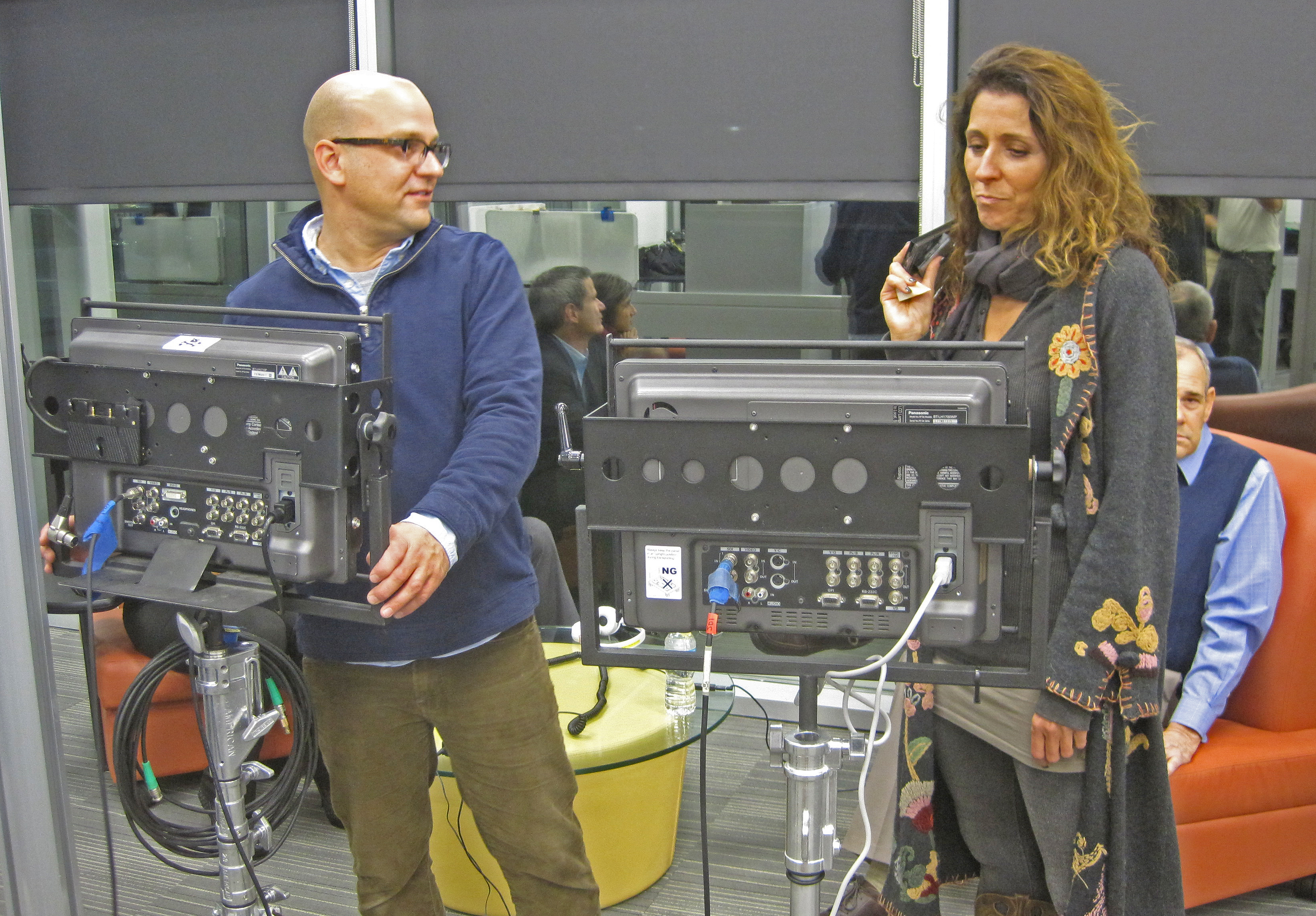
Live streaming has become increasingly popular in recent years, offering businesses the opportunity to connect with their audience in real-time. Whether it’s broadcasting a product launch, hosting a Q&A session, or streaming a behind-the-scenes look at your business operations, live streaming allows you to engage with your audience in a more authentic and immediate way. Integrating live streaming into your business videography strategy can help you foster stronger connections with your audience and drive engagement.

4. Interactive Video Content

Interactive video content allows viewers to actively engage with the content by making choices or taking actions that influence the outcome. This type of content can be highly engaging and immersive, making it ideal for storytelling, product demonstrations, or interactive training modules. By incorporating interactive elements into your business videography, you can create a more personalized and engaging experience for your audience.

5. Drone Videography

Drone videography has become increasingly popular for capturing stunning aerial footage that provides a unique perspective on a subject or location. Whether it’s showcasing expansive landscapes, capturing dynamic action shots, or providing aerial views of a property or event, drone videography can add visual interest and production value to your business videos. Leveraging drone technology in your videography projects can help you create visually compelling content that stands out from the competition.

Conclusion

As technology continues to evolve, so too does the field of business videography. By staying abreast of emerging technologies and trends, businesses can leverage videography to effectively communicate their message, engage their audience, and drive results. Whether it’s incorporating VR and AR for immersive experiences, embracing live streaming for real-time engagement, or leveraging interactive video content for enhanced viewer interaction, businesses have more tools at their disposal than ever before to create compelling and impactful video content.

As a full-service video and photography production company, Angel Eye Productions Video and Photography is equipped with the expertise and resources to help businesses harness the power of videography for their marketing and communication needs. With our experienced team, state-of-the-art equipment, and creative approach to storytelling, we can customize productions to meet diverse media requirements and help businesses achieve their goals. Partner with Angel Eye Productions Video and Photography for your next corporate photography and video project in the St. Louis area, and let us help you elevate your brand through the power of visual storytelling.

Contact us today to learn more about how Angel Eye Productions Video and Photography can elevate your business through professional videography and photography services.
314-913-5626 stlouisvideos@gmail.com

Advanced Techniques for Filming Conference Speakers

Introduction

In the world of corporate events, conferences are perhaps the most pivotal occasions for businesses and organizations to disseminate information, share knowledge, and connect with their target audience. And what makes these conferences truly memorable and impactful? The speakers, of course! Capturing their presentations and speeches in a way that engages and informs the audience is paramount.

Incorporate reaction shots of the audience to capture their responses to the speaker’s message.

As an experienced photographer and videographer at Angel Eye Productions, I have had the privilege of documenting countless conferences over the years. In this comprehensive guide, I will share advanced techniques and tips for filming conference speakers that will help elevate the quality of your event documentation to the next level.

Preparing for the Shoot

1. Understand the Event Agenda

Before you even set foot at the conference venue, make sure you thoroughly understand the event’s agenda and schedule. This knowledge will help you plan your shots, anticipate key moments, and ensure that you don’t miss any critical presentations.

2. Scout the Location

Visit the conference venue ahead of time, if possible. Familiarize yourself with the layout, lighting conditions, and potential challenges. This will enable you to plan your camera positions and lighting setups in advance.

3. Communicate with Event Organizers

Establish clear communication with the event organizers. Understand their expectations, the key messages they want to convey, and any specific shots or angles they require. This collaboration will help you align your filming strategy with the event’s objectives.

Camera Setup and Equipment

4. Choose the Right Camera and Lenses

Selecting the appropriate camera and lenses is crucial for high-quality conference footage. Consider using a camera with good low-light capabilities and a variety of lenses for different shooting situations. A versatile zoom lens and a fast prime lens are essential additions to your kit.

5. Use Tripods and Stabilizers

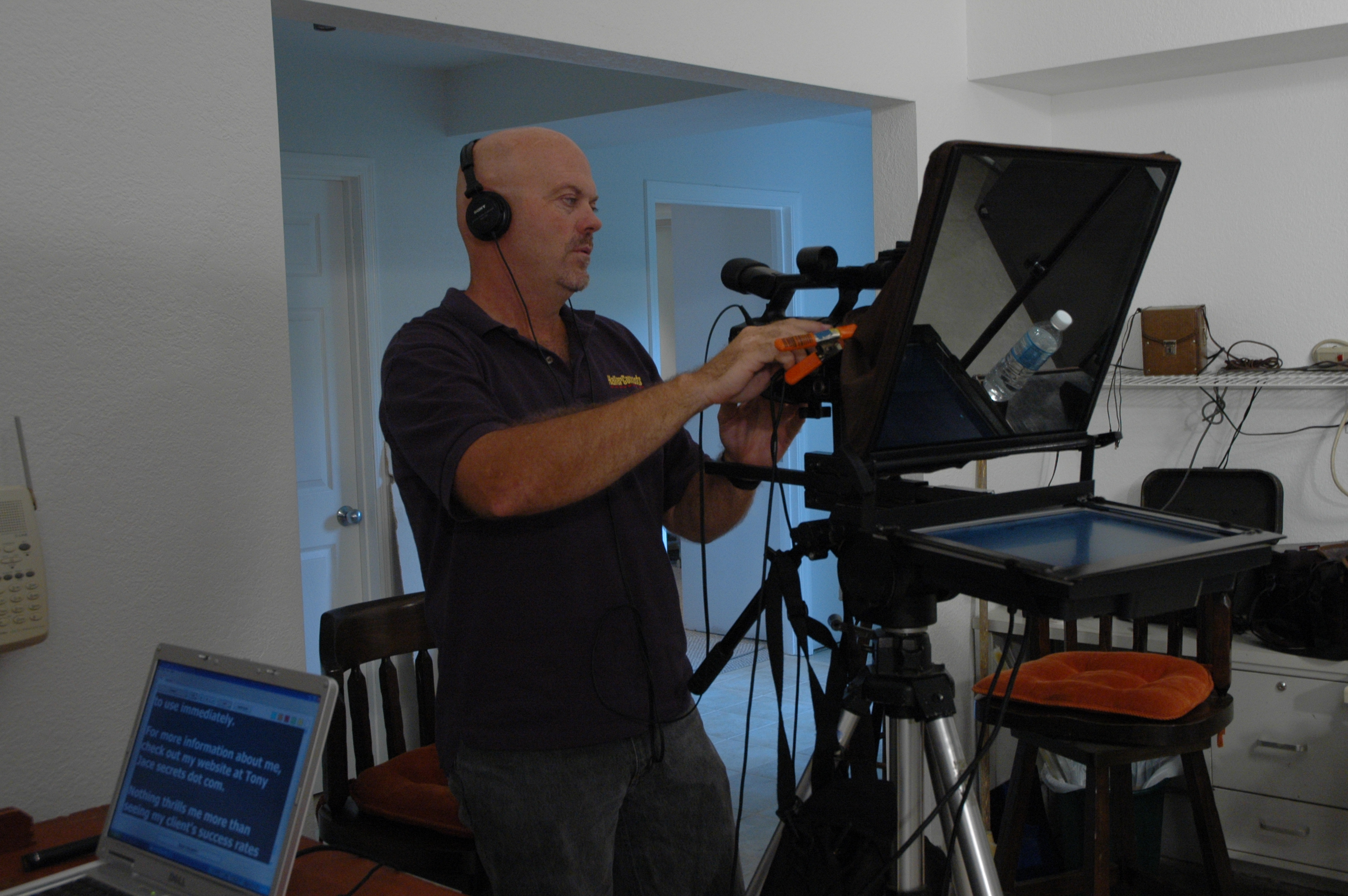
For steady shots, invest in quality tripods and stabilizers. Tripods are particularly important when capturing long presentations to prevent shaky footage. Stabilizers, such as gimbals or steadicams, can add dynamic movement to your shots.

6. Capture High-Quality Audio

Good audio is half the battle in conference videography. Use external microphones, such as lavalier mics or shotgun mics, to capture clear and professional sound. Test your audio equipment thoroughly before the event to avoid any surprises.

7. Backup Equipment

Always have backup cameras, lenses, batteries, and memory cards on hand. Technical glitches can happen, and having redundancy ensures you won’t miss any crucial moments.

Lighting Techniques

8. Utilize Natural Light

Whenever possible, leverage natural light. Position your speakers near windows or well-lit areas to achieve a flattering and authentic look. However, be mindful of changing lighting conditions throughout the day.

9. Use Soft Lighting

If you need to supplement natural light or work in poorly lit environments, use soft lighting sources like diffused LED panels or softboxes. Avoid harsh shadows and unflattering highlights on your subjects’ faces.

10. Three-Point Lighting

For indoor setups, employ the classic three-point lighting technique. This includes a key light, a fill light, and a backlight. Properly balanced lighting enhances the visibility of your speakers and adds depth to the video.

Framing and Composition

11. Rule of Thirds

Apply the rule of thirds to create visually appealing compositions. Divide the frame into a 3×3 grid, and place your subject along the intersections or lines. This technique adds balance and interest to your shots.

12. Vary Your Shots

Avoid monotony by using a variety of camera angles and shot sizes. Capture wide shots of the entire stage, medium shots of the speaker, and close-ups of their facial expressions and hand gestures. This diversity keeps the audience engaged.

13. Focus on Reaction Shots

Incorporate reaction shots of the audience to capture their responses to the speaker’s message. This can add depth and emotional resonance to your footage.

Filming Strategies

14. Continuous Recording

Always keep your camera rolling during presentations. You never know when a spontaneous moment or a valuable insight may occur. Continuous recording gives you the flexibility to choose the best segments later during post-production.

15. Stay Discreet

Be unobtrusive while filming. Use quiet camera equipment and move discreetly to avoid distracting the audience or the speaker. Silence your camera’s autofocus and disable any unnecessary beeps or indicators.

Post-Production Tips

16. Organize Your Footage

After the event, organize your footage meticulously. Create folders for each presentation or speaker and label your clips with clear, descriptive names. This will save you time during editing.

17. Edit for Clarity

During the editing process, prioritize clarity and coherence. Trim any unnecessary content, such as long pauses or technical difficulties. Enhance audio quality, add subtitles if necessary, and color correct your footage.

18. Add Graphics and Titles

To reinforce key points and improve the overall visual appeal, consider adding graphics, lower-thirds, and titles to your video. These elements can make your conference footage more engaging and informative.

19. Deliver in Multiple Formats

In today’s multimedia landscape, it’s essential to provide your clients with versatile content. Export your video in various formats, such as full HD, 4K, and different aspect ratios, to accommodate different platforms and devices.

Conclusion

Filming conference speakers requires a combination of technical expertise, careful planning, and artistic sensibility. By following these advanced techniques and tips, you can ensure that your conference documentation stands out and effectively conveys the event’s message.

As a full-service video and photography production company, Angel Eye Productions has worked with many businesses, marketing firms, and agencies in the St. Louis area for their corporate photography and video.

Whether you need assistance with camera setup, lighting, or post-production, our team at Angel Eye Productions is equipped with the knowledge and experience to meet your conference documentation needs. We offer full-service studio and location video and photography, as well as editing and post-production services. Our ability to customize productions for diverse media requirements and repurpose your branding content sets us apart. We are well-versed in all file types, styles of media, and accompanying software.

Don’t settle for ordinary conference footage; elevate your documentation with Angel Eye Productions. Contact us today to discuss your upcoming conference and let us help you capture your speakers’ messages with professionalism and creativity. Together, we’ll make your event unforgettable.

314-913-5626 stlouisvideos@gmail.com