Tag Archives: Construction videos

Common Hurdles in Safety Video Production and Easy Wins

As a seasoned professional in commercial video production, I’ve witnessed firsthand the critical role that effective safety and training videos play in modern businesses and organizations. They are not merely a compliance checkbox; they are a vital investment in employee well-being, operational efficiency, and legal protection. Yet, many organizations stumble over common hurdles that dilute the impact of their safety messaging.

From our vantage point at Angel Eye Video Productions and Photography, we understand that decision-makers—in marketing, operations, and executive leadership—require content that is not only accurate but also engaging enough to ensure retention and behavioral change.

Here, we dissect the most frequent challenges in safety video production and offer practical, “easy wins” to elevate your next project from mandatory to memorable.


Hurdle 1: The “Boredom Factor” – Lack of Engagement

The most common failing of safety content is that it’s mind-numbingly dull. Employees are conditioned to tune out lengthy, text-heavy, or passively-narrated videos, especially in a world saturated with dynamic media. If your video feels like reading an instruction manual aloud, it has already failed.

Easy Win: Embrace Cinematic Storytelling and Pacing.

  • Show, Don’t Just Tell: Instead of a narrator stating, “Always wear a hardhat,” show a brief, high-impact scene illustrating the consequences of not wearing one (a near-miss, for example, emphasizing the kinetic energy involved).
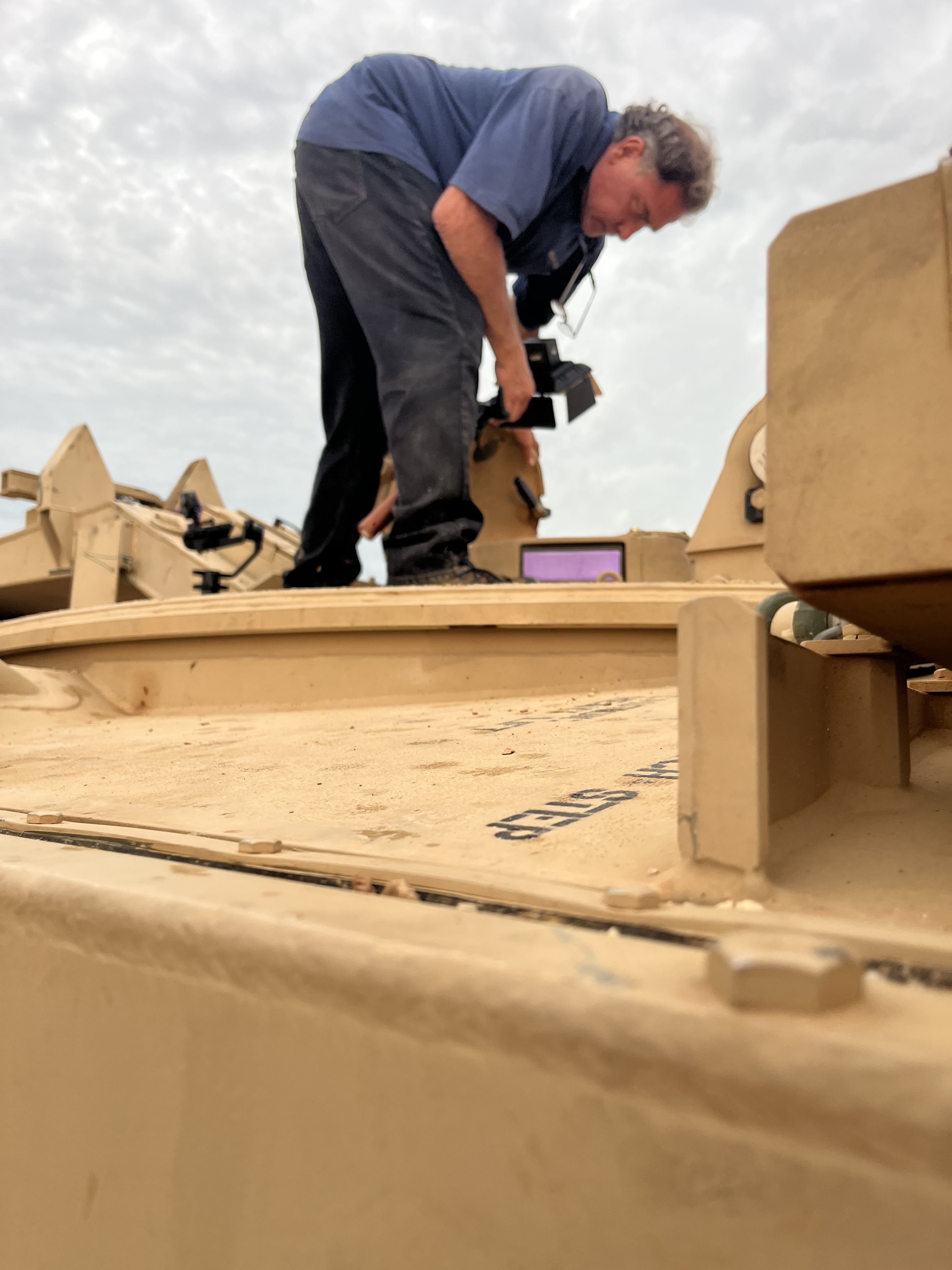
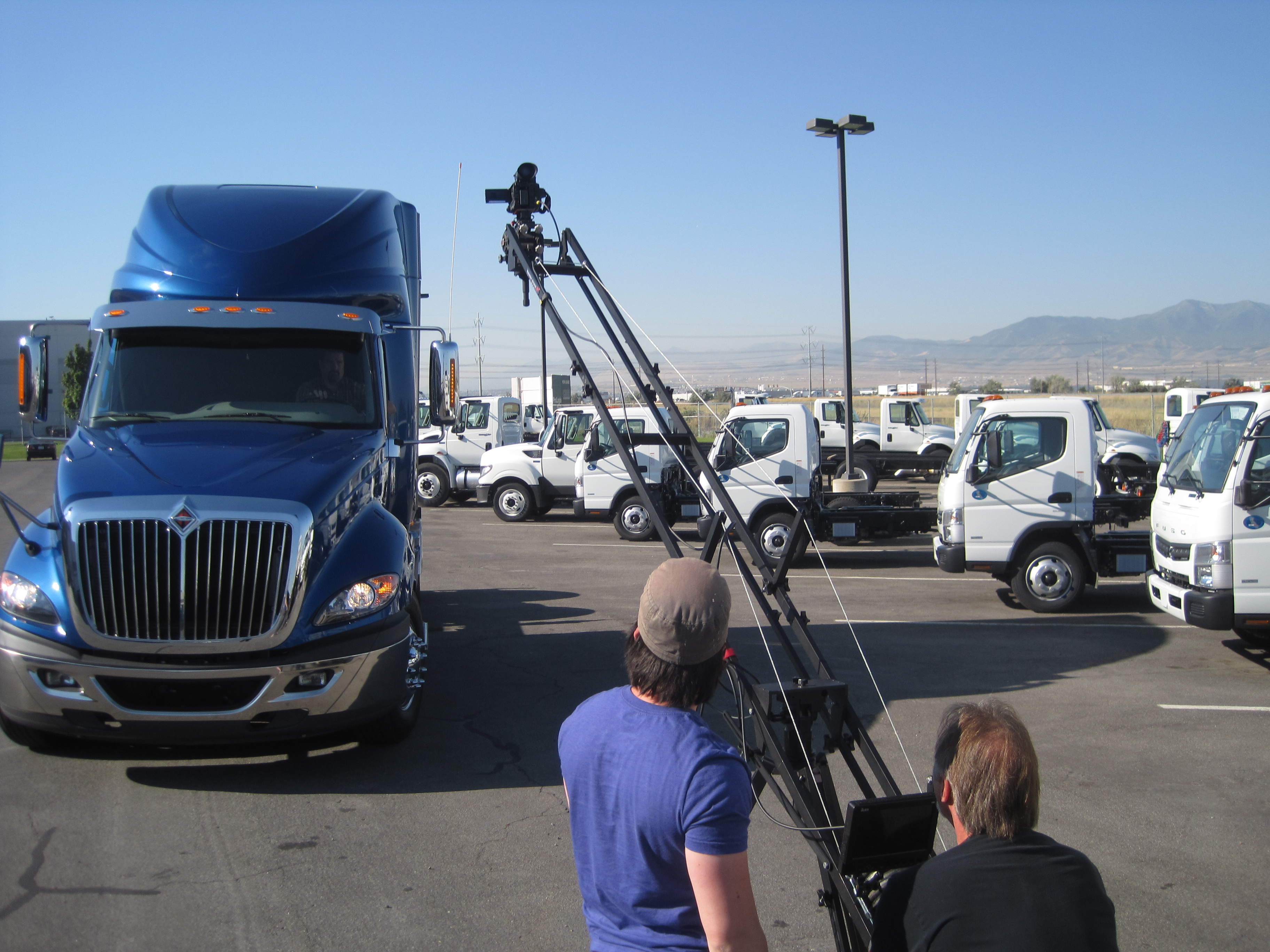
  • Vary the Shots: Use diverse camera angles, including close-ups on the critical steps or equipment, establishing shots of the environment, and point-of-view (POV) shots to put the viewer in the action.
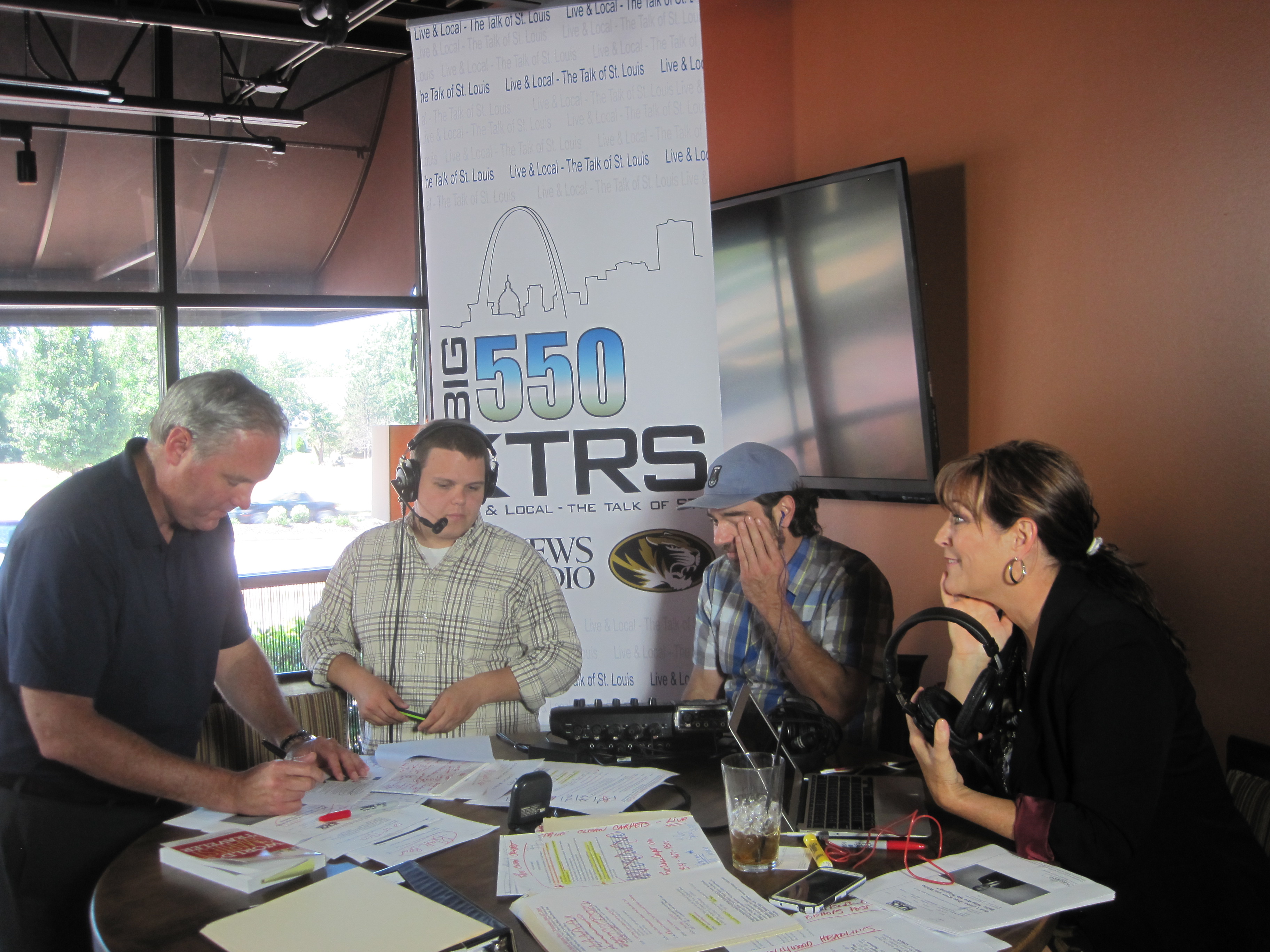
  • Interview Peers: Include short, genuine testimonials from experienced employees. Hearing a relatable peer discuss a safety practice is often more compelling than an anonymous voiceover.
  • Incorporate Motion Graphics: Use animated text and graphics to highlight key statistics, acronyms, or steps, breaking up the visual monotony.

Hurdle 2: Overly Generic or Abstract Scenarios

Many template safety videos use actors and settings that do not accurately reflect the audience’s actual workspace, leading employees to think, “That doesn’t apply to my job.” Abstract instructions are difficult to internalize and apply practically.

Easy Win: Hyper-Realistic, Site-Specific Context.

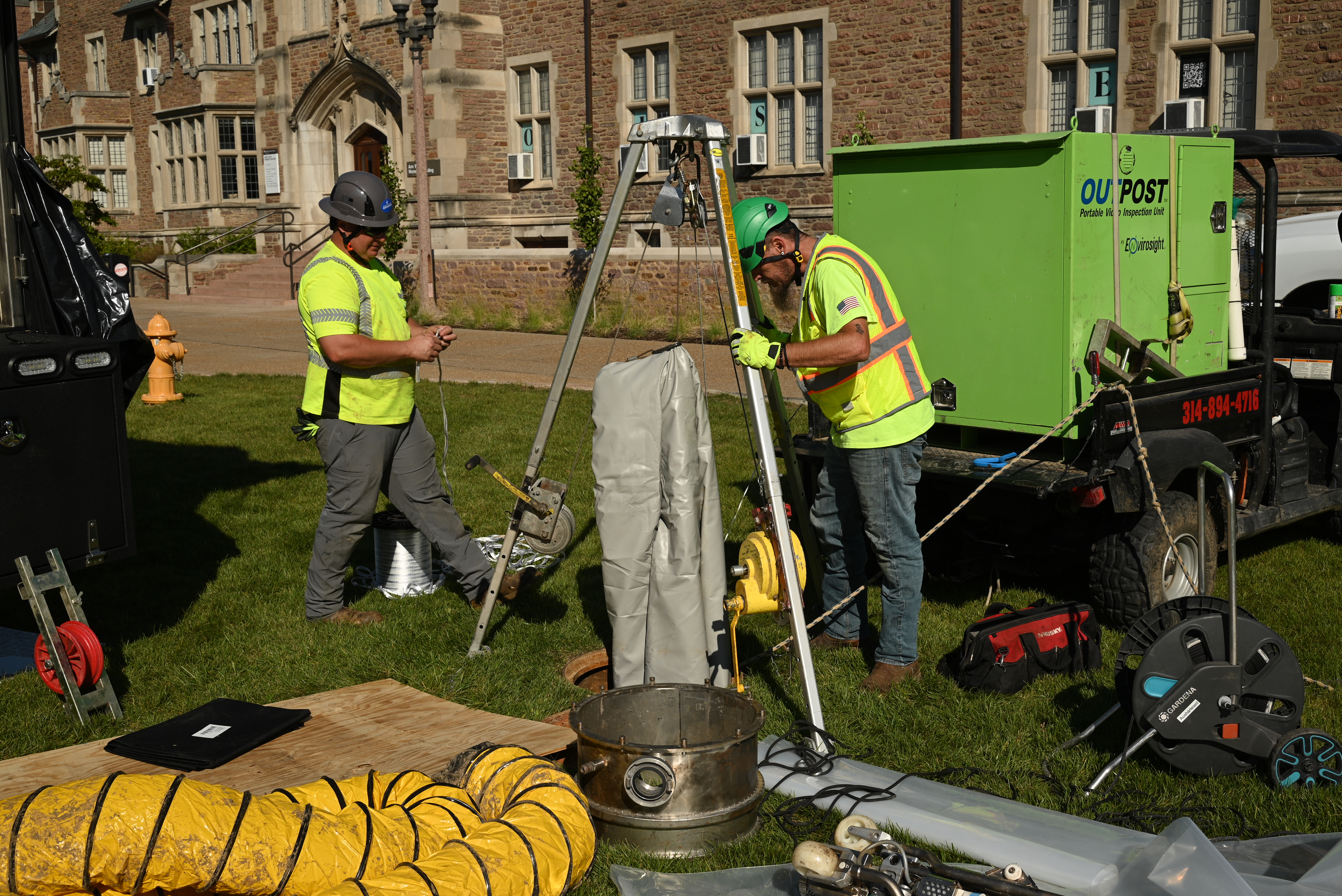
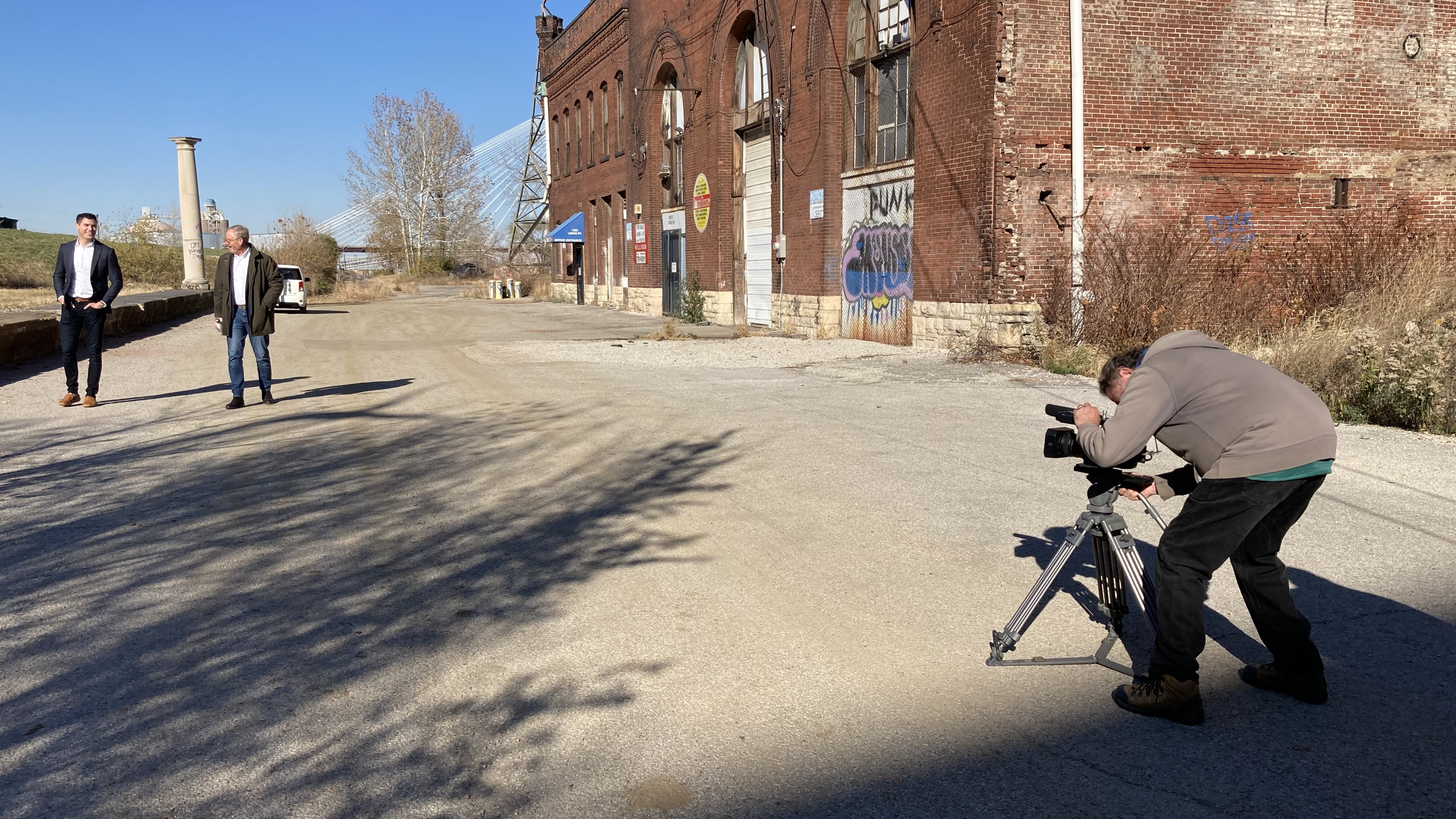
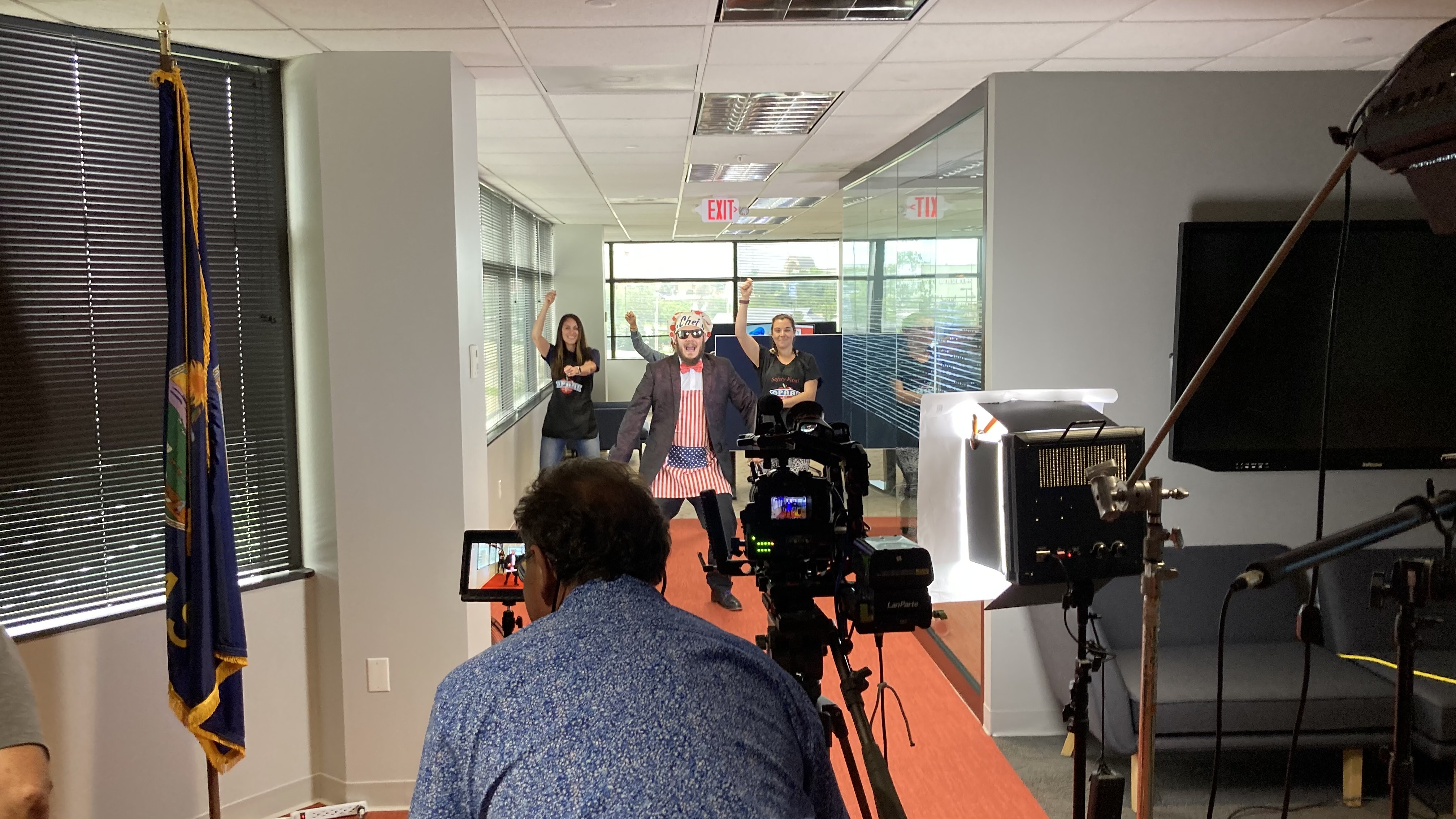
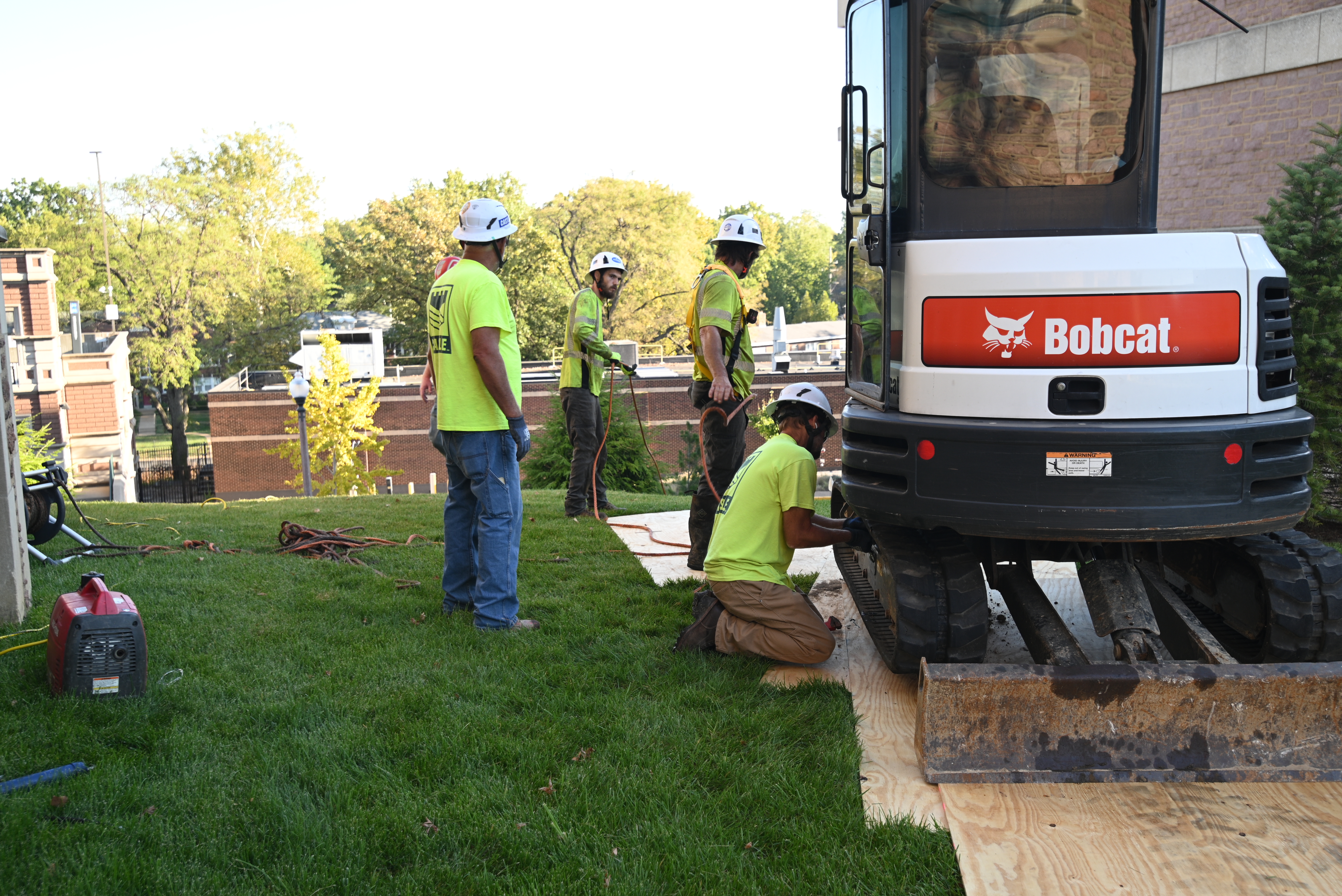
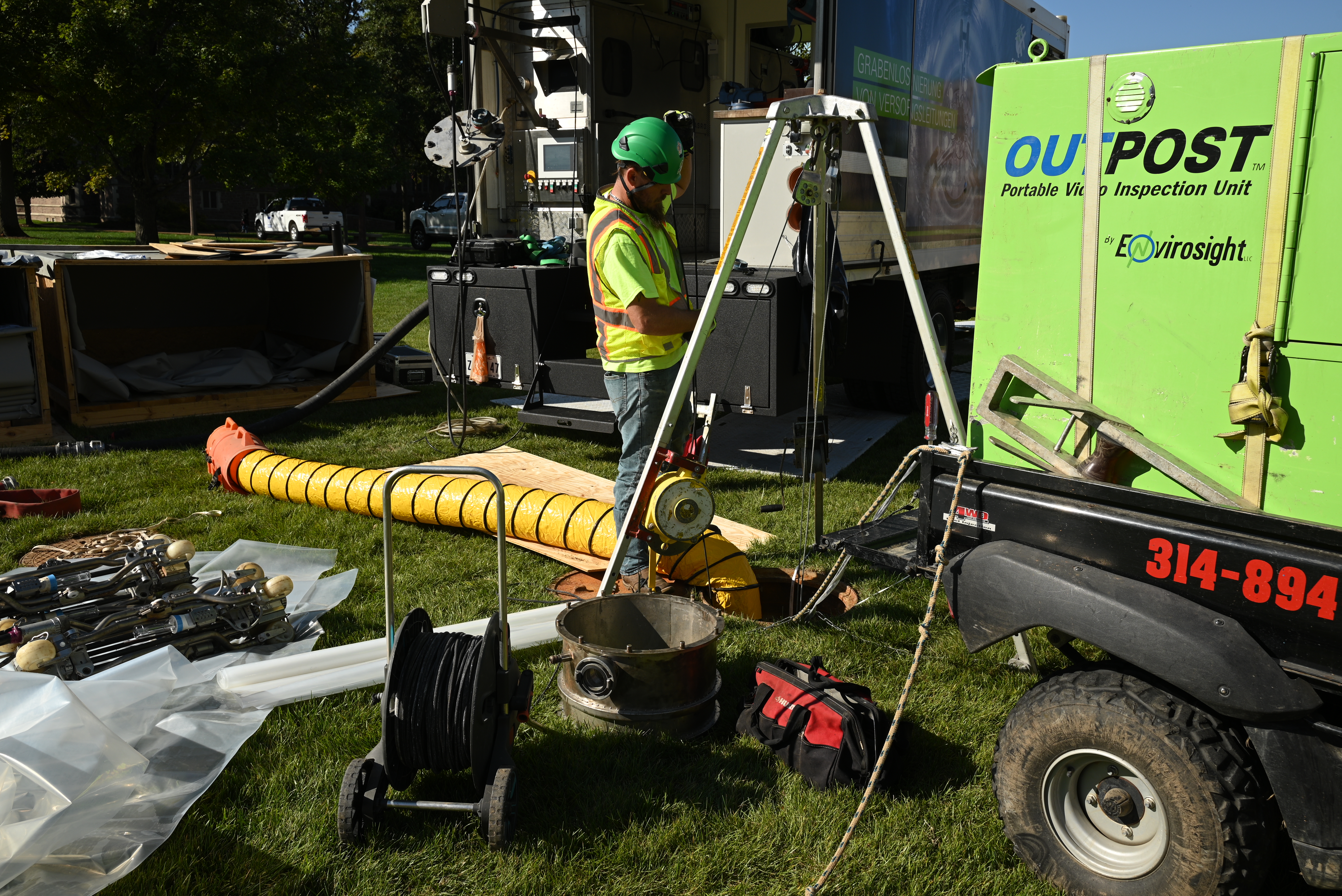
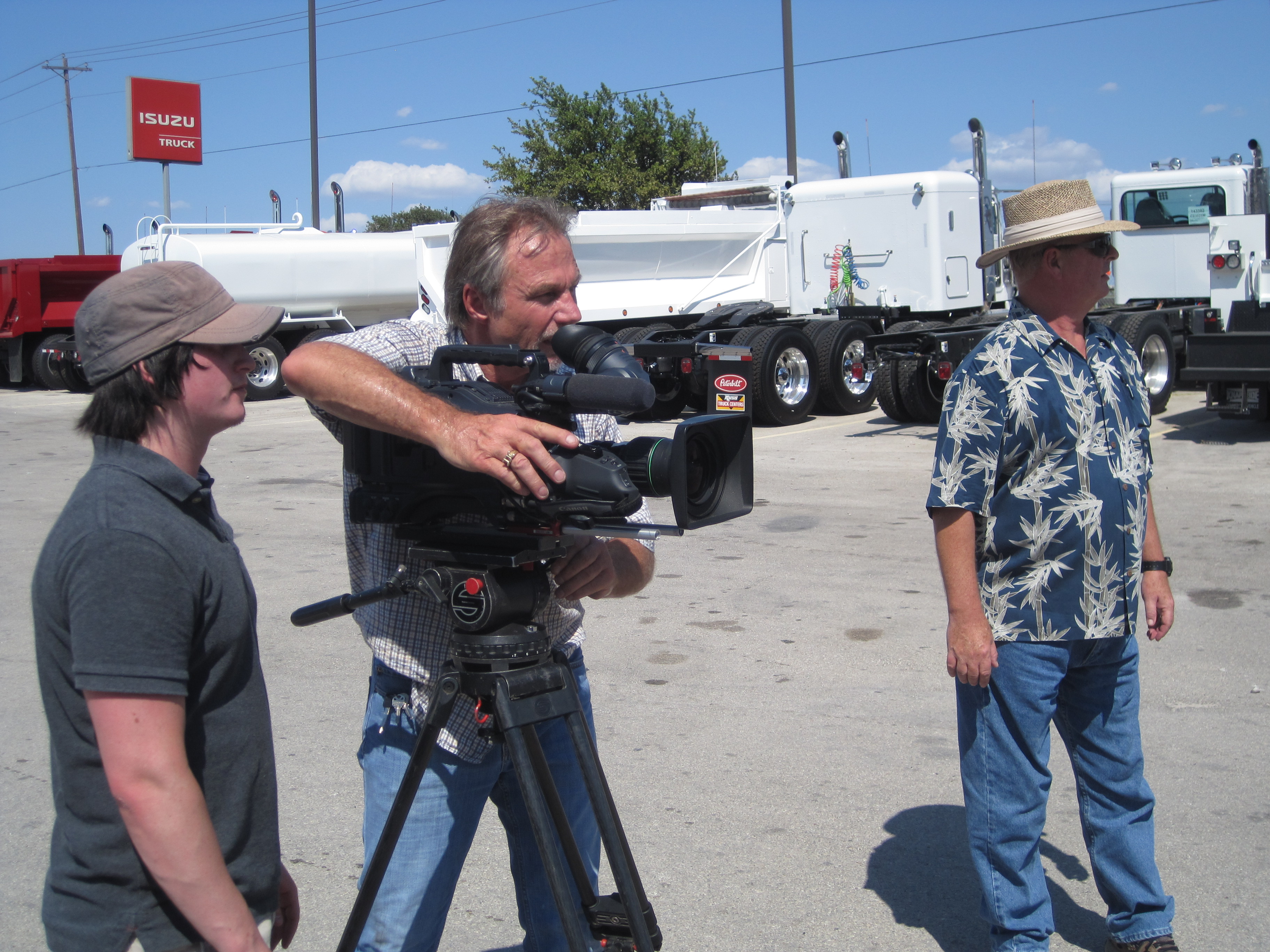
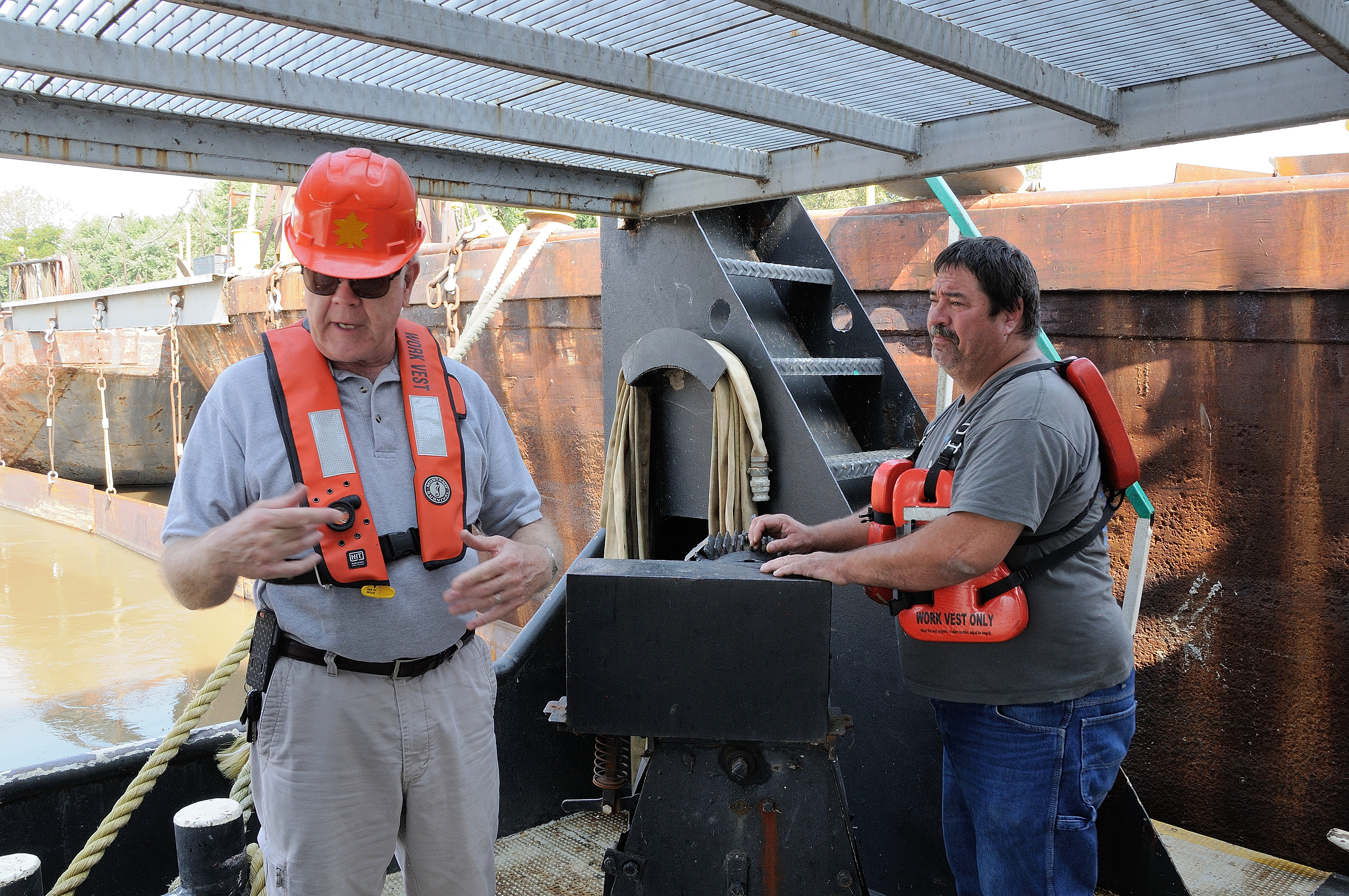
  • Shoot on Location: Film the training in your actual facility, using your equipment, and featuring your staff (where appropriate and consented). This instantly increases relatability and credibility.
  • Focus on ‘The Why’: Clearly articulate the immediate benefit of the procedure. For example, instead of just how to set up a fall-protection harness, explain that the specific action ensures a rapid rescue and prevents severe injury.
  • Demonstrate the Proper Tools: Ensure the equipment shown in the video is the exact model and type used by your team. Discrepancies lead to confusion and a breakdown of trust in the training.

Hurdle 3: Poor Technical Execution – Compromised Clarity

A video with subpar lighting, muffled audio, or shaky camera work undermines the professionalism of your entire operation. If the training is difficult to see or hear, the message is lost, and the organization’s commitment to safety may be perceived as low-effort.

Easy Win: Insist on Professional-Grade Equipment and Expertise.

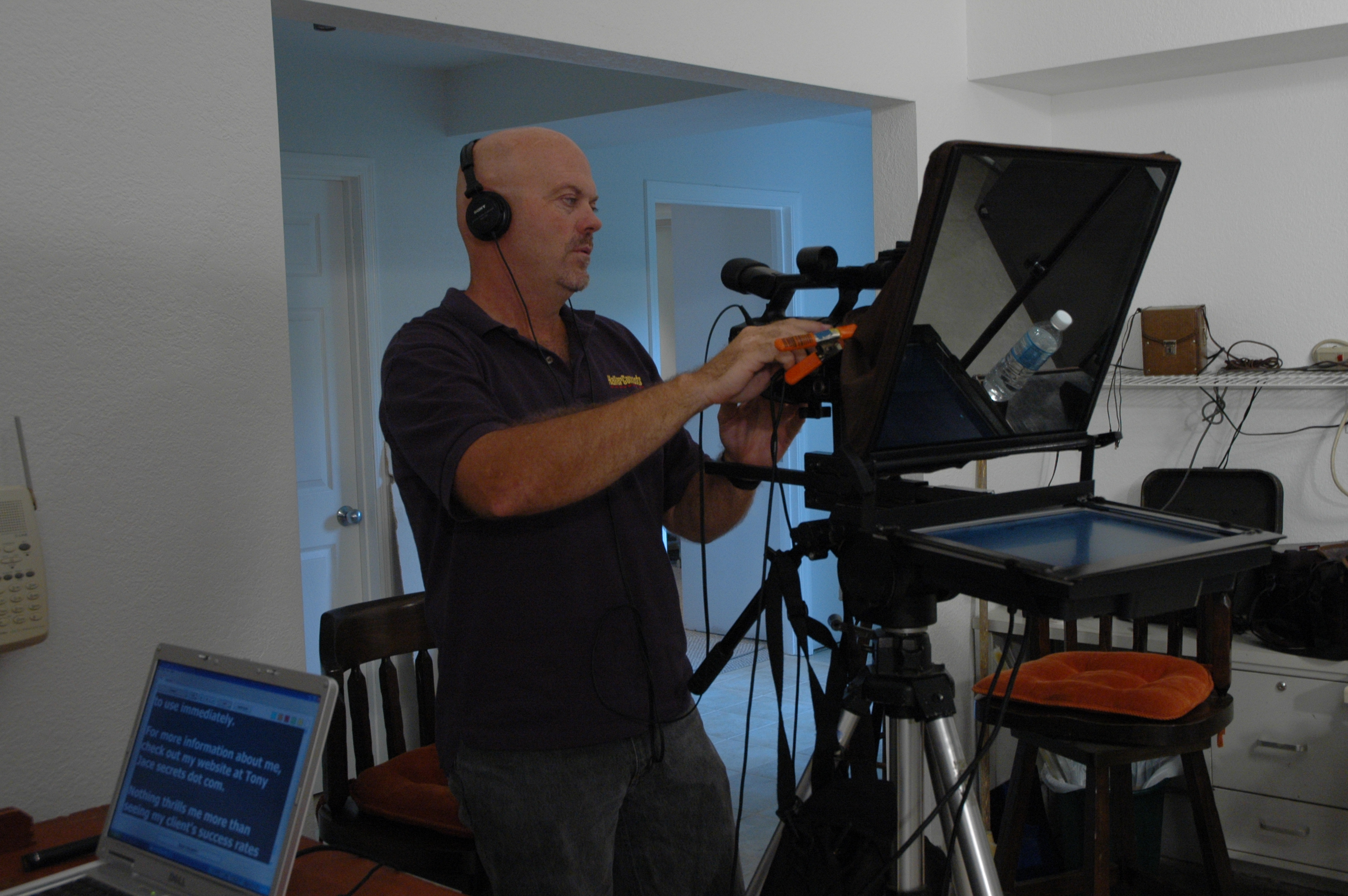
  • Crisp Audio is Non-Negotiable: Invest in professional-grade microphones (lavalier, boom, etc.) and sound mixing. If people can’t clearly hear the instructions over background noise, the video is useless.
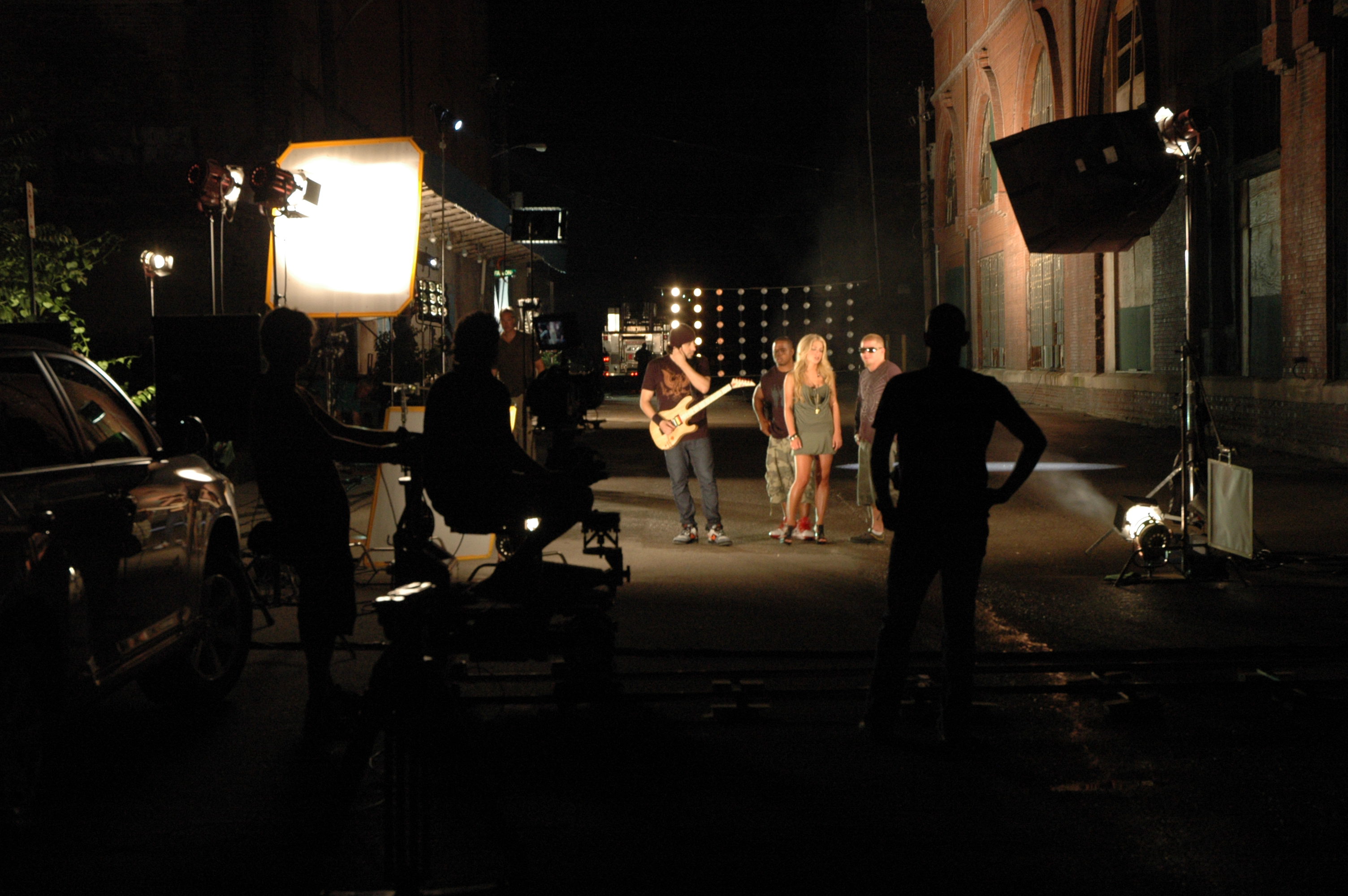
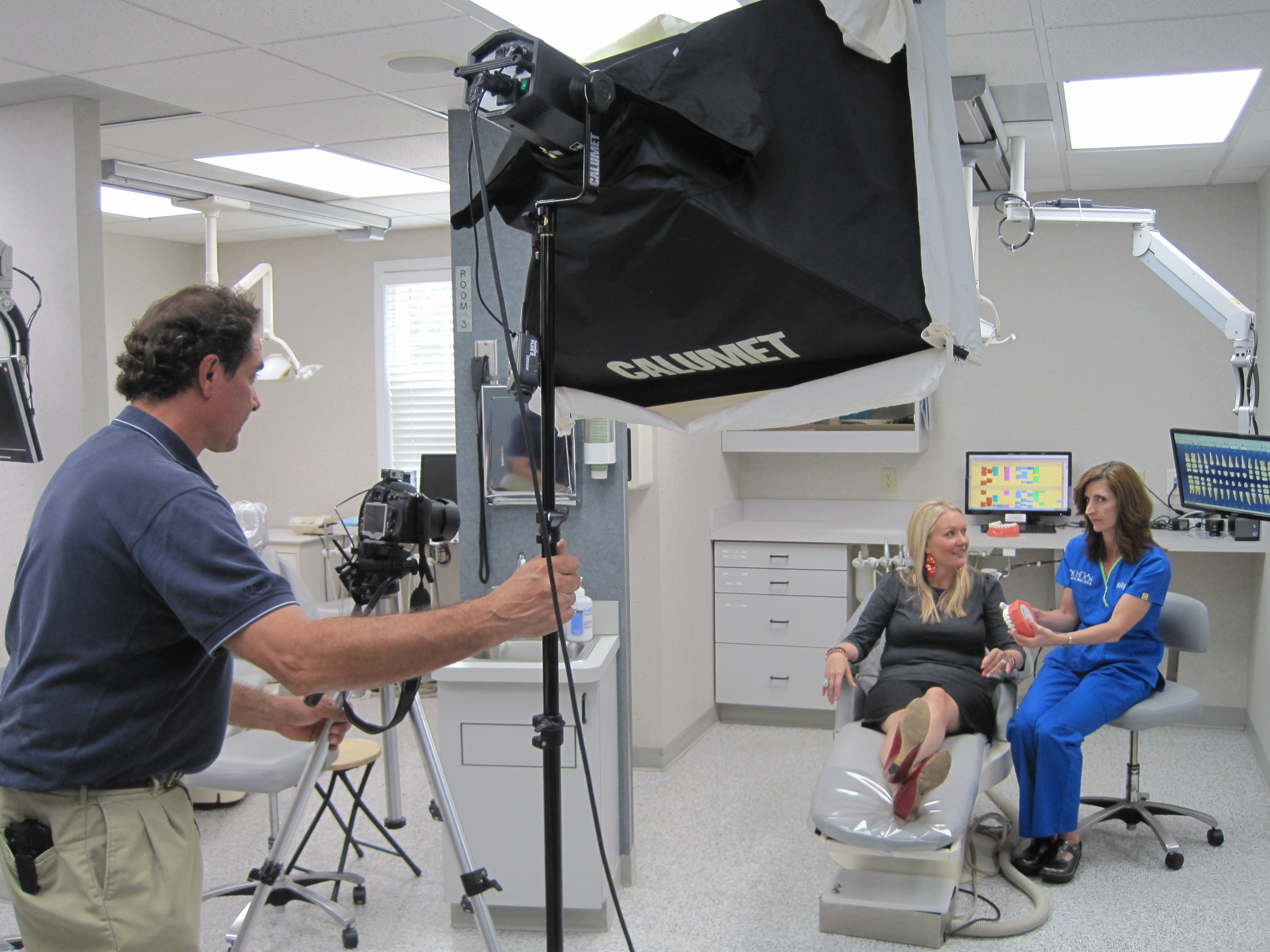
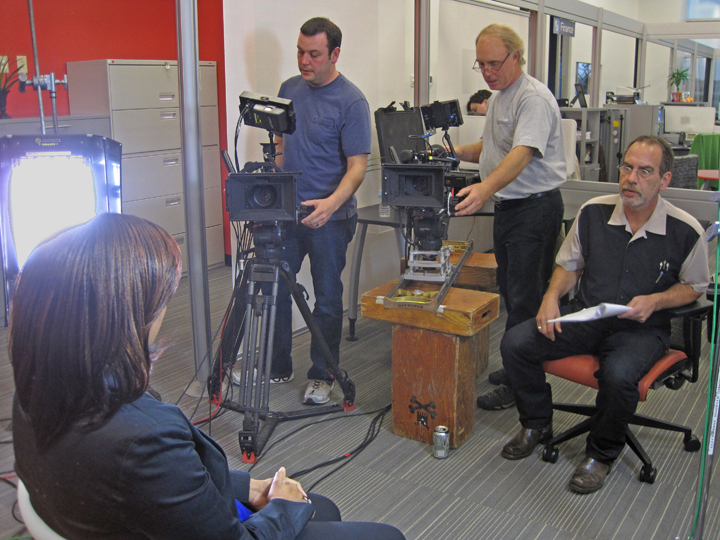
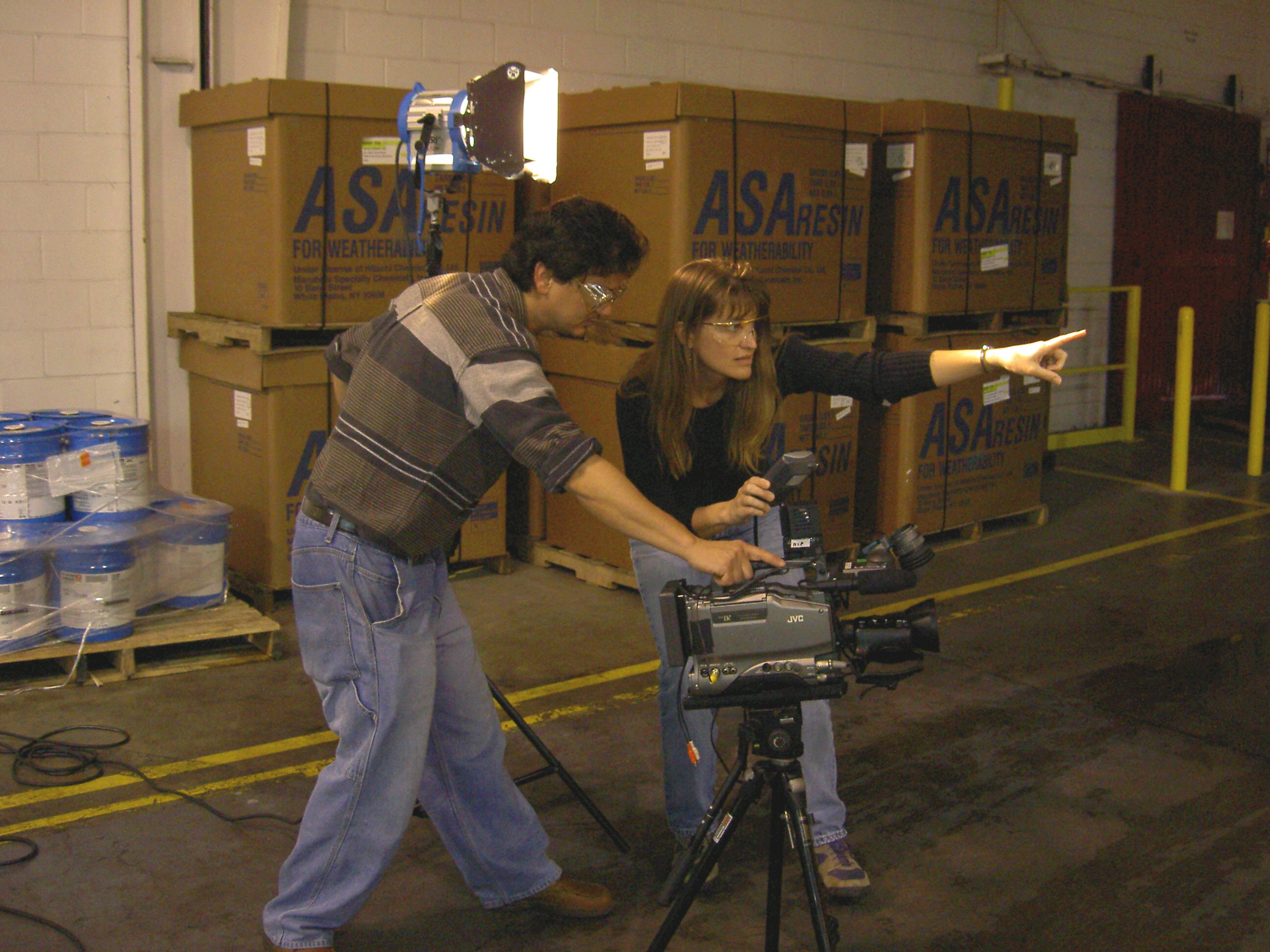
  • Master the Lighting: Safety instructions often take place in challenging environments (warehouses, factory floors, construction sites). Expert lighting is required to properly illuminate the subjects and, crucially, the detail of the procedure being demonstrated.
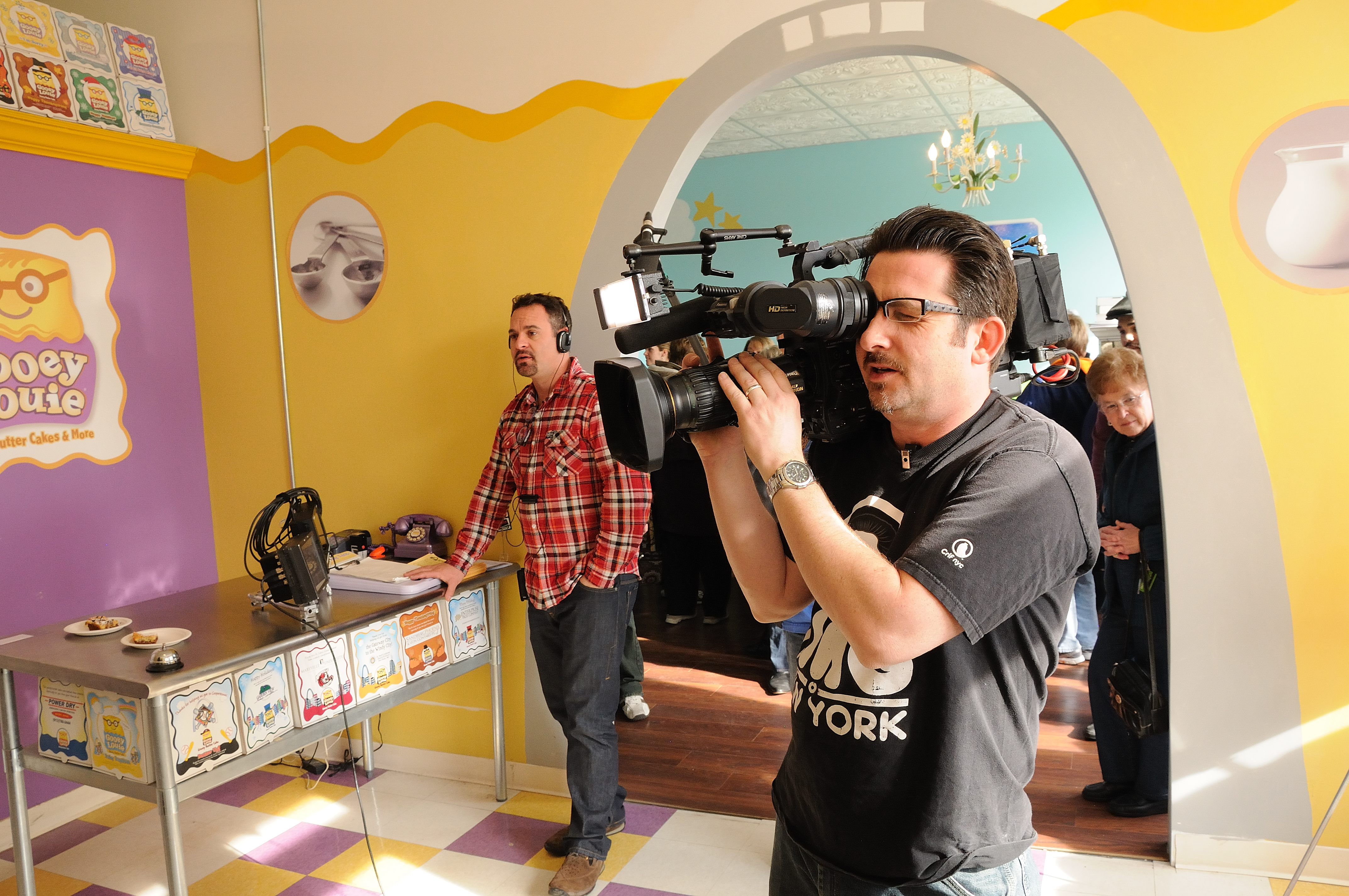
  • High-Resolution Detail: Use cameras capable of high-resolution image acquisition to ensure that detailed shots—such as reading a gauge, securing a lock, or checking a label—are perfectly clear on all playback devices. Specialized cameras and macro lenses may be necessary.

Hurdle 4: One-Size-Fits-All Delivery

Modern media consumption is diverse. A single, lengthy video is ineffective for on-the-go reference, pre-shift reminders, or different departments with varied needs.

Easy Win: Modular Content for Multi-Platform Repurposing.

  • Create “Micro-Lessons”: Instead of a 30-minute video, produce five 5-minute segments, each focused on a single key topic. This facilitates easier scheduling, faster review, and better retention.
  • Design for Diverse Media: Plan the shoot to acquire content for various outputs:
    • Full Video for formal training sessions.
    • Short Vertical Clips (Reels/Shorts) for quick social media reminders or internal safety communications.
    • High-Quality Stills for accompanying safety posters, compliance manuals, and website use.
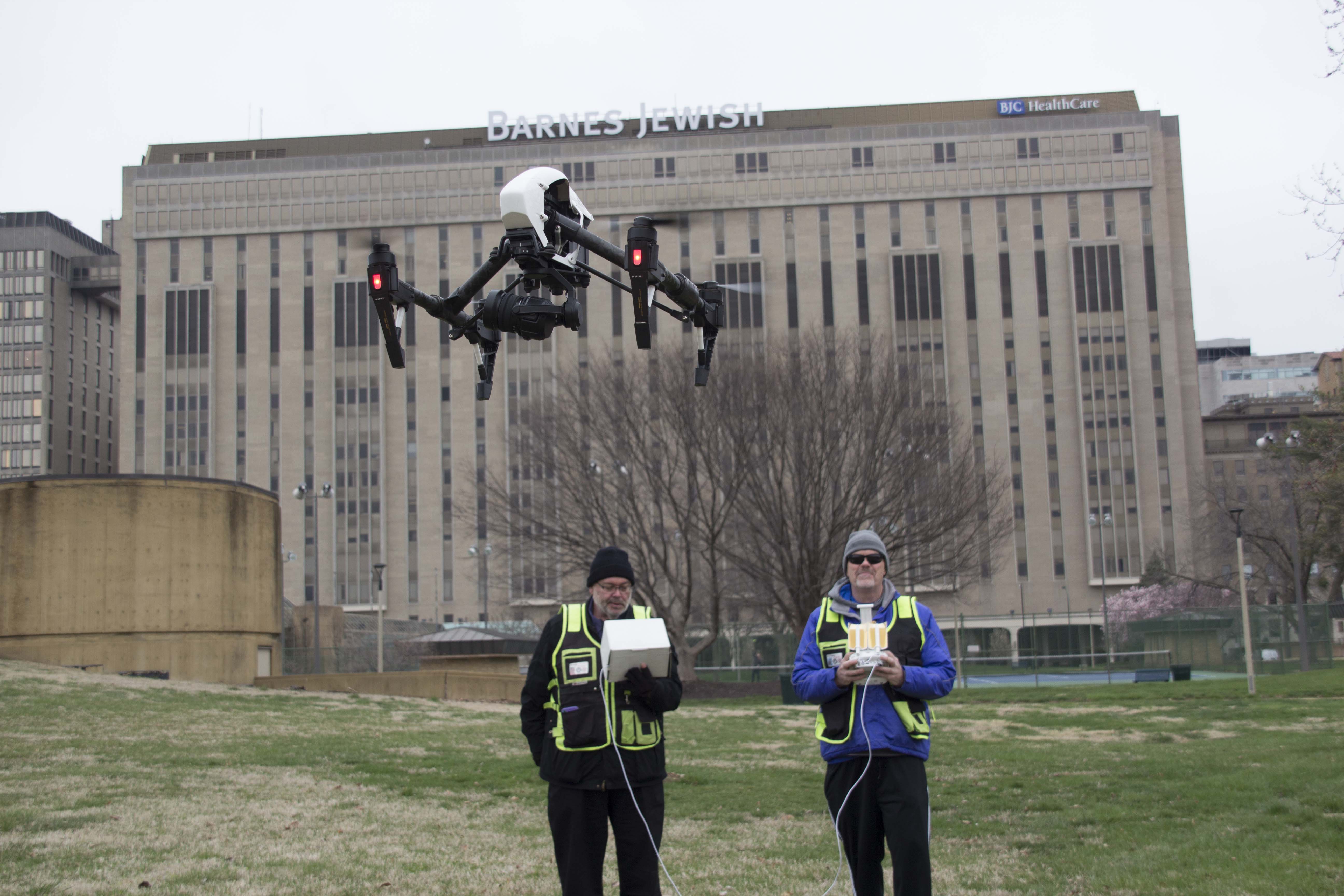
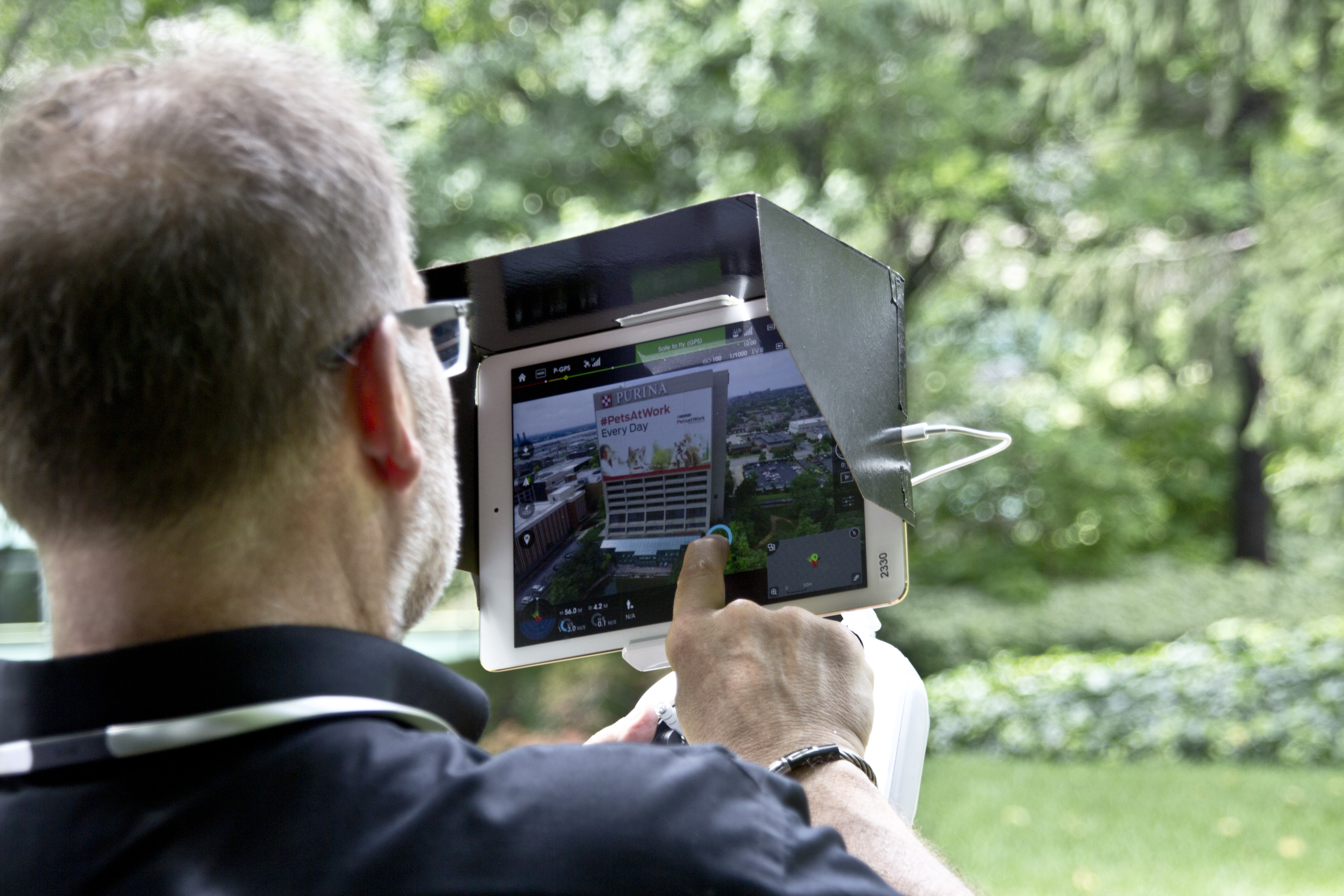
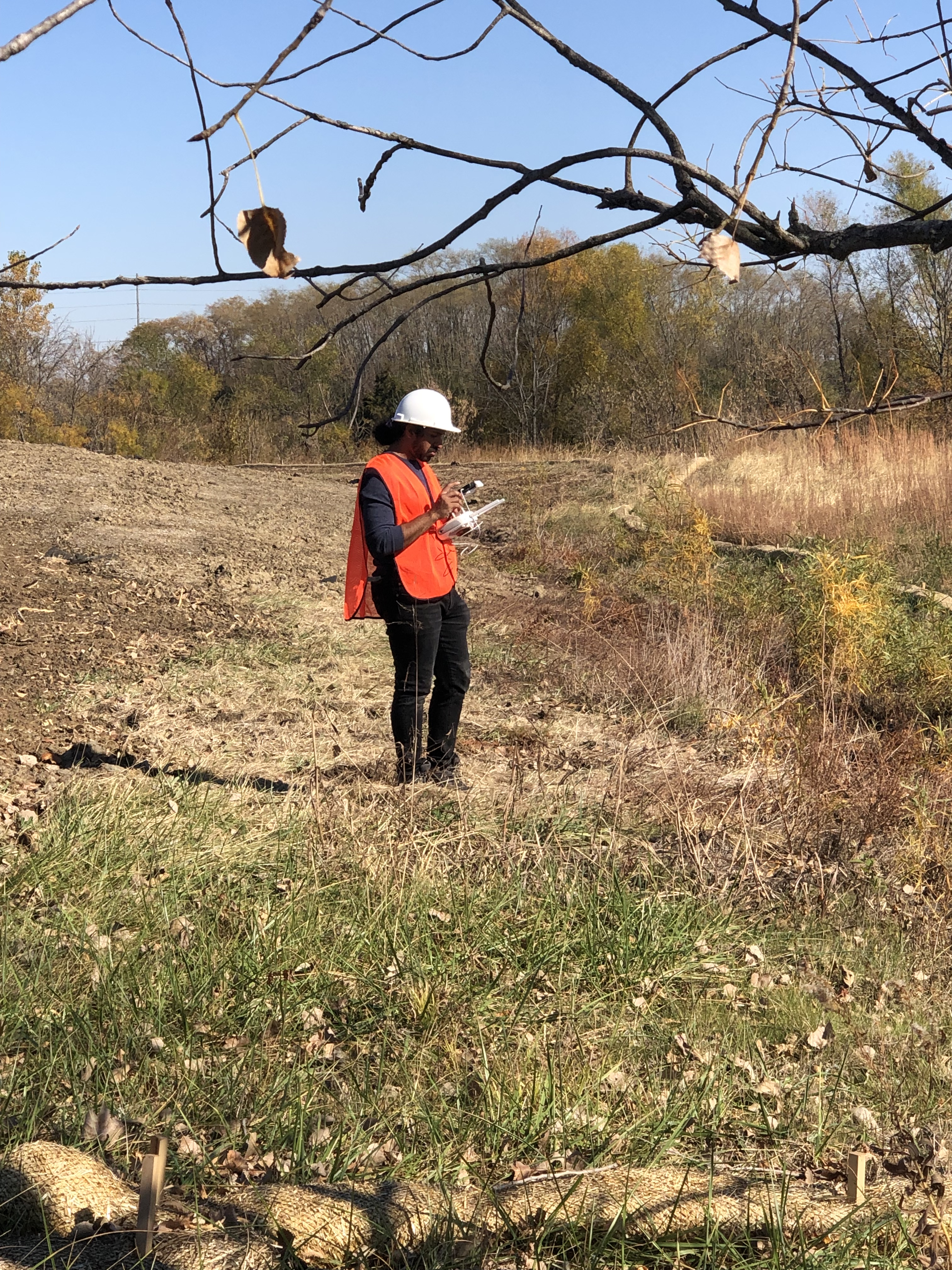
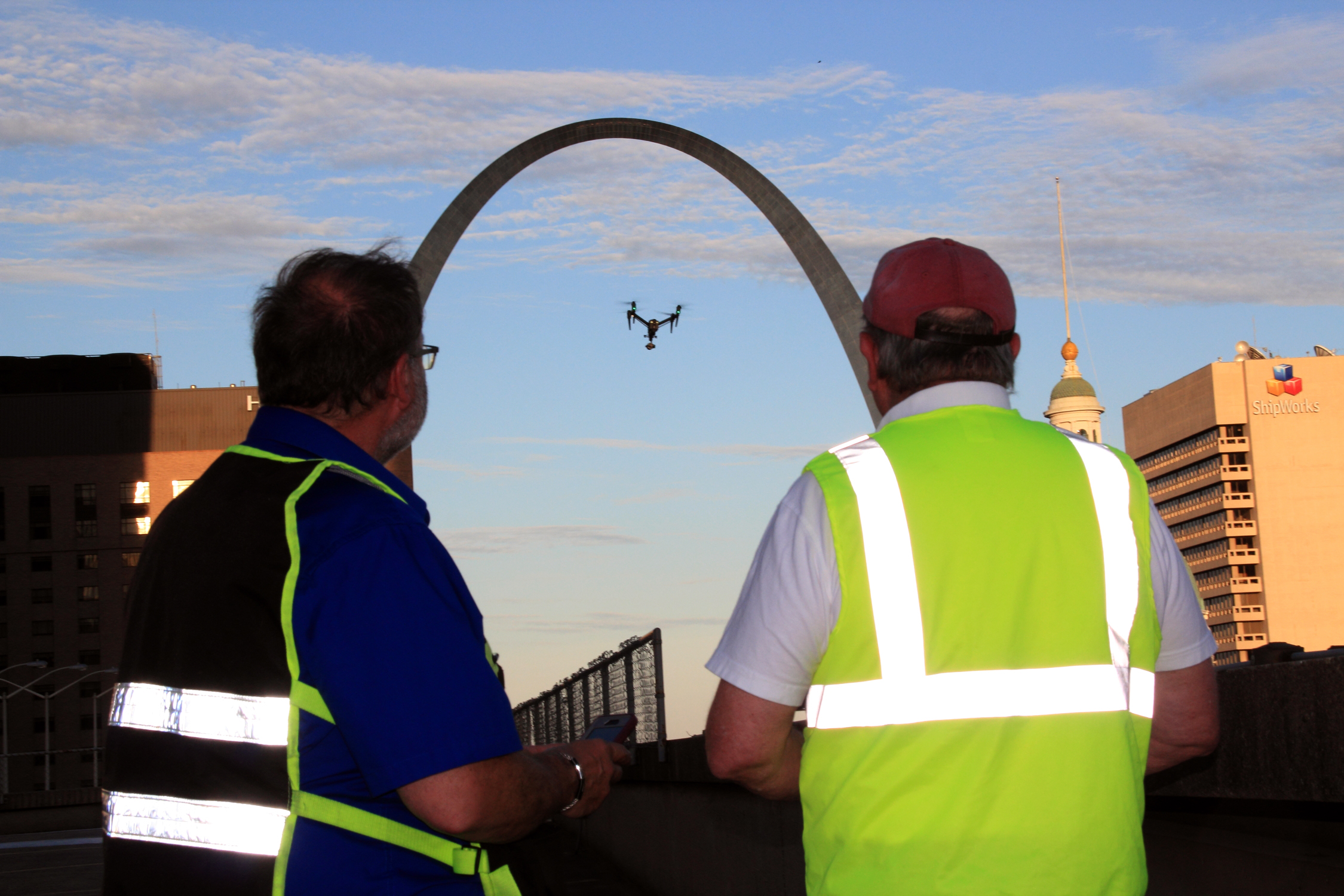
    • Drone Footage for capturing large-scale site overviews, evacuation routes, or equipment placement that can’t be safely captured from the ground.

Why Angel Eye Video Productions and Photography is Your Partner for Success

Overcoming these common hurdles requires more than just a camera; it demands a strategic, creative, and experienced approach.

Angel Eye Video Productions and Photography is a full-service professional commercial photography and video production company, operating as a corporation since 1982. Our longevity in the St. Louis area, working with countless businesses, marketing firms, and creative agencies, is a testament to our expertise in successful image acquisition for corporate branding and training.

We possess the right equipment and a creative crew service experience to make your next safety or training project seamless and successful.

  • Comprehensive Service: We offer full-service studio and location video and photography, as well as editing, post-production, and licensed drone pilots. We can even fly our specialized drones indoors to safely capture unique perspectives within complex facilities.
  • Customization and Repurposing: We customize your productions for diverse types of media requirements. Repurposing your photography and video branding to gain more traction is a specialty—we are well-versed in all file types, styles of media, and accompanying software to ensure your content works everywhere.
  • Cutting-Edge Technology: We use the latest in Artificial Intelligence for all our media services, enhancing everything from color correction and stabilization to detailed post-production analysis.
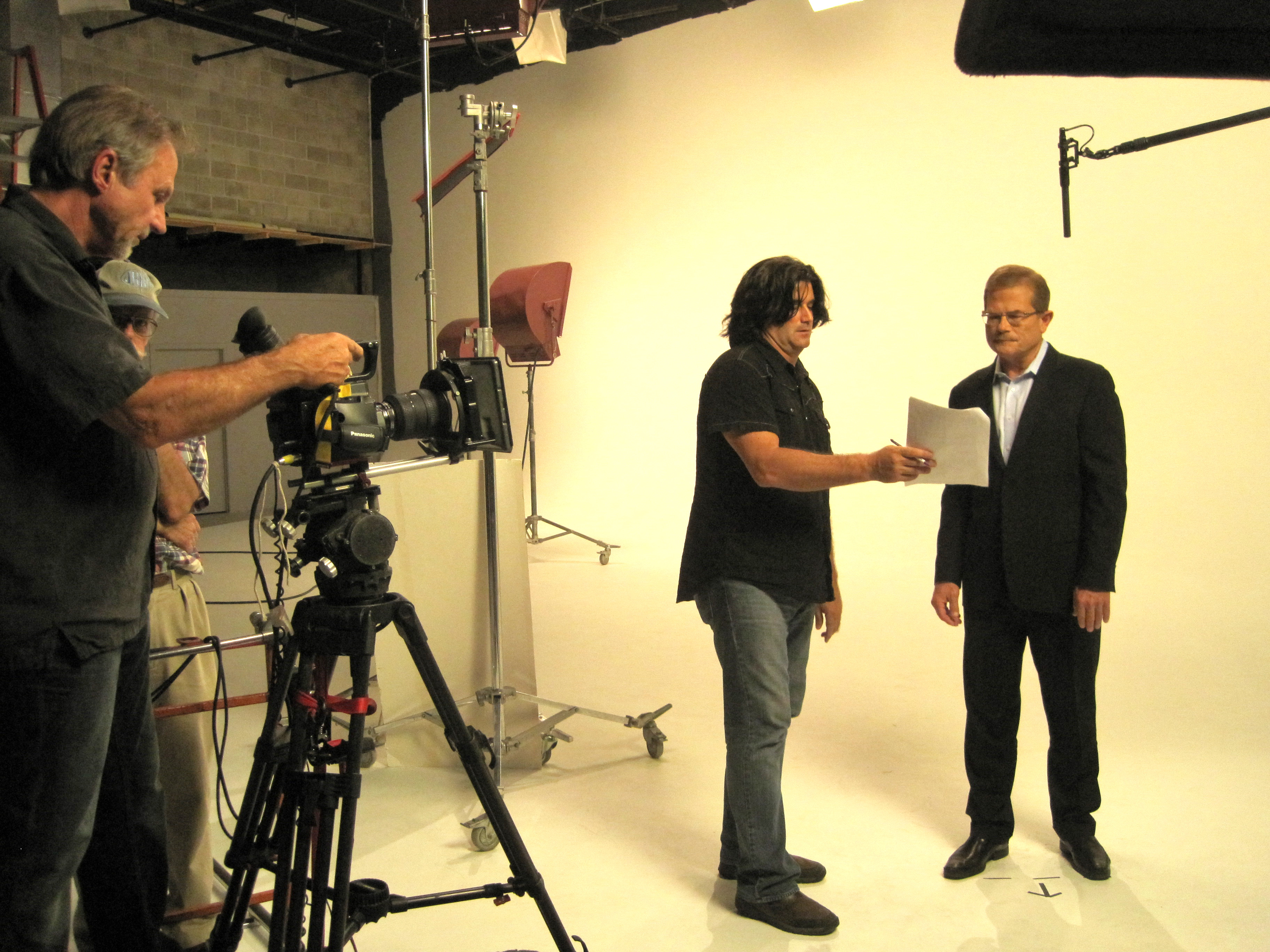
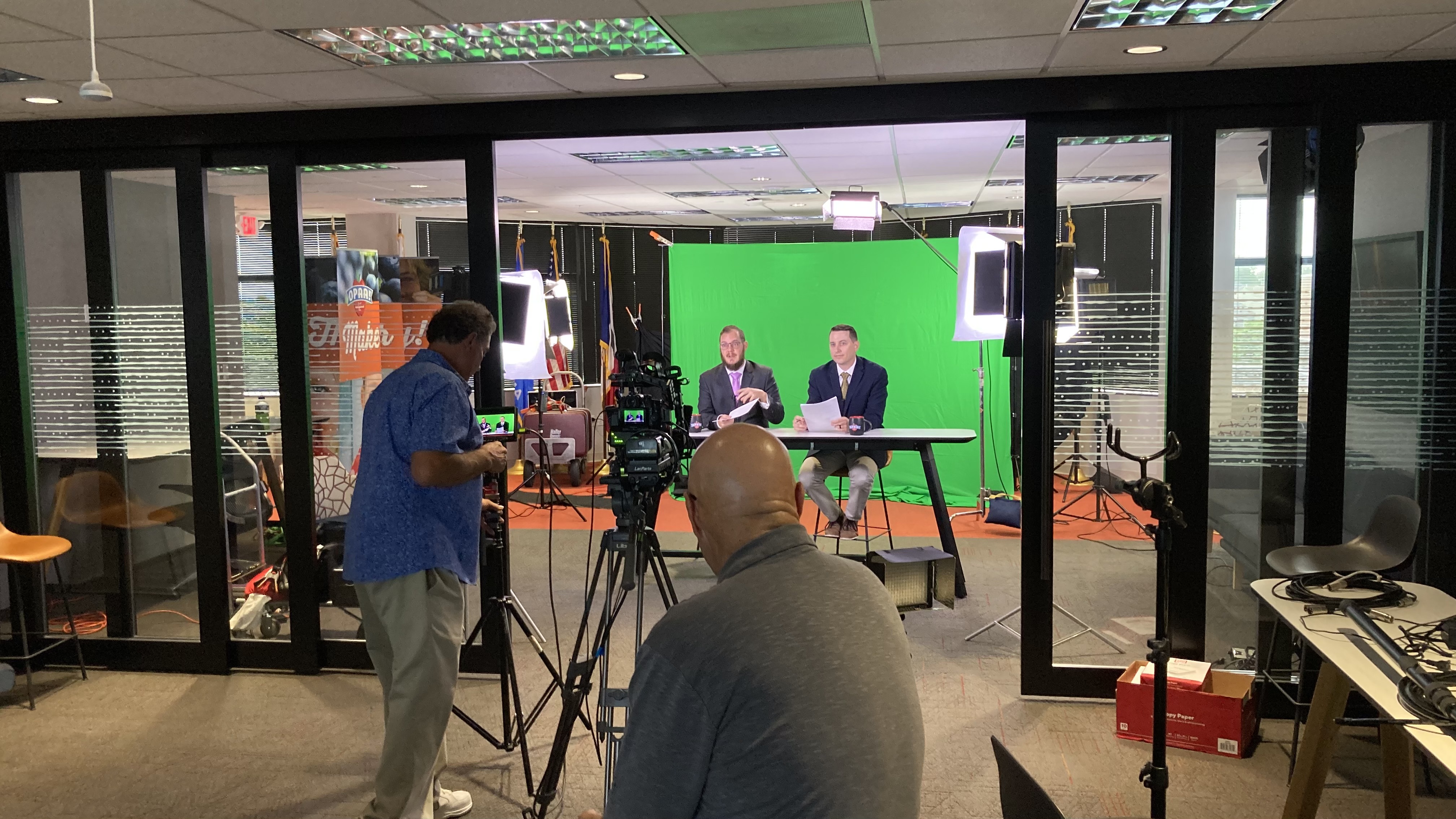
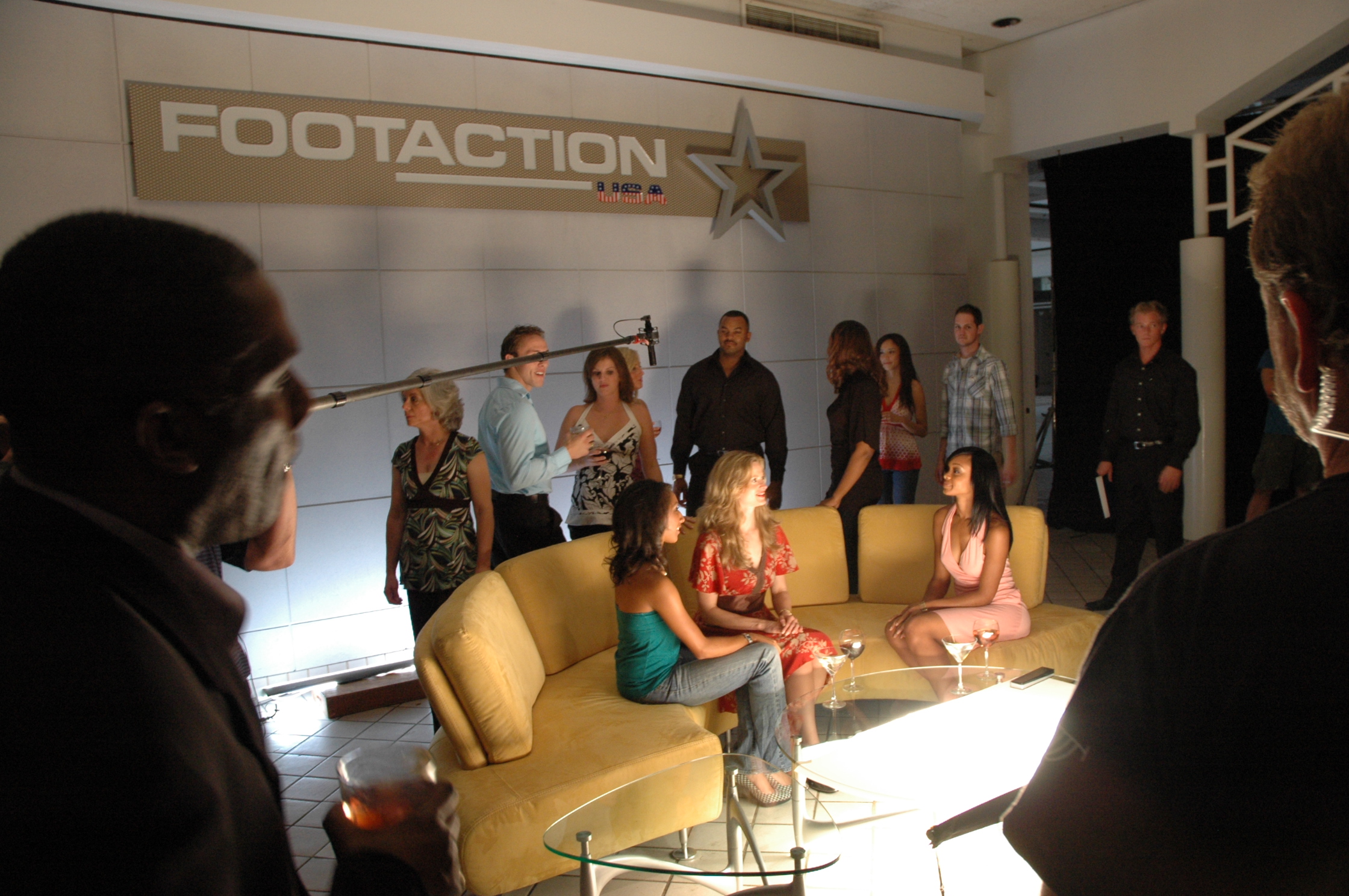
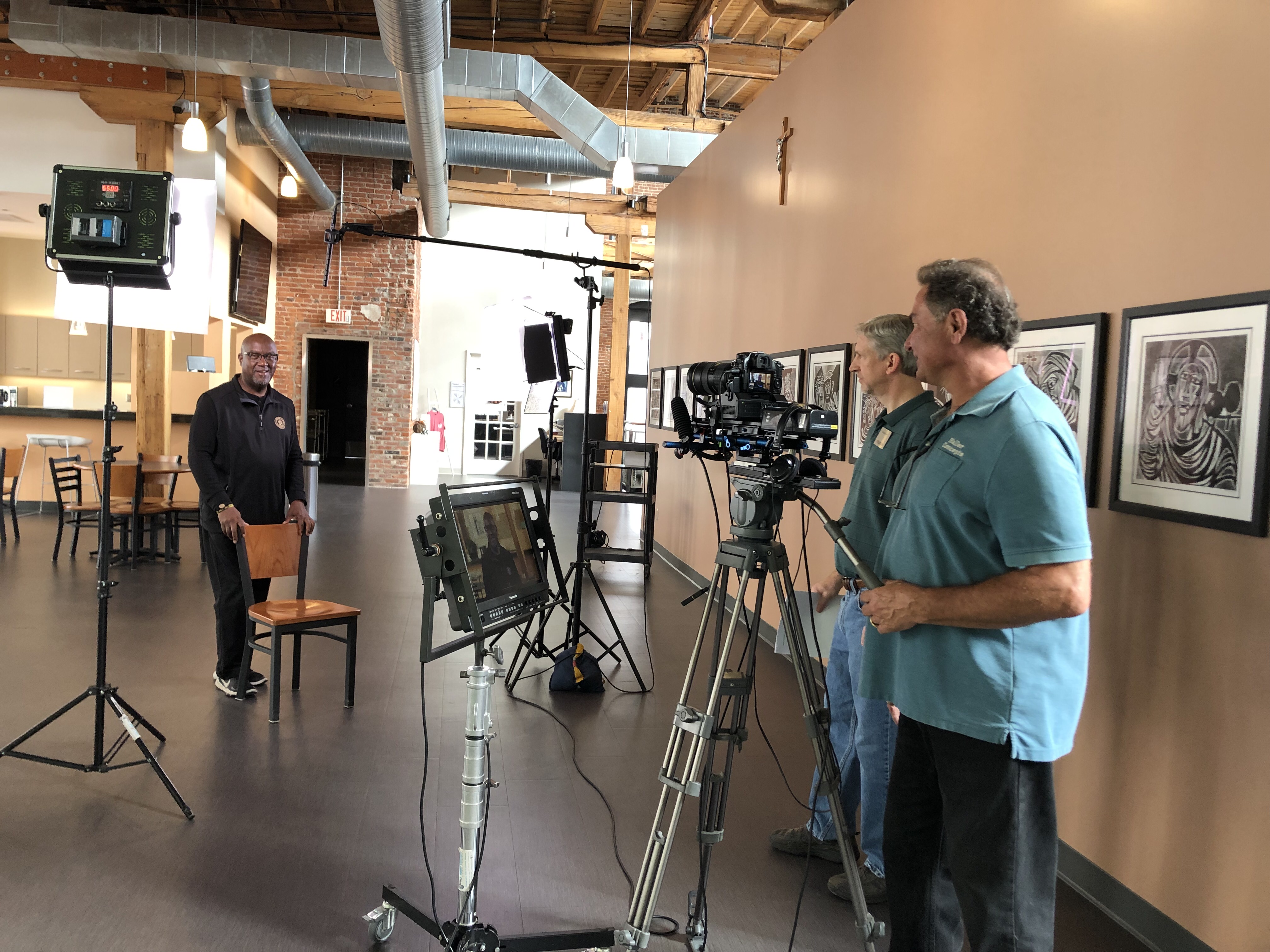
  • State-of-the-Art Studio: Our private studio lighting and visual setup is perfect for small productions and interview scenes, and is large enough to incorporate props to round out your set.
  • Full Production Support: We support every aspect of your production—from setting up a private, custom interview studio to supplying professional sound and camera operators, as well as providing the right equipment—ensuring your next video production is successful.

When the safety of your team and the efficiency of your operations are on the line, partner with a production team that brings four decades of expert insight and technical excellence to the field.

Shari Haller 314-913-5626 stlouisvideos@gmail.com

Common Mistakes in Video Interviews and How to Fix Them

Video interviews are a powerful tool for corporate communication, marketing, and brand storytelling. They offer a direct way to connect with audiences, whether it’s through internal communications, customer testimonials, or executive interviews. However, even experienced teams can fall prey to common mistakes during video interviews that can negatively impact the final product. In this post, we’ll explore some of the most frequent issues that arise during video interviews and how to fix them, ensuring your video achieves the professional quality it deserves.

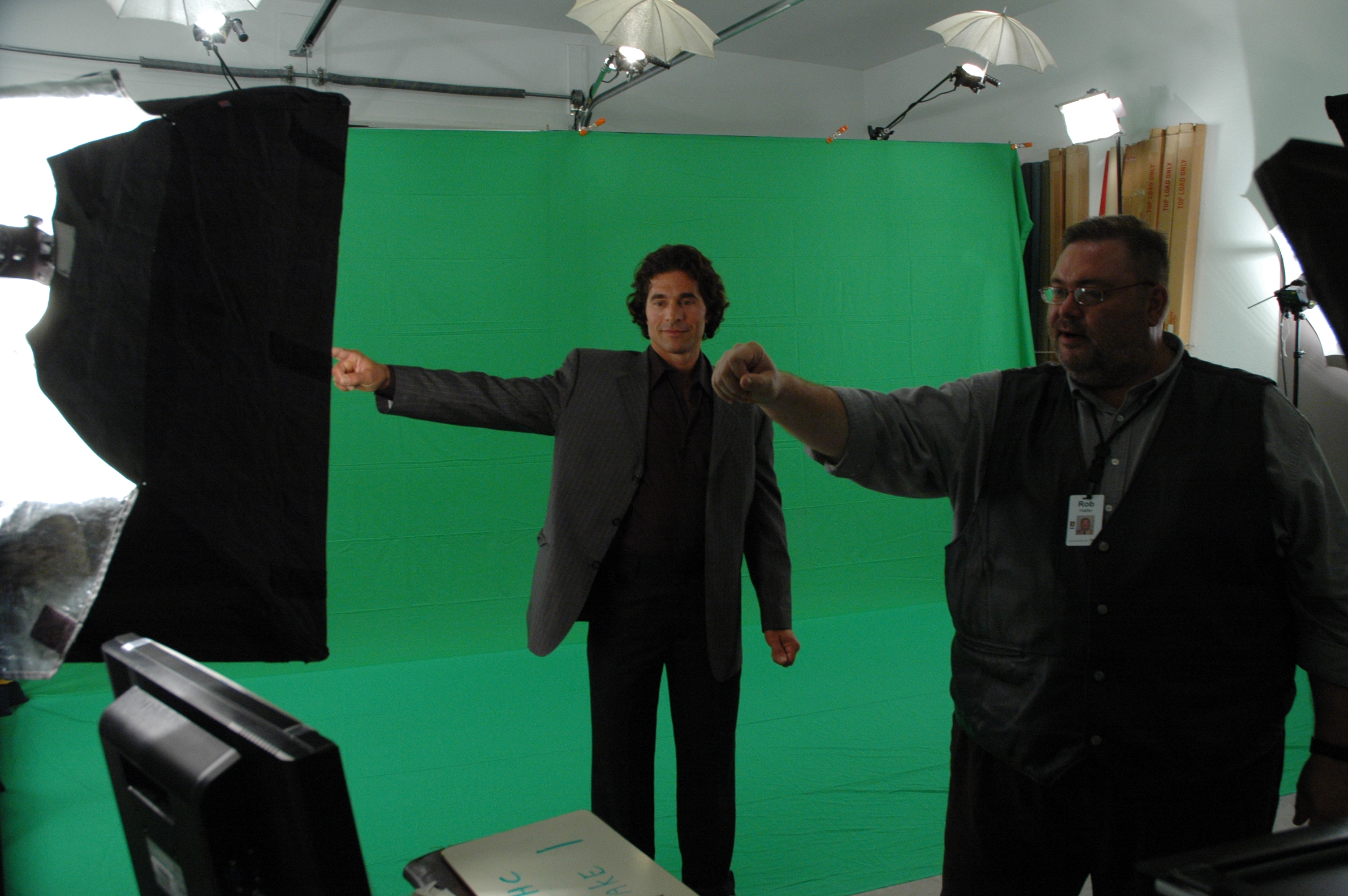
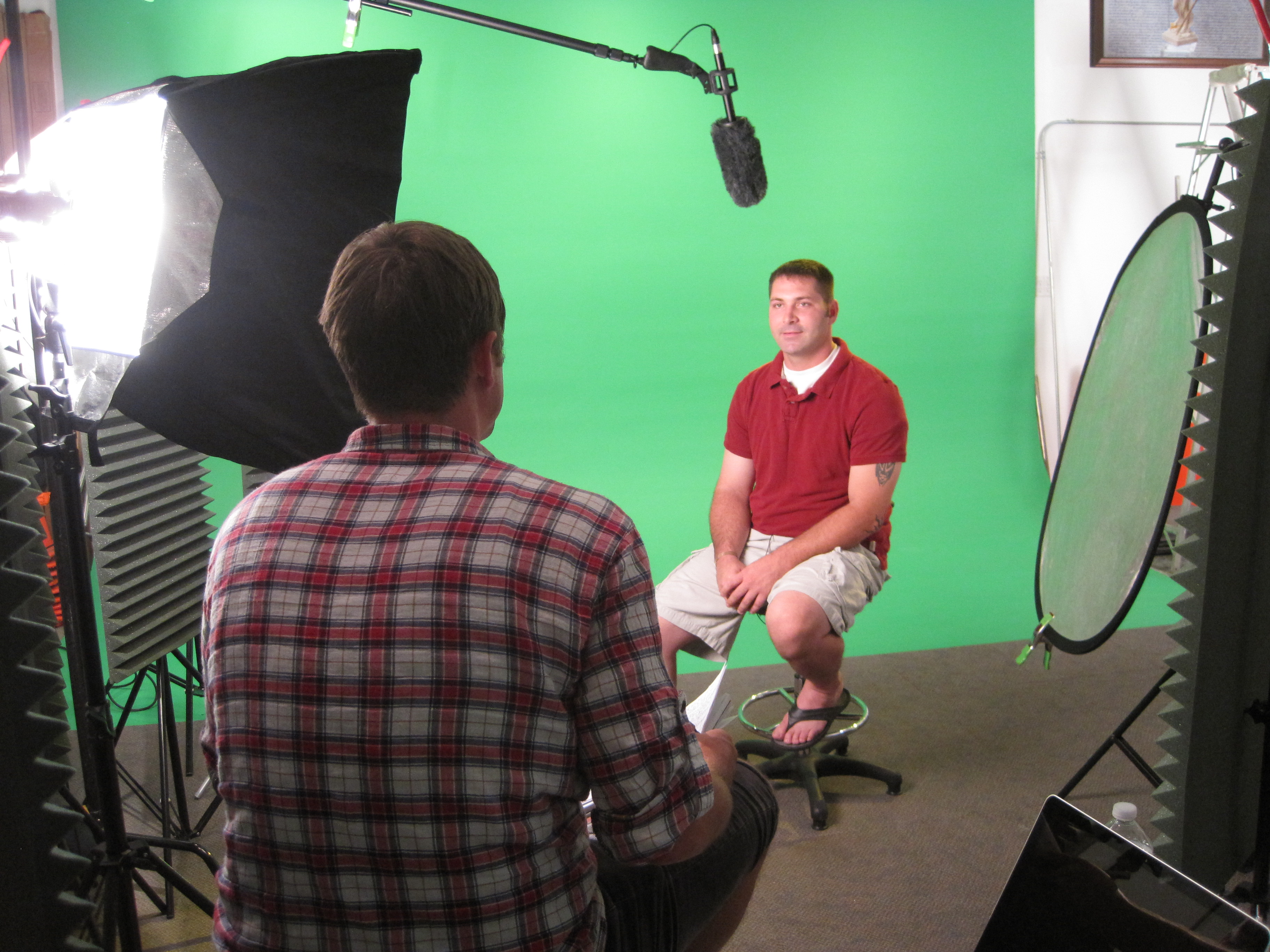
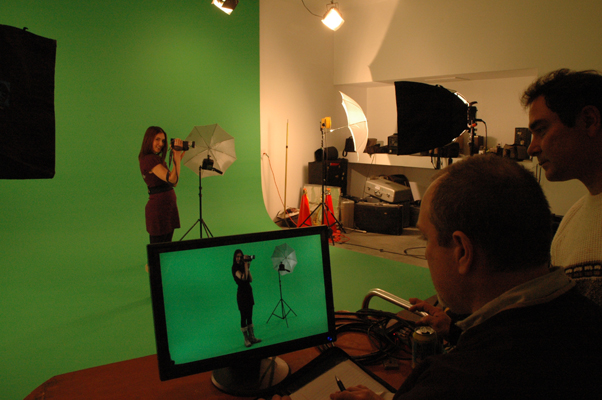
Before filming, test your lighting by viewing the subject on a monitor to see how it translates on camera. Small adjustments to the light positioning can make a significant difference in the final image.

1. Poor Lighting

One of the most common mistakes in video interviews is improper lighting. Insufficient or poorly placed lighting can cause harsh shadows, overexposed areas, or make the interviewee appear flat and unprofessional.

How to Fix It:

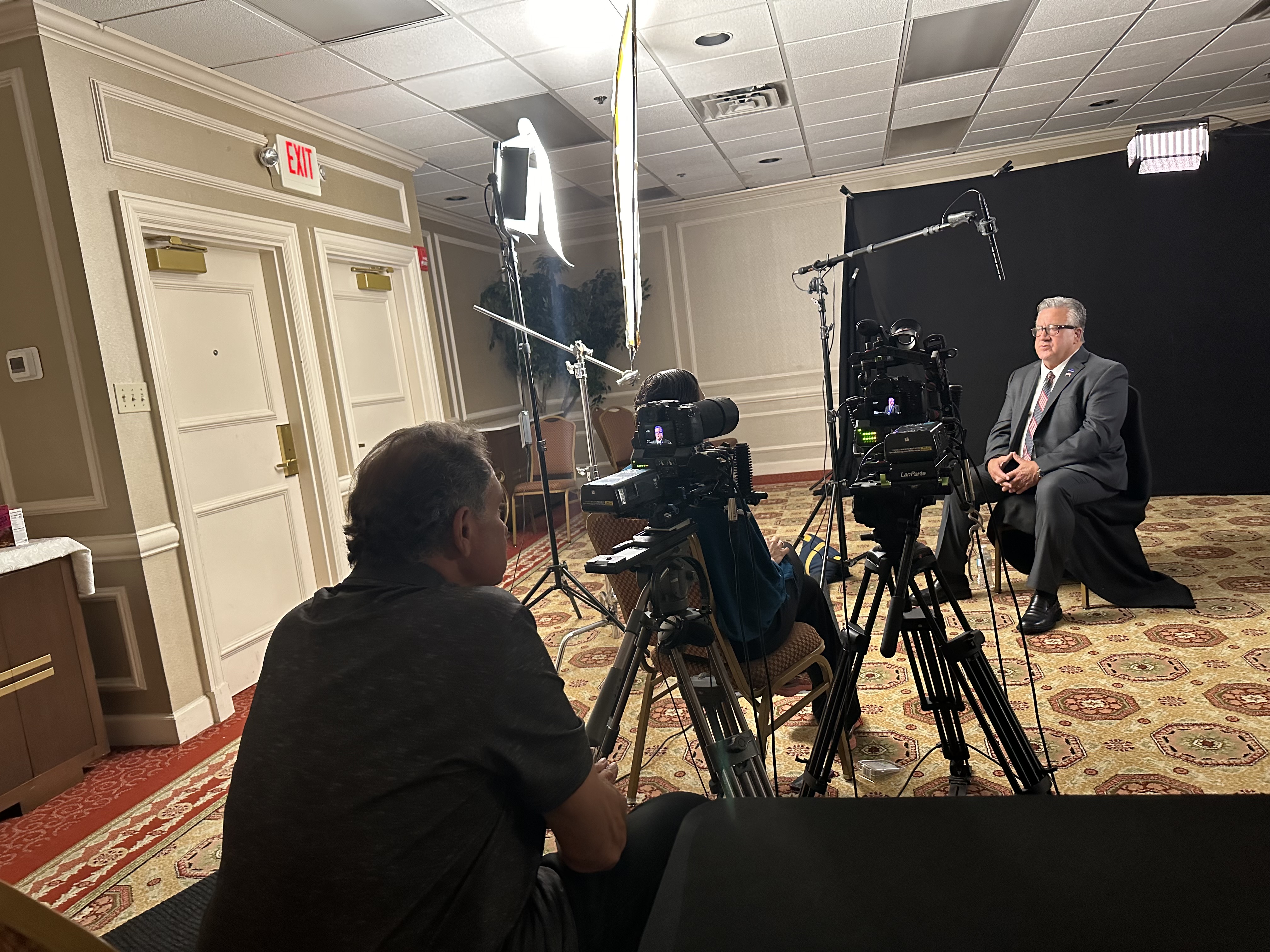
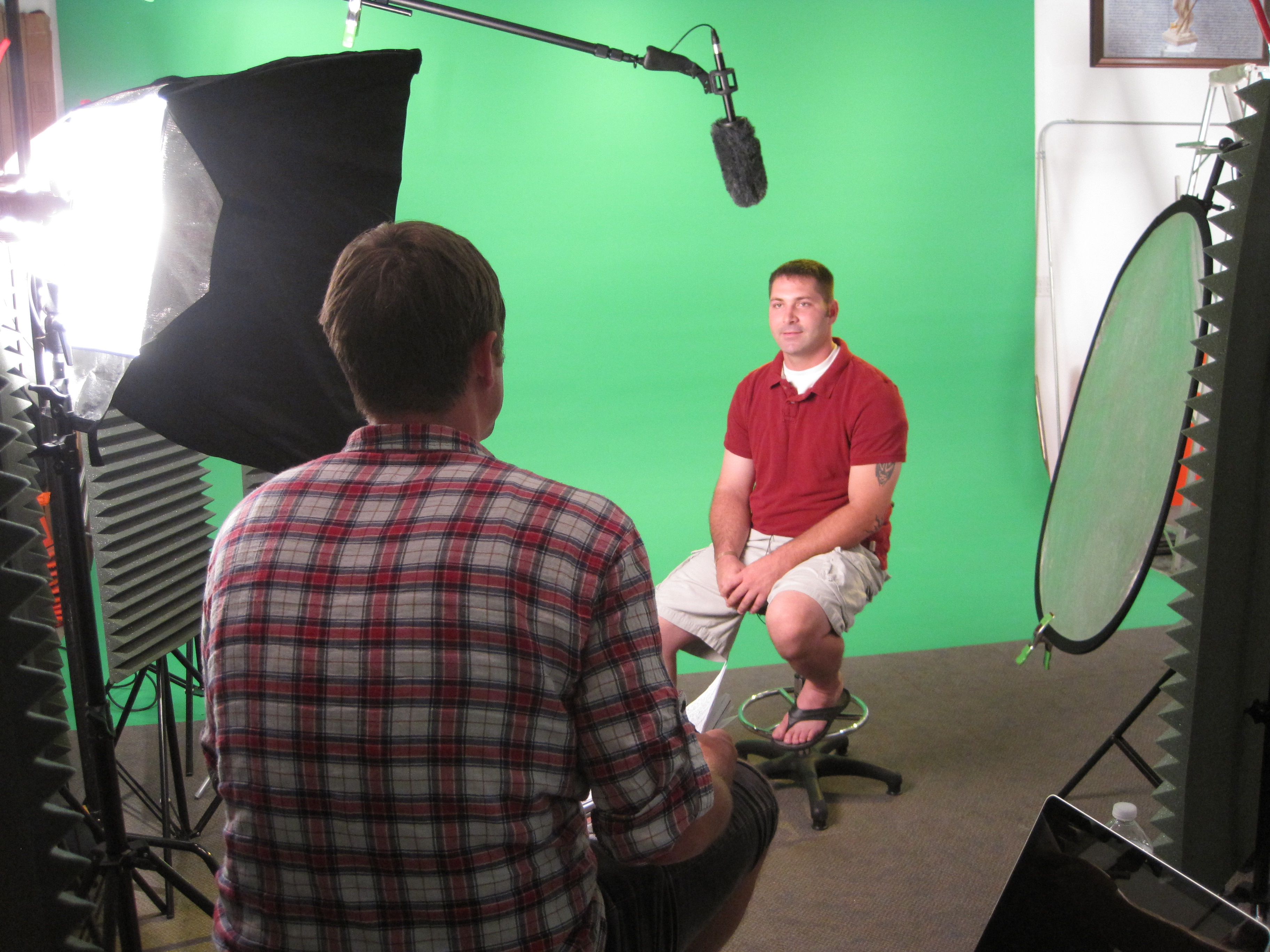
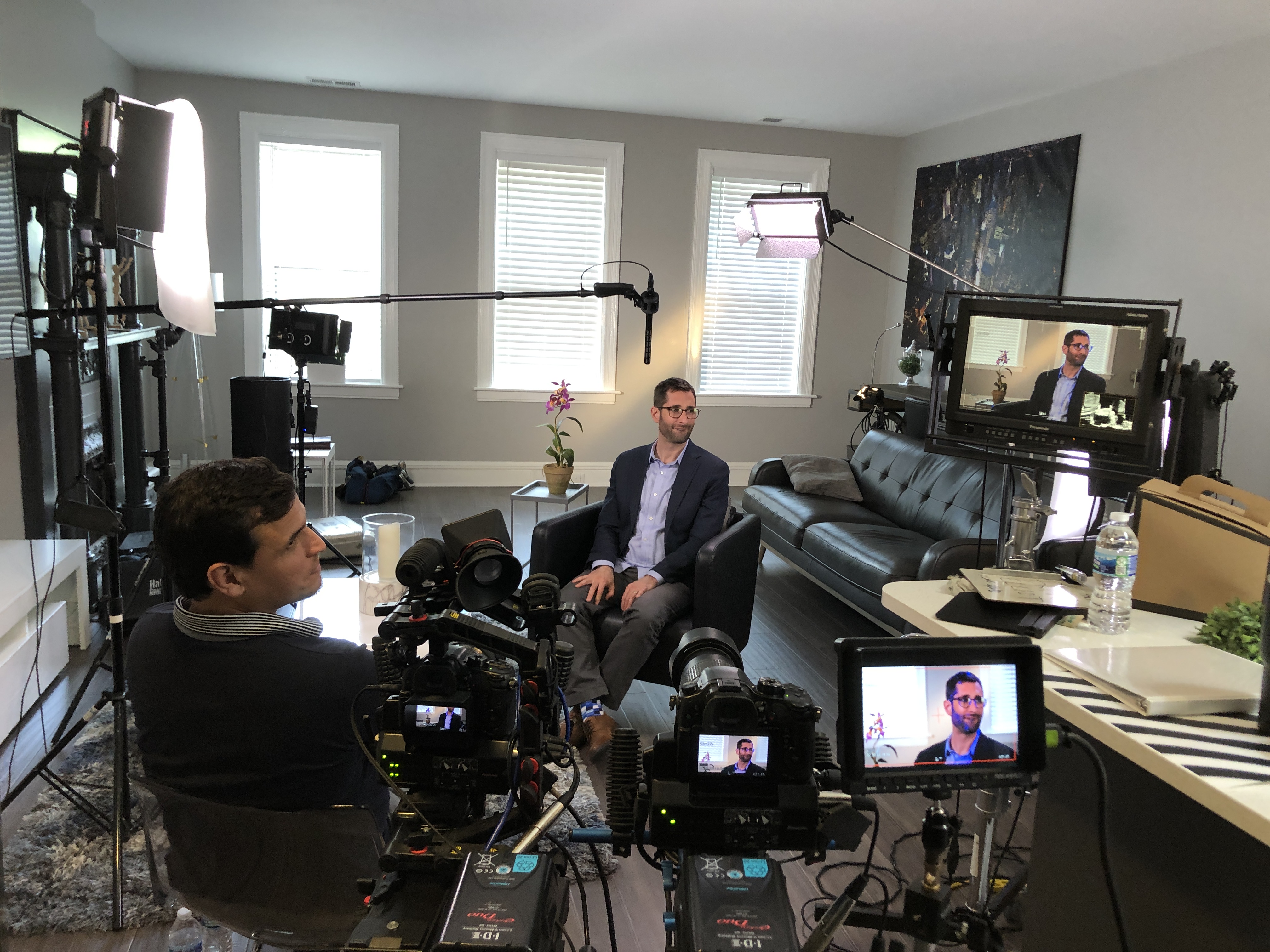
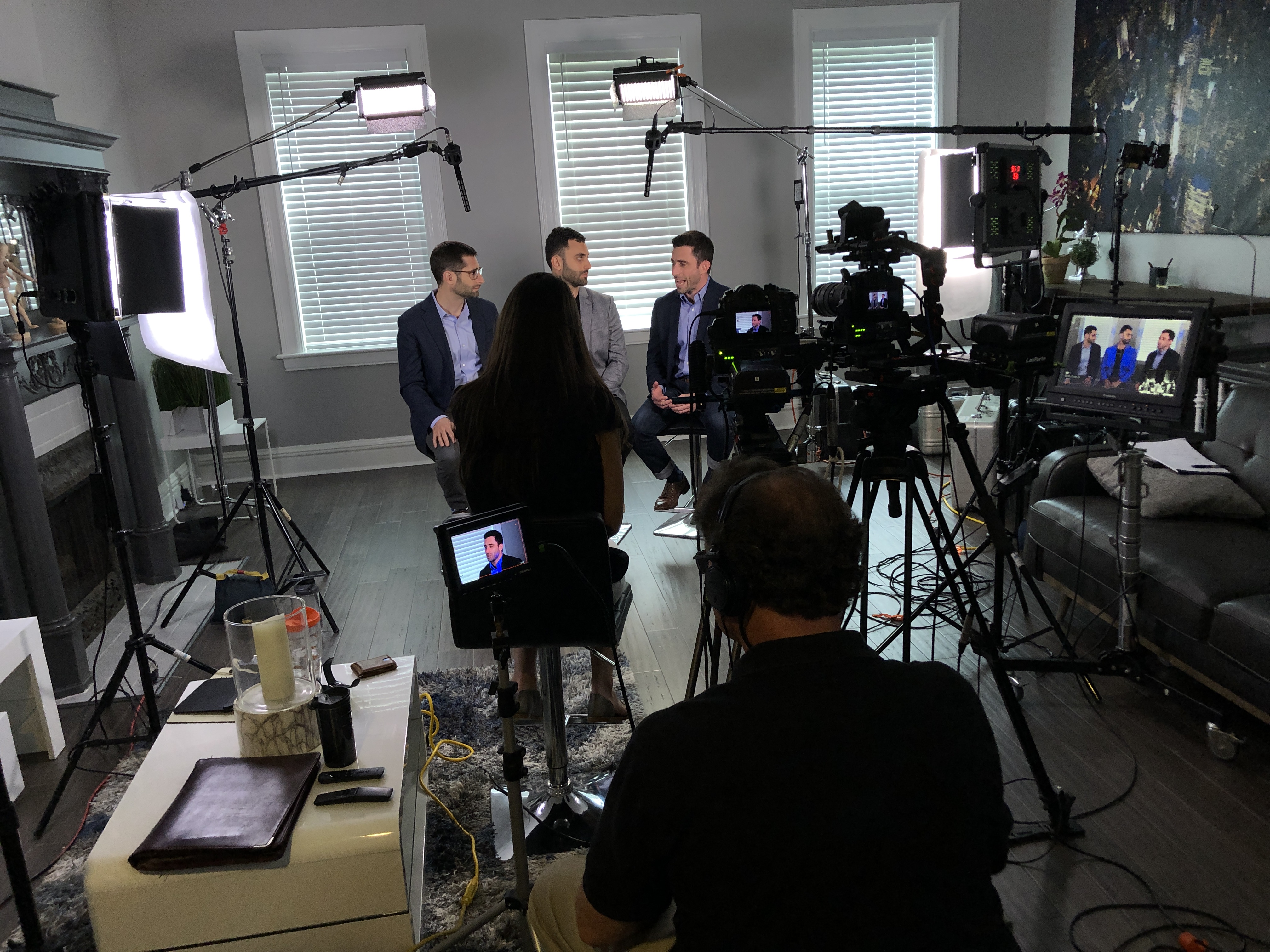
  • Use Soft, Diffused Lighting: Ideally, use three-point lighting: key light, fill light, and backlight. The key light should be positioned at a 45-degree angle from the subject, with the fill light placed on the opposite side to soften shadows. A backlight, or hair light, should be placed above and behind the subject to separate them from the background.
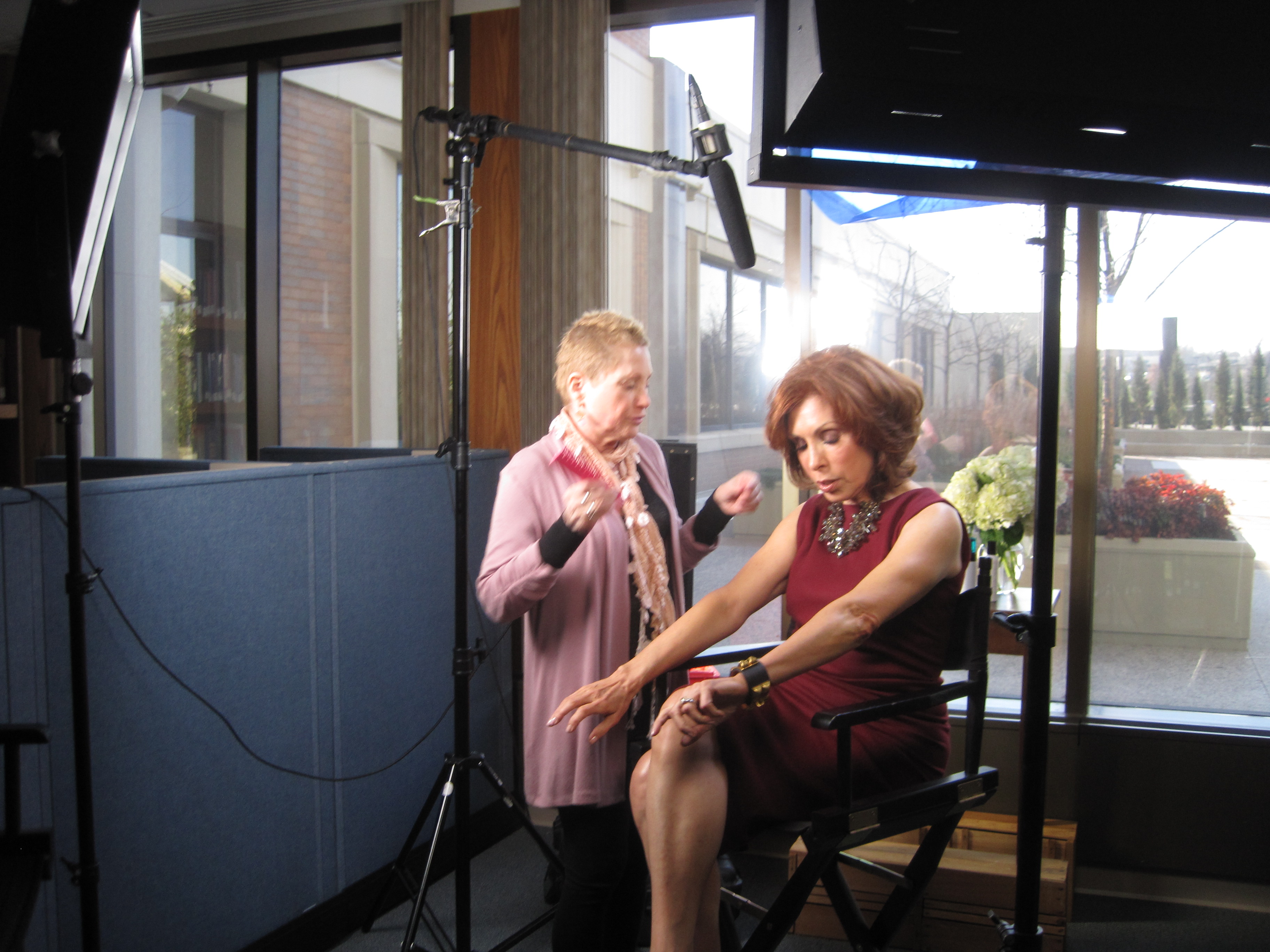
  • Control Ambient Light: Natural light can be unpredictable. If you’re shooting near a window, control the sunlight with curtains or reflectors to ensure the lighting remains consistent throughout the interview.
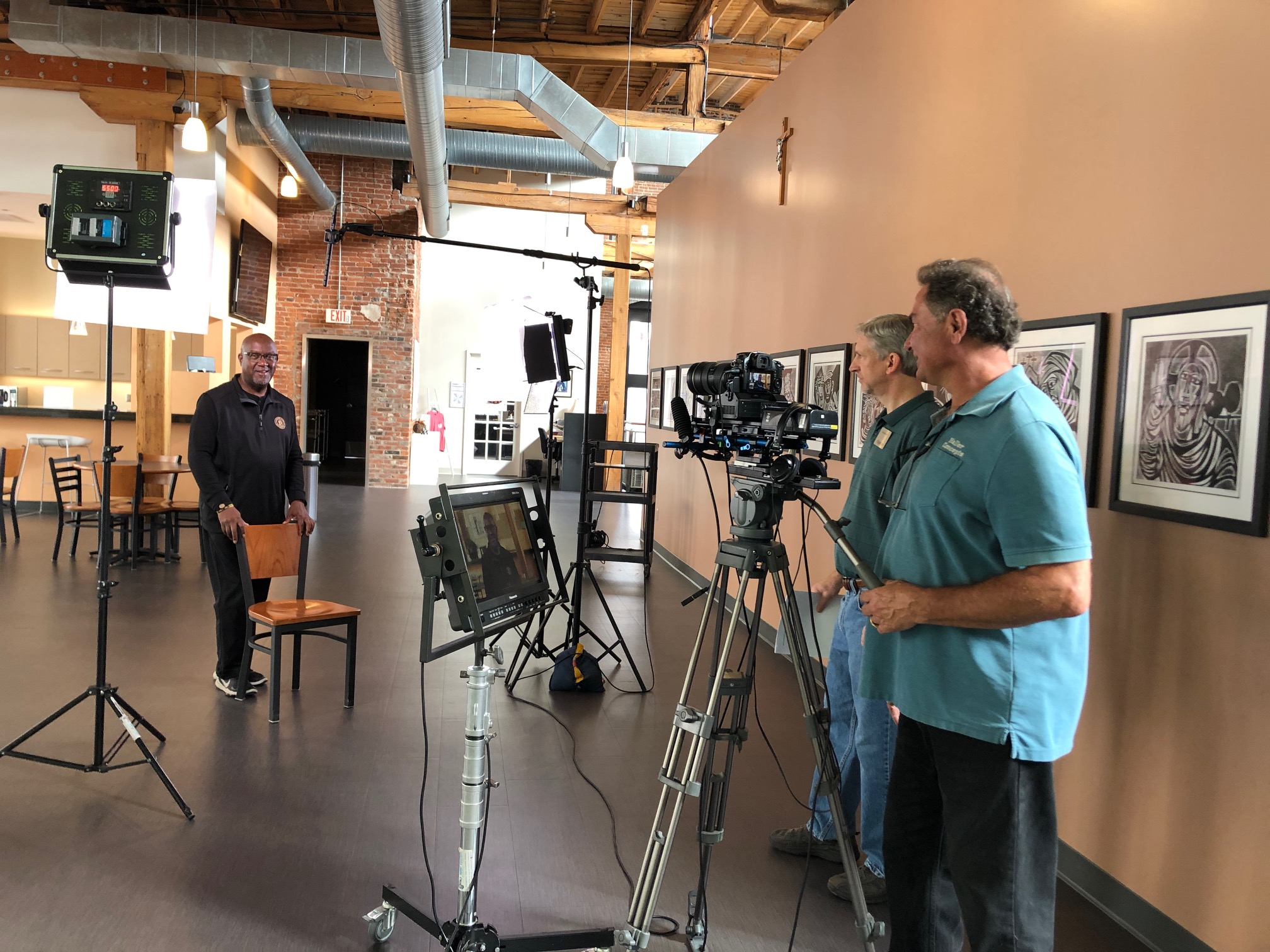
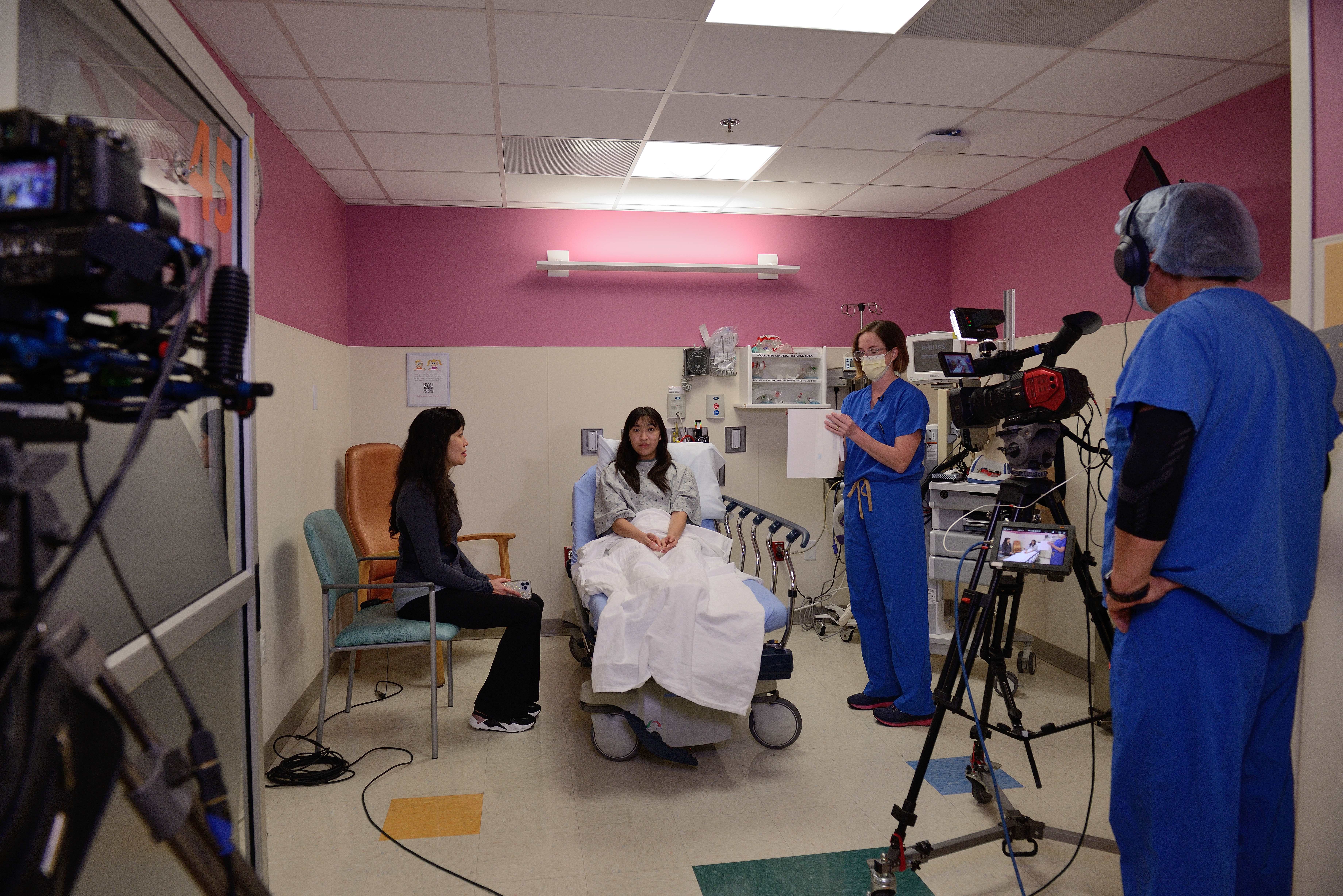
  • Test the Setup: Before filming, test your lighting by viewing the subject on a monitor to see how it translates on camera. Small adjustments to the light positioning can make a significant difference in the final image.

2. Background Distractions

Another frequent issue is a distracting background. Whether it’s cluttered, poorly lit, or too busy, a background that competes with the interviewee can divert attention from the subject and reduce the impact of the interview.

How to Fix It:

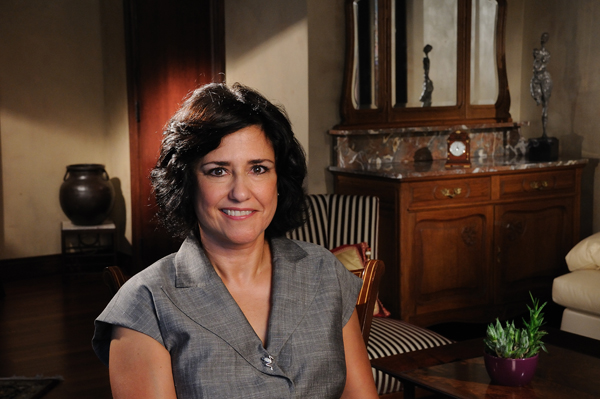
  • Simplify the Background: Choose a background that complements the subject but doesn’t distract from them. If you’re filming in a studio, opt for a clean, neutral backdrop. For on-location interviews, select a background that adds context but doesn’t overwhelm the shot.
  • Use a Shallow Depth of Field: By adjusting the camera settings to create a blurred background, you can keep the focus on the subject while still maintaining the context of the location.
  • Manage the Environment: In studio settings, make sure any background props are relevant to the interview and arranged neatly. In on-location settings, ensure the environment is clean and free of clutter or anything that could distract the viewer.

3. Unflattering Camera Angles

Improper camera angles can create unflattering shots that diminish the professional quality of the interview. Too low or too high an angle can distort the subject’s appearance or create unnecessary tension in the shot.

How to Fix It:

  • Eye-Level Angles: Always aim to position the camera at the subject’s eye level to maintain a natural and engaging perspective. This ensures the subject appears more approachable and professional.
  • Consider the Framing: Use the “rule of thirds” to frame your subject. Position them slightly off-center to create a more dynamic and visually pleasing composition. Be mindful of headroom (the space above the subject’s head) and make sure there’s enough space to avoid making the subject feel cramped in the frame.

4. Uncontrolled Audio

Audio issues are another major concern in video interviews. Background noise, poor sound quality, or inconsistent audio levels can make it difficult for viewers to focus on the message.

How to Fix It:

  • Use Lavalier Microphones: Clip-on lapel microphones are ideal for interviews because they provide clear, consistent sound while minimizing background noise. Ensure the mic is positioned correctly to capture the subject’s voice clearly.
  • Check the Sound Levels: Always monitor sound levels before and during the interview. Use headphones to listen to the audio feed and adjust the gain to avoid distortion or overly quiet audio.
  • Control the Environment: Close windows, doors, and any other sources of external noise. If filming in a public space, request that nearby activities be minimized or pause while you record.

5. Lack of Preparation for the Interviewee

Many times, interviews fail to capture the best responses simply because the interviewee is not prepared. Without proper guidance or clear expectations, the interviewee may fumble, appear nervous, or provide unclear answers.

How to Fix It:

  • Pre-Interview Briefing: Before the interview, brief the subject on the format, questions, and expectations. This will help them feel more comfortable and confident.
  • Warm-Up Session: Conduct a short warm-up conversation to put the interviewee at ease before the actual interview begins. This helps build rapport and reduces nervousness.
  • Clear Questions: Ensure that questions are clear and concise. Avoid long-winded or complex questions that could confuse the interviewee and lead to awkward pauses.

6. Overloading the Interview with Jargon or Scripted Responses

Using industry-specific jargon or scripted responses can make an interview feel stiff and less authentic. Audiences want to connect with the real, human side of the interviewee, not just hear rehearsed lines.

How to Fix It:

  • Keep It Conversational: Encourage the interviewee to speak naturally. While it’s important to stick to key points, let the conversation flow organically to capture a more authentic tone.
  • Use Open-Ended Questions: Ask questions that allow for thoughtful, expansive responses. Open-ended questions (e.g., “Can you tell me about a time when…”) encourage the interviewee to share stories and experiences, making the content more relatable.
  • Avoid Over-Scripting: Allow the subject to speak from the heart. If needed, provide bullet points or guidelines but let the conversation develop organically.

7. Inconsistent Branding

When creating video content for a brand, it’s crucial that the video aligns with the company’s branding guidelines. Failure to do so can result in videos that feel disconnected from the company’s identity, diminishing their effectiveness.

How to Fix It:

  • Incorporate Consistent Branding Elements: Ensure that the video’s colors, fonts, and style match your brand’s visual identity. This includes everything from the background design to the on-screen text and lower thirds.
  • Branding in the Environment: If filming on-location, ensure the environment aligns with your brand. For example, having company signage or relevant products subtly incorporated into the background can reinforce your brand message.
  • Post-Production Branding: Use editing techniques to add consistent branding elements, such as logo animations, branded transitions, and colors that are aligned with your brand’s identity.

St. Louis Commercial Video Production: The Expert Team for Flawless Video Interviews

At St. Louis Commercial Video Production, we understand that every video interview is unique, and we have the expertise to help you avoid common mistakes and create high-quality content that resonates with your audience. As a full-service professional commercial photography and video production company, we bring decades of experience and the right equipment to every project. Our creative crew ensures a smooth production process from start to finish.

We offer full-service studio and location video and photography, along with editing, post-production, and licensed drone pilots. Our private studio is equipped with customizable lighting setups that are perfect for small productions and interview scenes. The space is large enough to incorporate props and create a tailored, professional set for your production.

Whether you need a custom interview studio setup, sound and camera operators, or specialized drone footage, we provide everything you need to ensure your video production is a success. Our team is well-versed in all types of media formats and software, and we specialize in repurposing your video and photography branding to give your content greater impact and traction.

Choose St. Louis Commercial Video Production for your next interview-based video, and let us help you create compelling, high-quality content that perfectly captures your message.

314-913-5626 stlouisvideos@gmail.com